Activities on license version is too slow and always stop working

I have been used trial version for 30 days-I so pleasing. then I decided to buy individual version by monthly.
But I found that any activities on license version is too slow and always stop short sometime program has been stopped working...
After check with my noted book version-Windows- it can support even though it wasn't the best specs.
Are there any difference between trial ver & license ver??? trial ver was so smooth and fast.
In my opinion, I think about graphic setting maybe it too high. but How I can set?
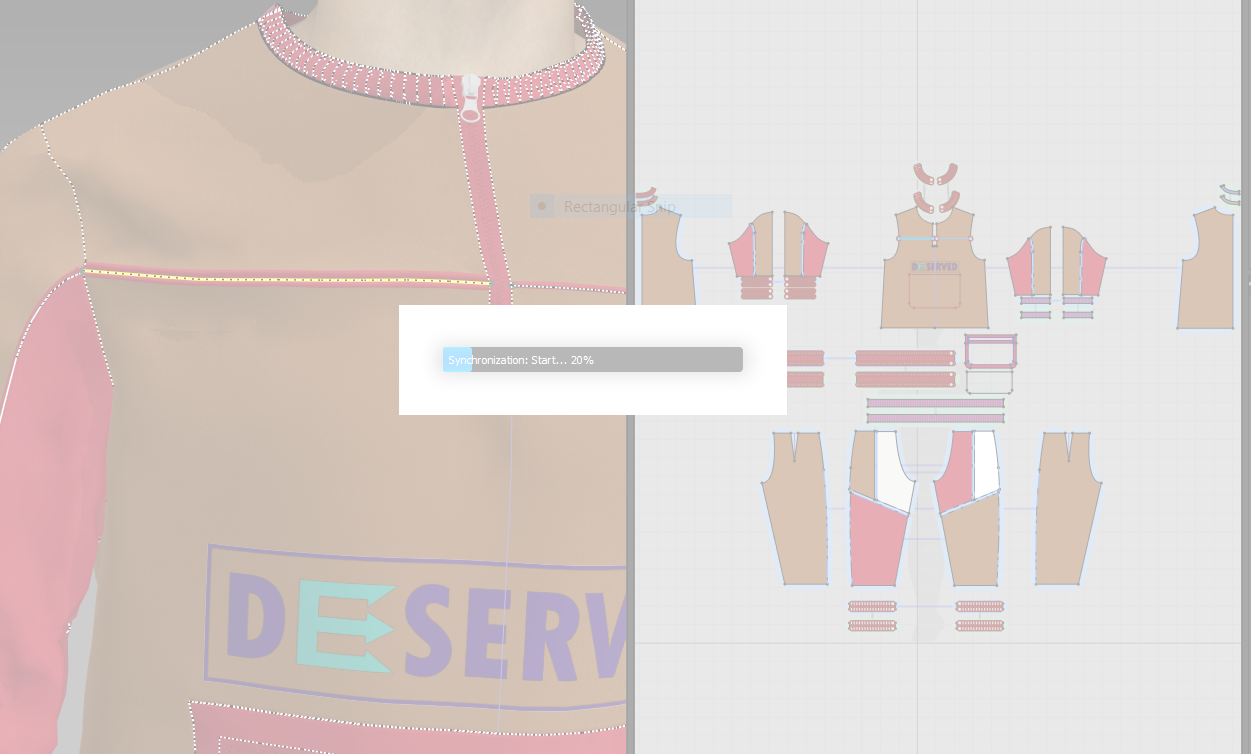
I hope to get some advice from anyone of you guys. thank you in advance.
-
Hi, @pratchaya
Firstly, there is no difference between our trial version and license version.
According to your problem, let me share this issue with our Dev team.
In the meantime, would you please send us the problematic file and your PC specification including GPU?
If you are using a laptop, please let us know the full name of your laptop.
(Please share the file through any platforms you want to use such as wetransfer or google drive)
Best, Lea.
0 -
Hi, @Lea
Thank you for your reply
Pls find below link through gogle drive-I already attached my problem file and my notebook specs(Dell inspiron 15 3000).
but I try my another project that there are a little bit slowly.
I'm looking for you advice soon. thanks
>>>>>>>>> https://drive.google.com/drive/folders/1atgrz97S_c2TiWSeFpxdOFq8H8jidGzg?usp=sharing
0 -
Hi, @pratchaya
Thank you for the link!
As I've checked it, this problem is caused by a GPU you are using which does not meet our minimum specification (please refer to our Computer Specification here)When I tested the file you sent us on my hand, it worked properly.Plus, 4.2version requires a bit better specification of GPU. It was 4.1 version when you used trial and 4.2 version was released right before you started subscribing.We would like to recommend you to change your GPU referring our Computer Specification. CLO can be used properly by replacing the GPU.Let me know if you have further questions about it.Best. Lea.0 -
Hi @Lea
I noted for your suggestion, I understand if my project was slowly but I found new problem I program has closed suddenly when I left click on 3D window. but previously has never happened.
Could you pls help me check as my below link urgently due to my license will be expire soon.
https://drive.google.com/drive/folders/1GfQ9SZ0Sv8ePiQgSUl0o9Inr5nlLM9vd
Thanks.
0 -
Hi pratchaya,
I could not get access to the link :( Would you please set a link sharing to "Anyone with the link" and share it again?
Best,
Lea.
0 -
Hi pratchaya,
Have you updated your graphic card driver recently? I guess this problem might be caused by a graphic card driver!
Would you please follow the manual below?
Best, Lea.
0
Comentários