T-shirt neck

Hello everyone.
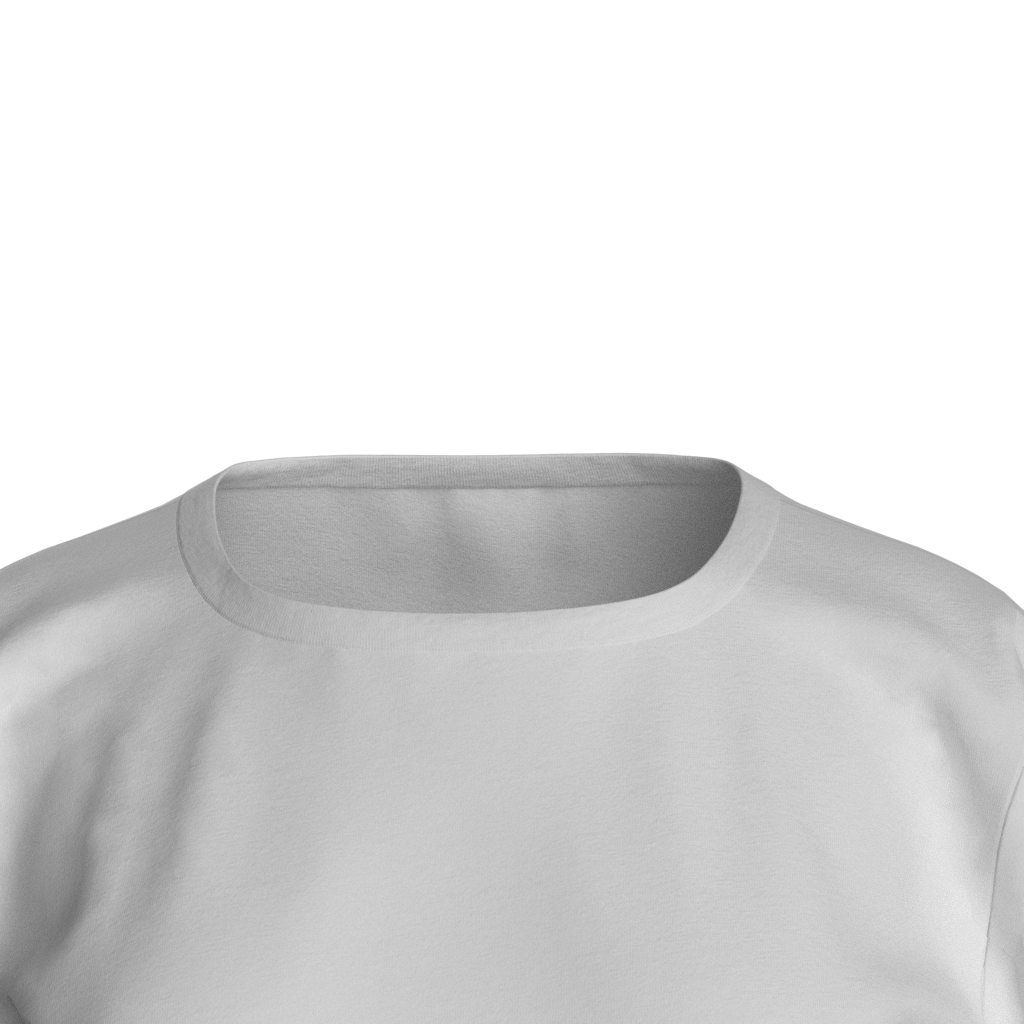
I'm working on the neckline of a T-shirt. But I don't really like the result. Please help with your opinion.
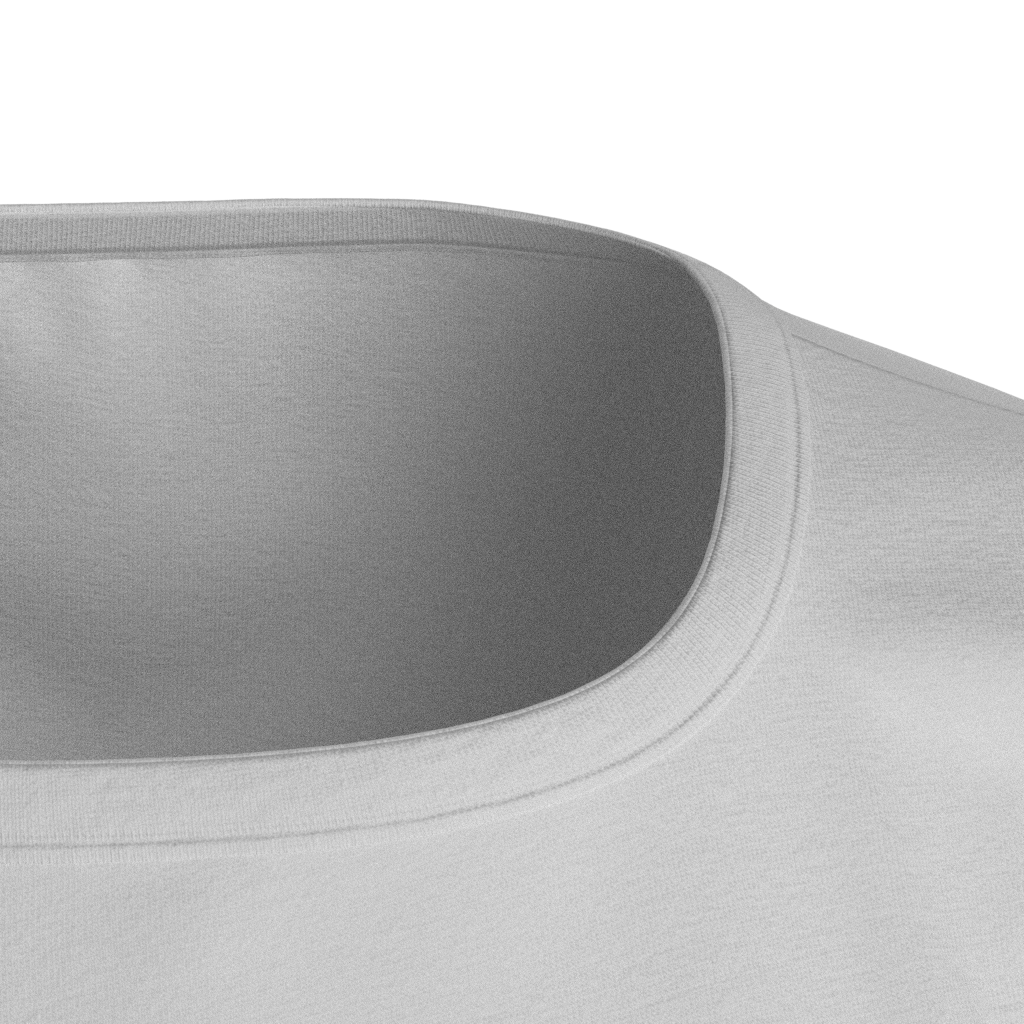
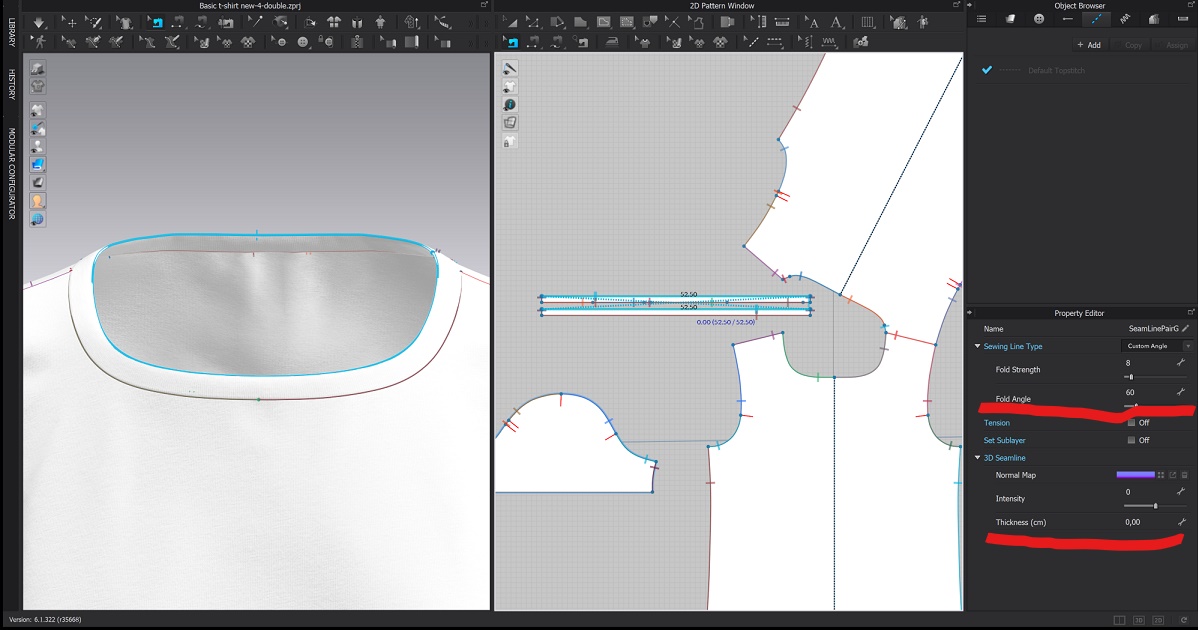
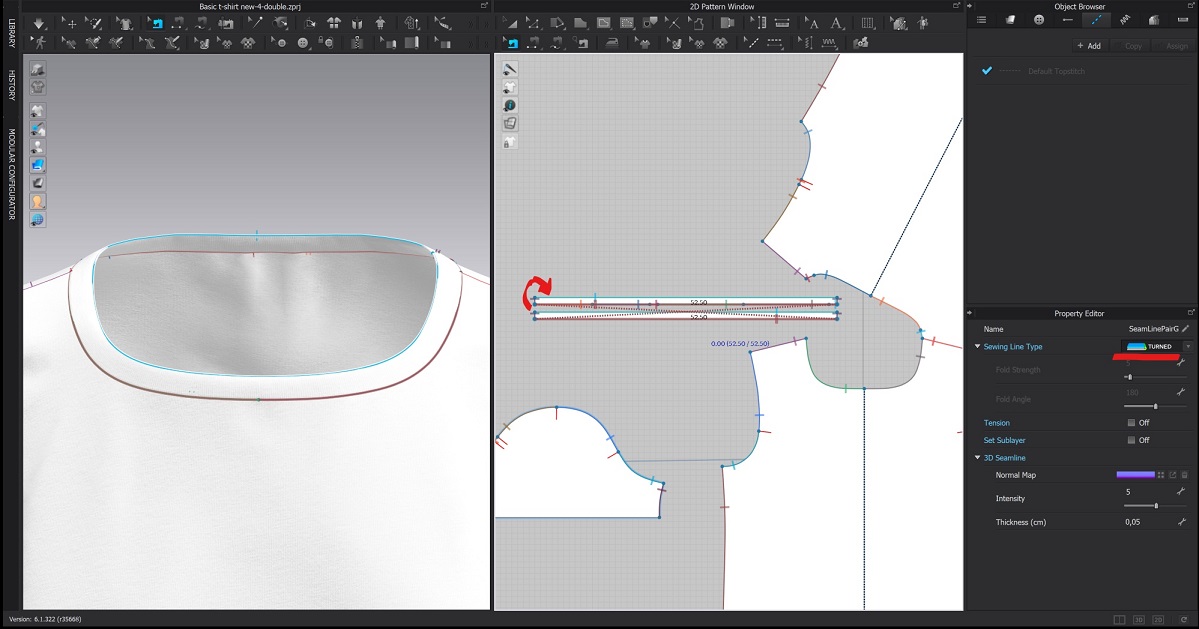
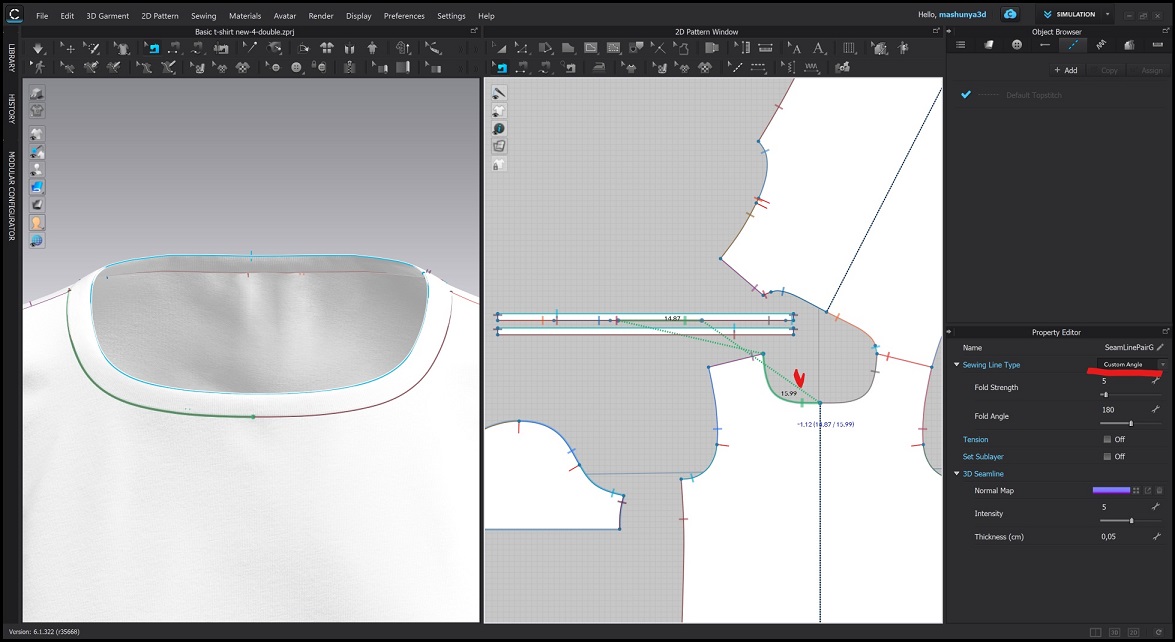
I did it in three ways. I wanted the inside to be smooth.
1. With binding inside. But the binding is narrow and does not adjust wider and the seams are visible.
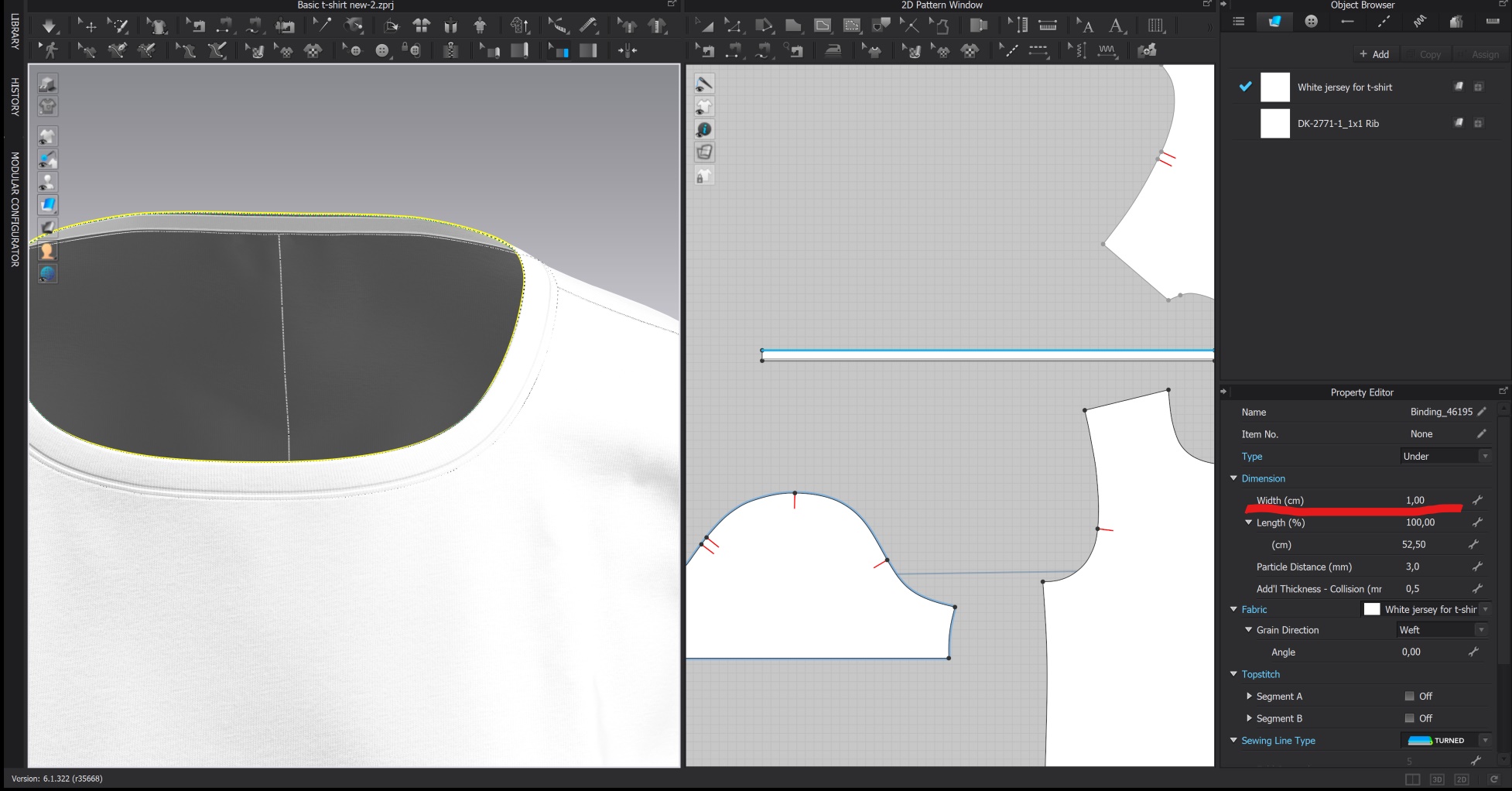
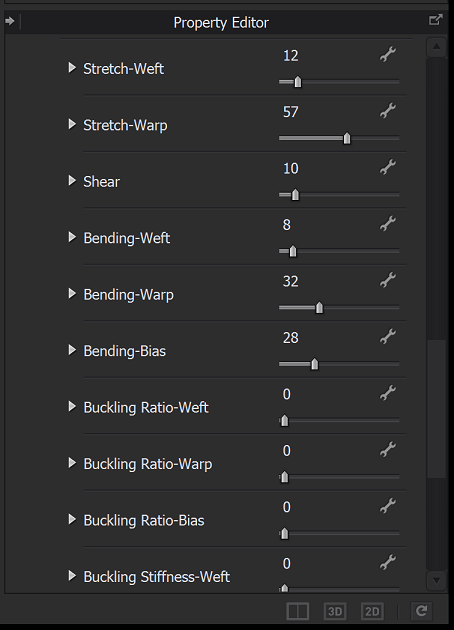
2.Single side. But it turns out with a jagged edge. In the property editor, I set the values.
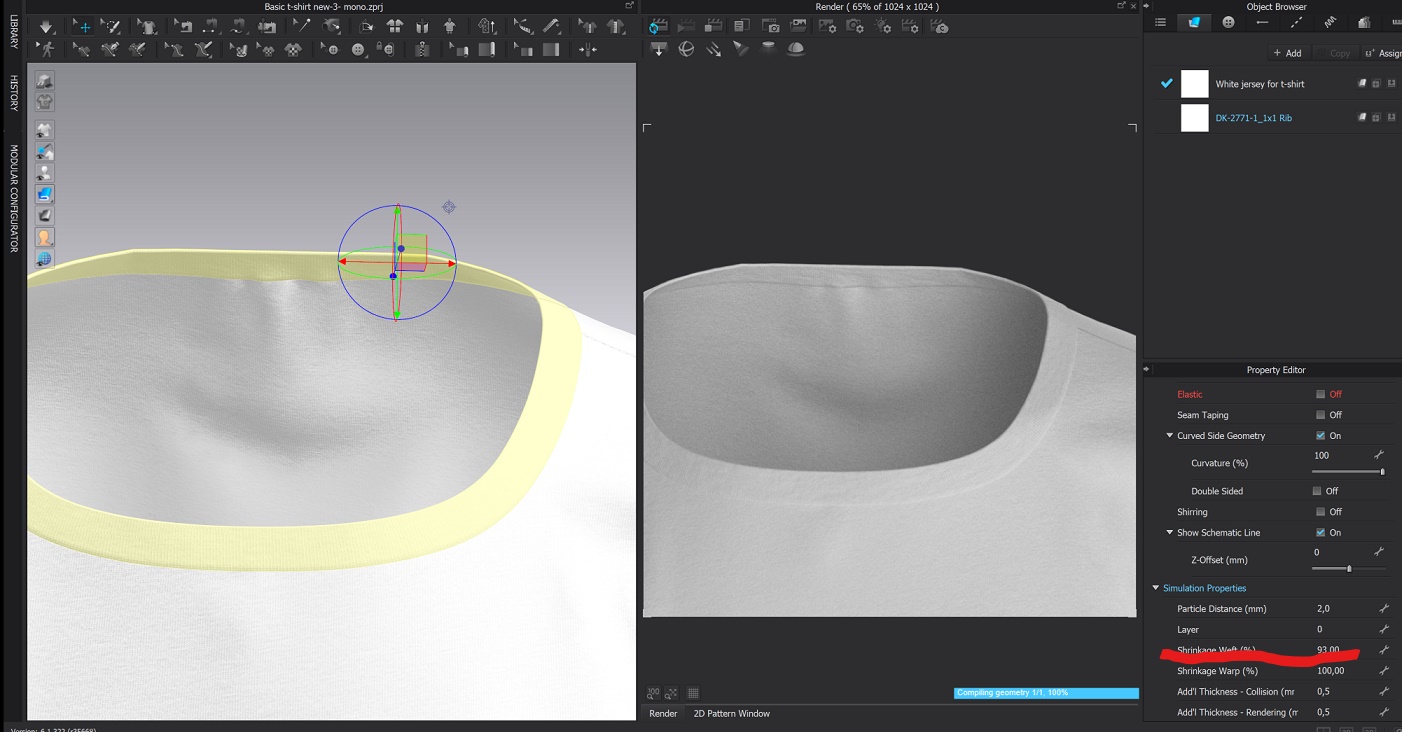
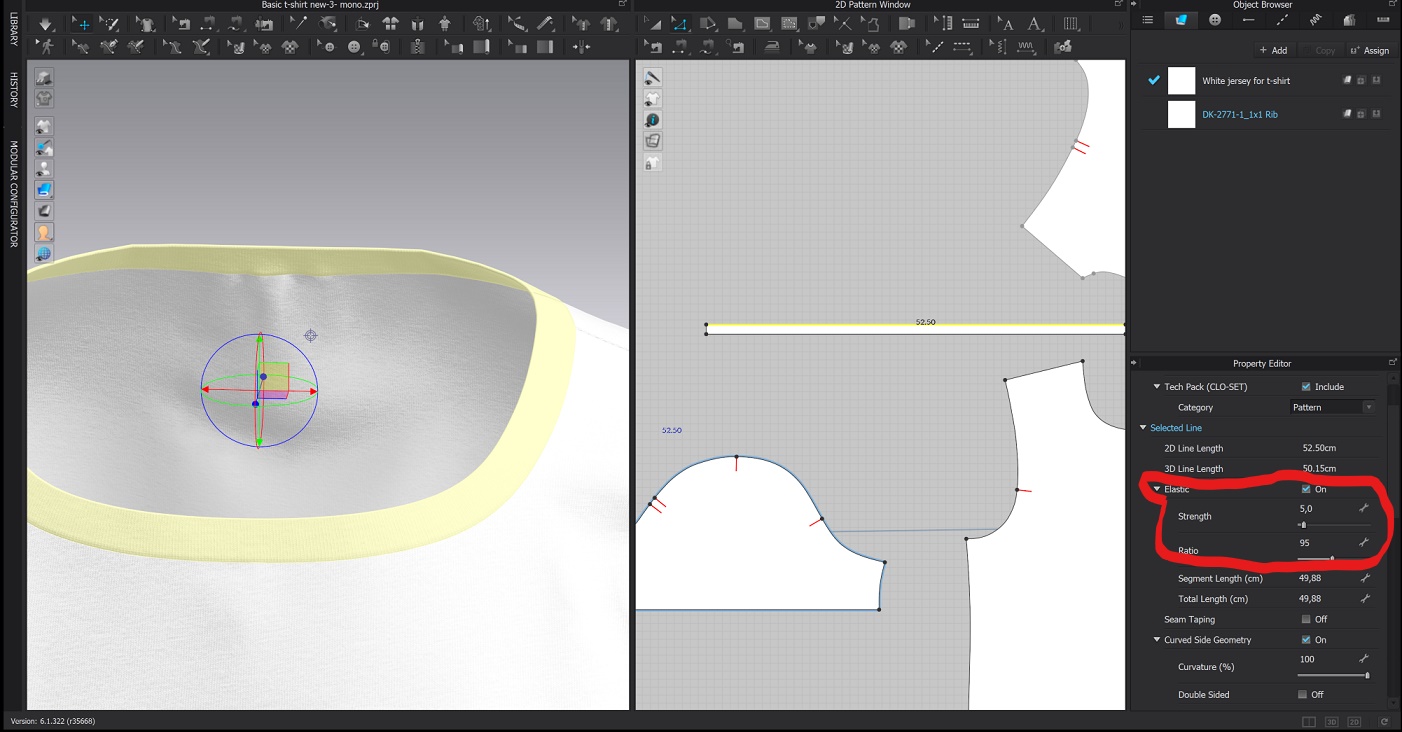
3. Double side.
--------------------
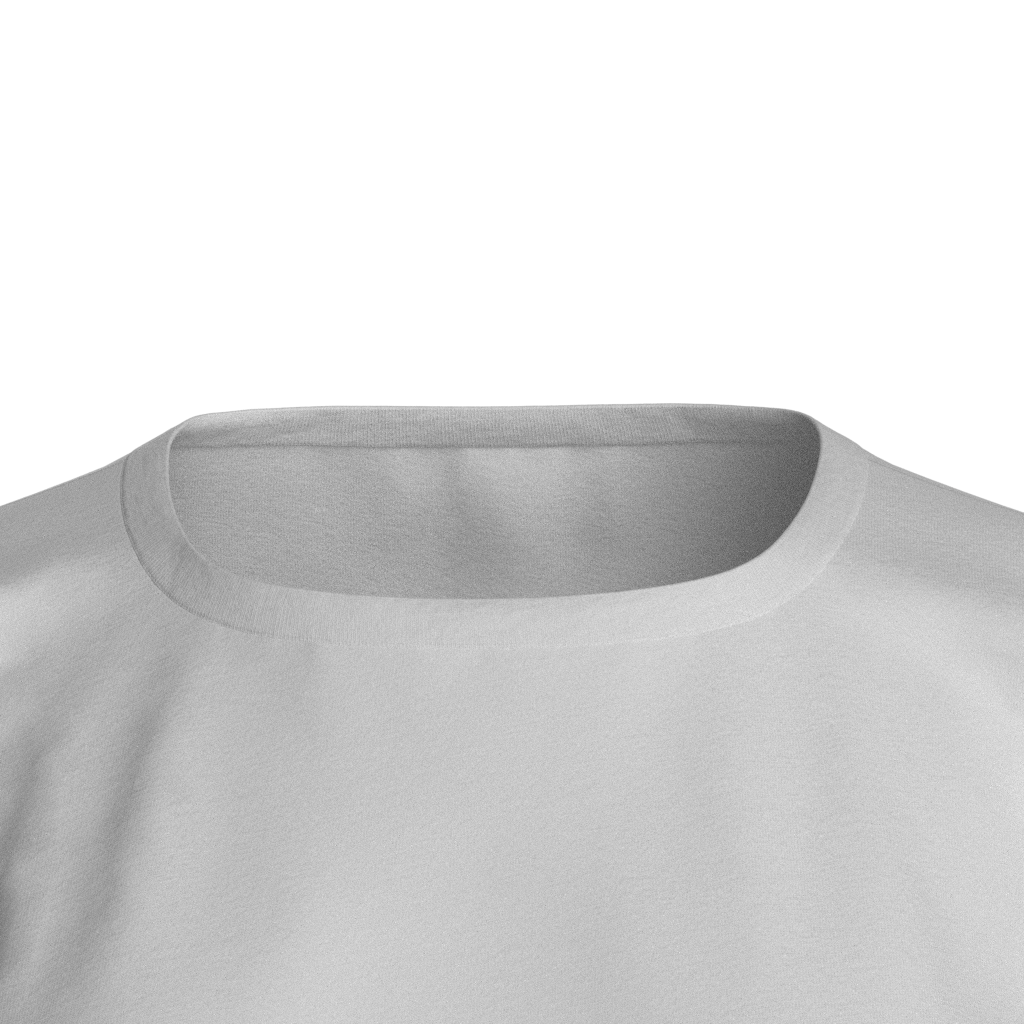
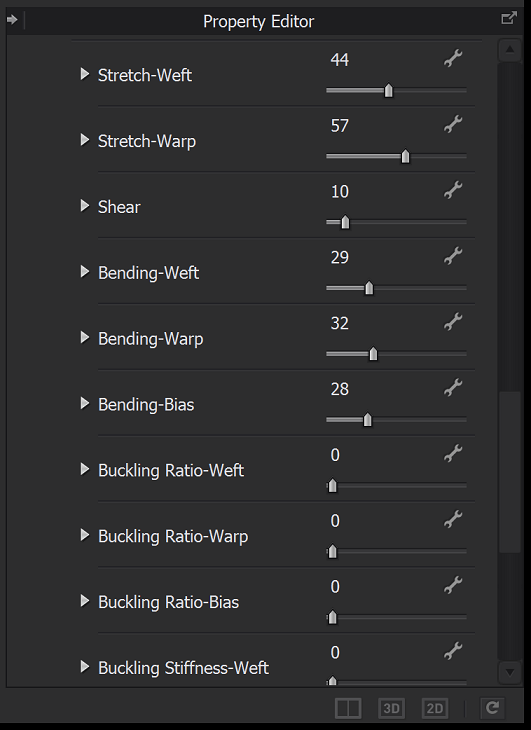
Then in the inner part I changed the properties of the fabric to make it less swollen
SORRY FOR MANY PICTURES
My question. How to make it smoother inside
Thank you so much
-
Hello, if you are trying to reduce the fabric pucker (waviness) for what would be a 'ghost' manikin shot of a tee shirt > you could select the rear tee shirt pattern in the 3D window and apply >strengthen to the pattern piece > then re simulate > this will smooth out the entire pattern piece, however it will also over-ride the fabric physical preset.
The other option to using tape is to apply a larger secondary fabric preset to the same pattern piece using bond/skive option, this allows you to use the internal line tool to construct a closed shape on the pattern piece where you want additional bonding of a 2nd strengthening/stiff backing fabric without it rendering in the material. See how this bonding is done on pattern pieces.
The 3rd option is to simulate the garment as you have done and then change the workspace to the sculpt workspace and locally smooth the mesh model, with a brush just in that area you want the pucker to be removed. Note: if you brush sculpt into a model when you simulate again back in the main workspace it will drop that detail unless you apply solidify, which will hold the detail into the fabric even when you simulate.
The fourth option is to apply >steam< to the 2D pattern piece locally and 'relax' the mesh pucker in the 3D model in simulation. You can add or subtract mesh so it shrinks or expands locally and apply the % level of steam and iron size to control the effect, start with a low percentage, you can also delete this if you don't like it.
4 options to help you on your way.
1 -
If you are trying to do this as close to real life as possible, I suggest a 1pc neck trim, folded at the top edge. It is a rectangle, as you have. You should make it slightly smaller than your total neck measurement. Then use the steam tool (only at the center line or top edge) to make it lie close to the neck. In real life, t-shirt neck trim is cut slightly smaller and stretched to fit the neck opening. Then someone would iron it to make it lie flat. I find this is the most realistic. Just be mindful you don't use too much steam, you can set the percentage of shrinkage and I would go slowly and put your garment in hi-res to see the results. Again try not to put steam on the part of the trim sewn into the neck. If you neckline is puckering a lot, your neck trim is too small for your neck opening. All the other options posted previously will help you get the look you want, but are not realistic to real life. So it depends on what you care about!
1 -
Thank you very much, ottoline .
0 -
Thank you very much, isabelcrosby2
0
댓글