Floating above 3D shape avatar

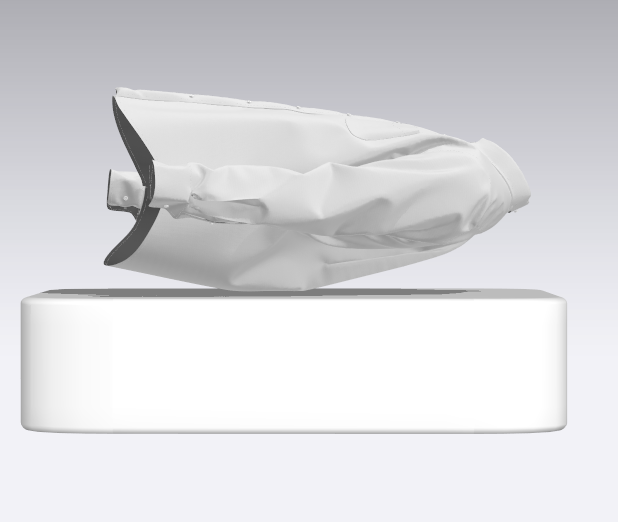
I really do try to figure out problems before posting here, but I am again stumped! I changed the avatar to a 3D shape so I can simulate a "lay down". But when I hit simulate, it just magically floats above. Gravity is set to -9800, male avatar is nowhere to be found, freeze/deactivate are not on. Thoughts??
-
Can you show an image of the 2D drafting window alongside as well.
0 -
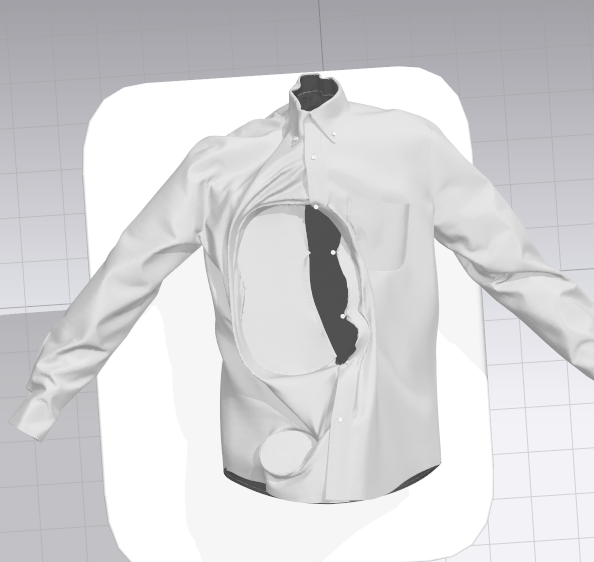
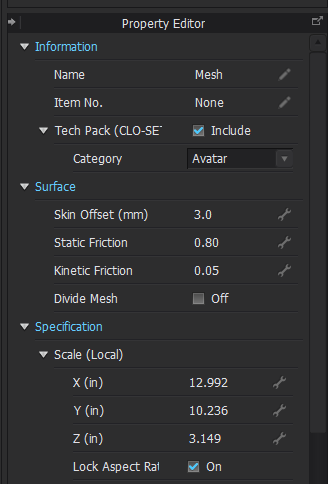
thanks ottoline. I appreciate your help! Here are images of my 2D window & Property Editor. FYI, I did try to load it as the morph target but got the "incompatible avatar" error. Current avatar is in "A" pose. When I "add" it, i get an error about movement being lost and then it looks like I've created a black hole when I simulate (see image).

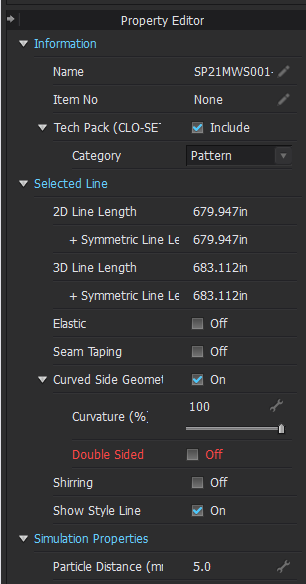
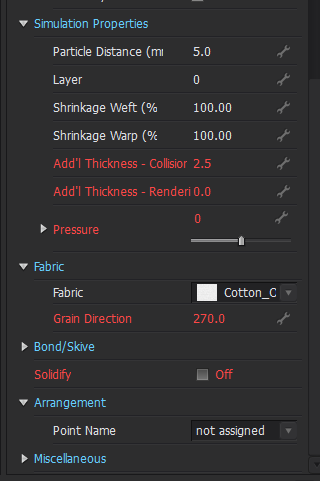
Property Editor for Avatar:
 0
0 -
I have created a monster :) When I have simulation on, it is like the fabric is getting sucked into those two "holes", even when I try to pull it out. PD is on 20
 0
0 -
One image shows the avatar torso half way through your cloth garment and the last image shows the legs (thighs) through your garment. Basically you have a hidden avatar in the scene that you don't need. That is what is causing the collision problem in both instances.
If you want to lay a garment flat onto a surface, just import a flat surface plane or model (with suitable mesh particle distance / density) as a >single< avatar and simulate the garment onto that plane horizontal with the floor.
I am not sure why you are going from an 'A' pose to a flat shirt. Wrong approach. Drape a shirt on a close hanger, then freeze that simulation > select the garment > and orientate it too the flat surface at about 30mm above the surface > then simulate it down to that plane.
Alternatively there is the folded display shirt approach to laying out garments for display purposes.
0 -
ottoline Thanks for the insight. I just had a garment that I wanted to lay down, but I unnderstand it is easier to start this way rather than "convert" the garment from an avatar. I thought I had deleted the avatar, but will look again as to why it did not get removed from the file. Tks again!
0
댓글