LAYER CLONE OVER

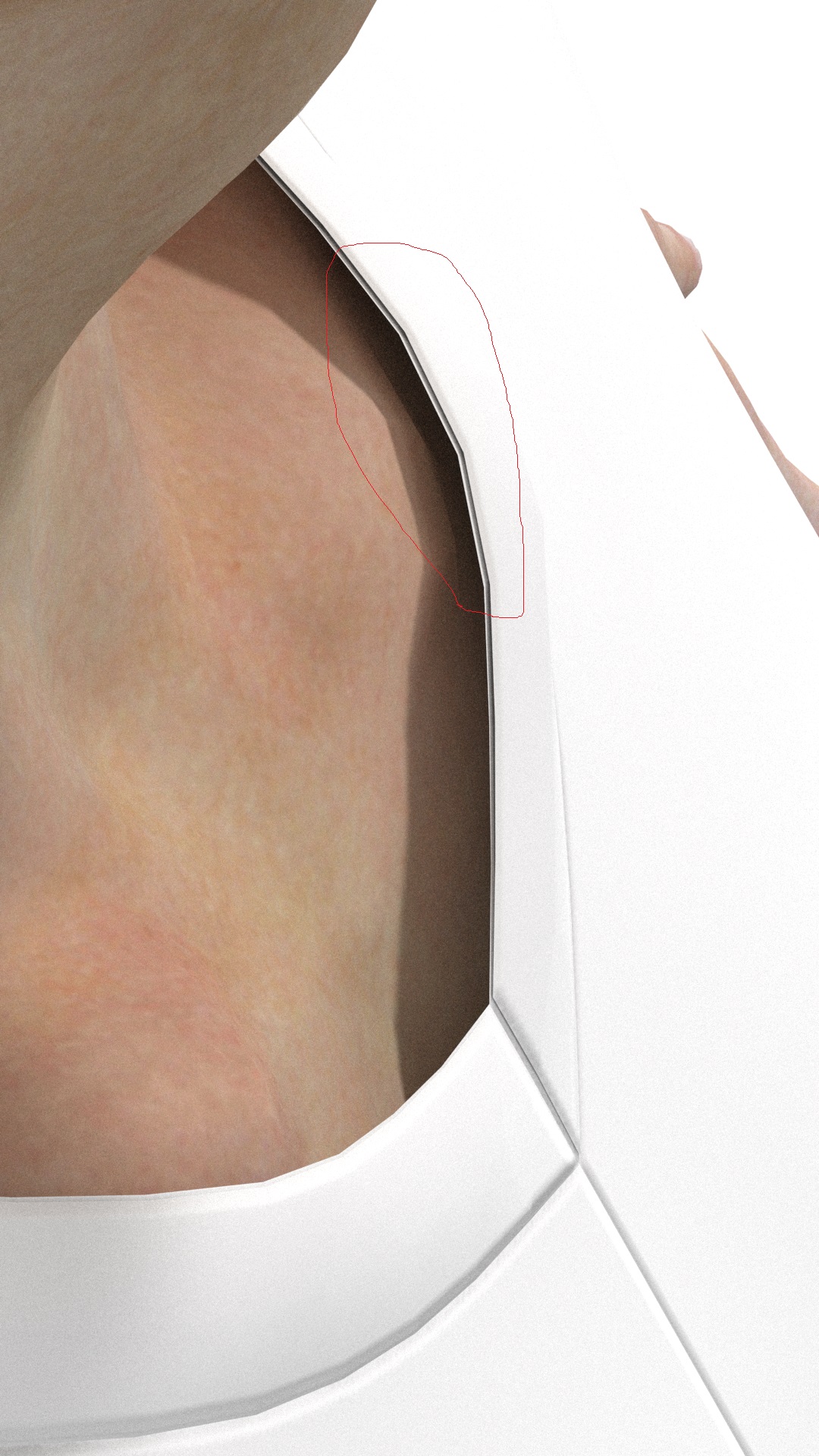
HELP,How can I fill the vacant place?
0
-
Hello. Try setting the Add'l Thickess - Collistion to 0.1 mm (0 can be problematic) on each pattern piece. Default is 2.5 mm. This should get rid of that space. Find the option when selecting a pattern piece.
https://support.clo3d.com/hc/en-us/articles/115002798068-Adjust-Collision-Thickness
P
1 -
Like Pablo said, check the Collision Thickness.
For the spacing between the Avatar and the garment, also check the Avatar's skin offset (I'd recommend setting it to 0.2~0.5).
And lastly, I would check to see if you are in Thick Textured Surface view.
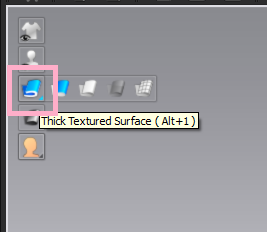
Those three things can make your garment look much more precise and realistic.
1
댓글