Button garding

-
Hello CLO Team,
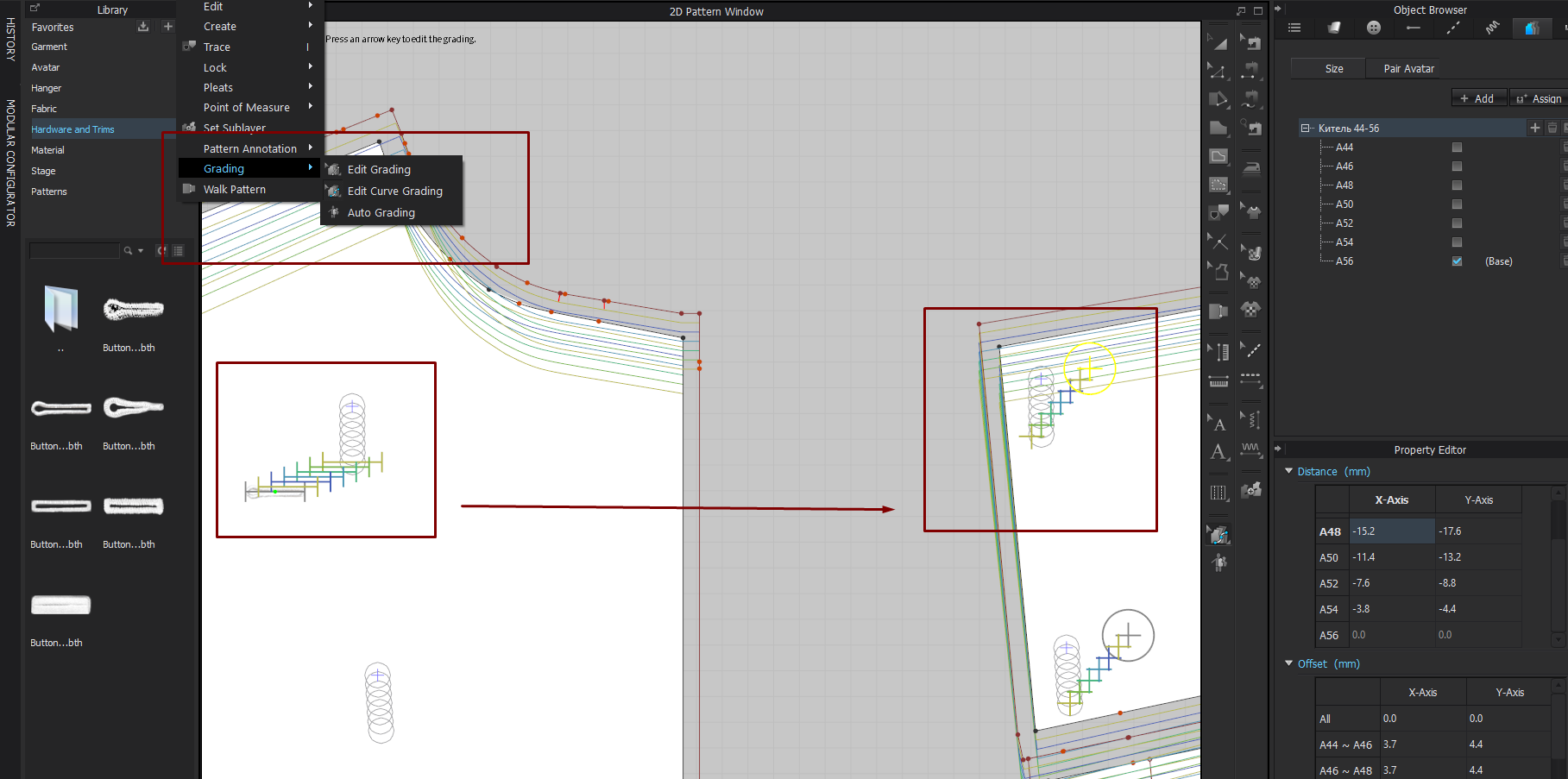
Anybody can help with the button and buttonholes grading algorithm?
If I would like to adjust the grading button and buttonholes where can I do it manually?
Thanks in advance!
Elena
0 -
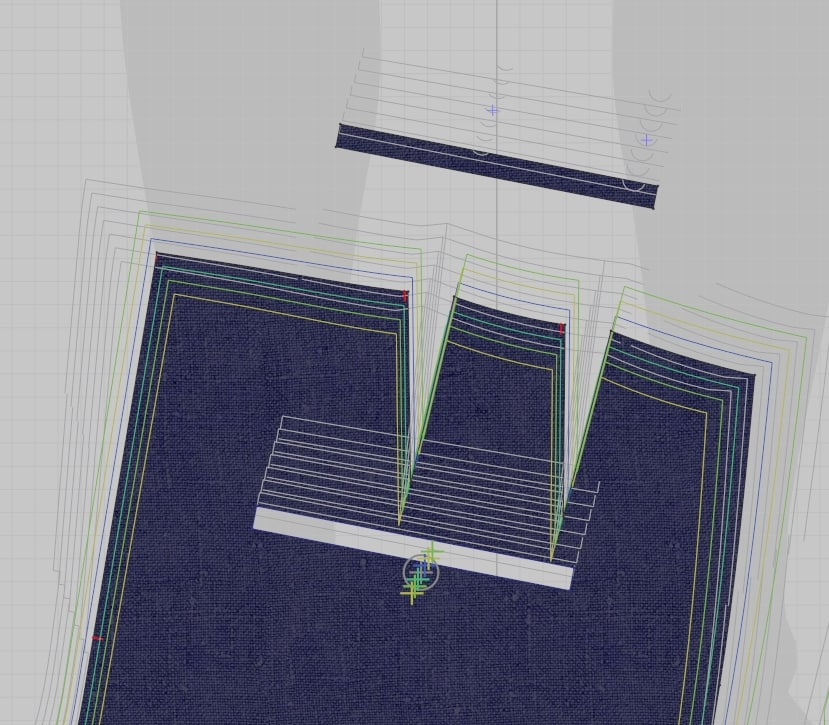
the same with additional decorative parts - how to grade them manually?
 0
0 -
Hello allyclo, thanks for submitting your question. You simply can manually grade your buttons and decorative parts with the Edit Grading Tool. Select the button with the Tool and then you will be able to change the values of the grading in the Property Editor.
0 -
Hello CLO Designers , thank you for the comment!
1. 1. Is there any guidelines how to operate with the table? It doesn't work like 'drag and drop'? When I try to change the location of the next one button, the previous one is changing location. What is the logic of the grading when change the values?
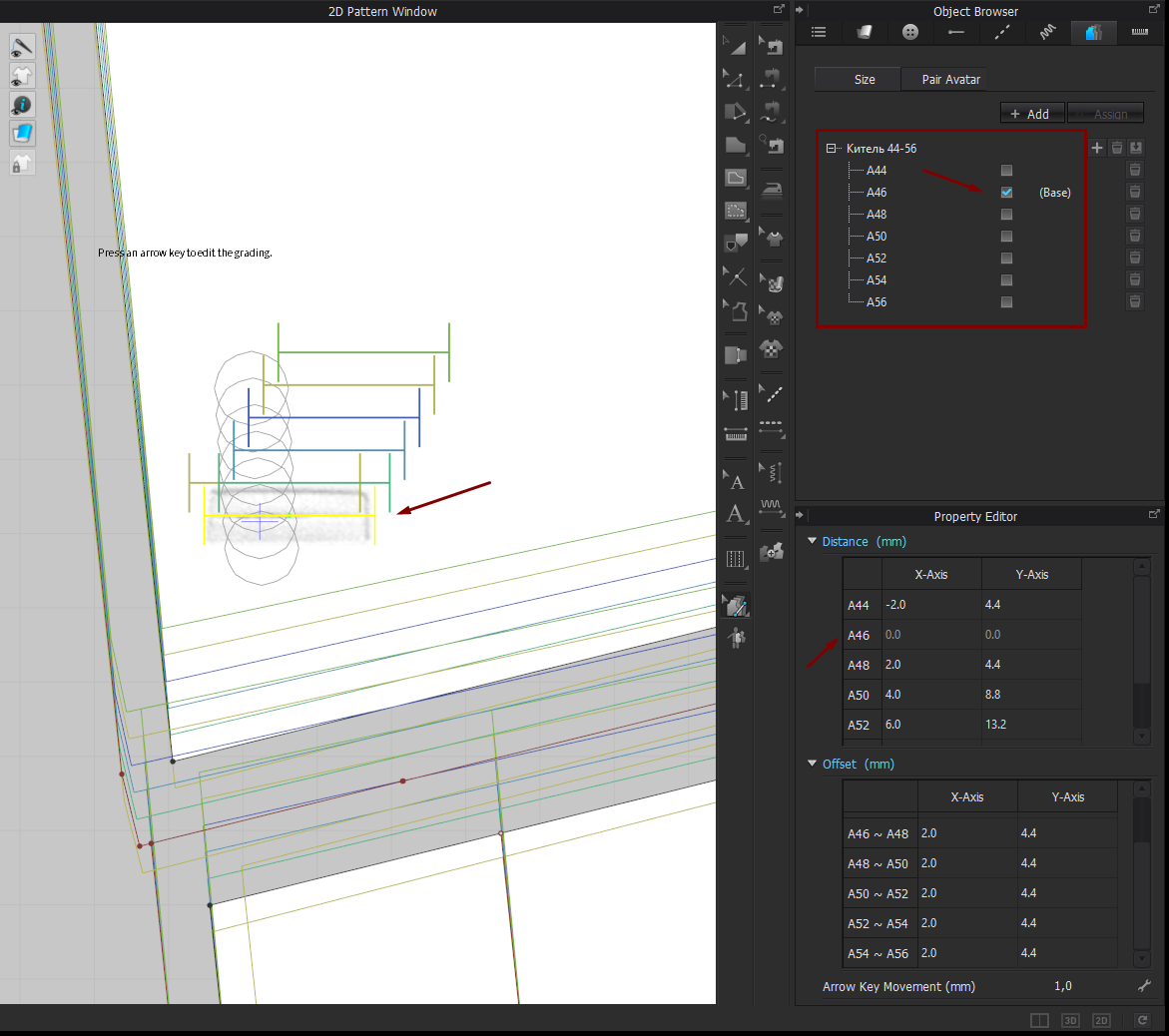
2. Hope that very soon we will see the 'drag and drop' tool for these kind of actions.
Thank you!
Elena
0 -
There was a recent thread pointing out the same problem (maybe it was also your question). When down grading there's a logic error of some sort, a change in the x-axis value causes the y-axis value to swap sign (or vice-versa). Going back in and editing the x-axis value a second time (even though no change is needed), gets the y back to the desired sign, but this does not seem like the way it should work.
Also, when editing the table offsets, it seems to be necessary to enter one at a time, so that the cumulative effect of offsets is re-calculated, before the next offset is entered.
0 -
Thank you jne4sl , CLO Designers for advice!
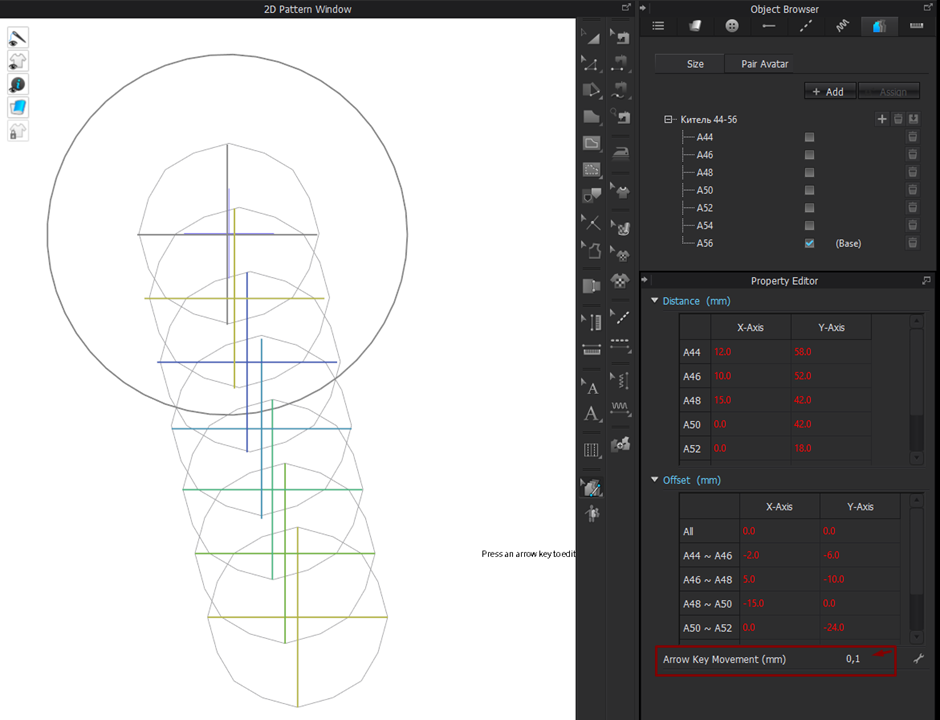
Finally, I got it - what the logic is... but still it will be cool to have 1) connected to the initial pattern grading of holes and buttons 2) at least 'drag and drop' possibility 3) additional digits after the decimal point for more precise positioning
Thanks,
Elena
0
評論