Wrapping a garment around an avatar

I have a cape pattern that I am attempting to make in Clo 6.0. The cape portion falls to just below the hip and is held on the body by two chest sections that attach to the cape shoulders and cross in front of the body and fasten behind you. So the two chest pieces cross over each other and wrap around the body around the bra line and button together at the person's back, right where a bra clasps. I am attempting to fasten said garment pieces together to verify correct segment lengths, however, I can't get the parts to wrap around to the back and stay there long enough to fasten the buttons. If I try and use attachment points it tries to wrap them around the arms like a sleeve, or drape them like the front halves of a shirt.
-
Sophia, please share images so it is easier for the community to support you.
0 -
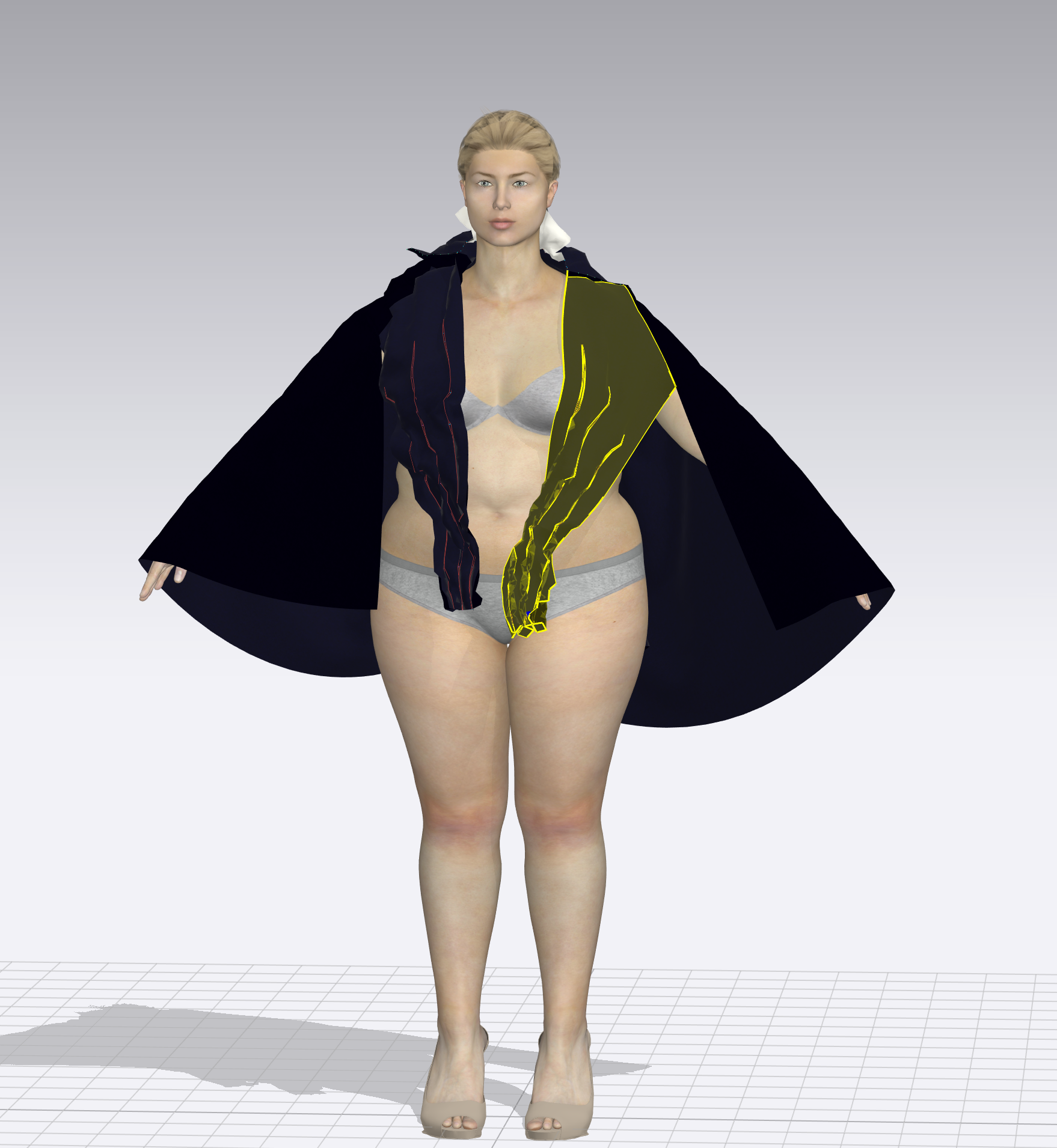 The highlighted section and its counterpart on the left are the chest straps I am referring to.
  This is how it's supposed to look when properly wrapped and fastened in the back0
 -
I suggest you freeze the cape and then hide by selecting it and pressing Shift + Q. Then you have to use pins to move the part that you want to fasten and take it with the pins around your body so you can position it and then fasten both ends.
It takes time and patience.
0 -
Thank you so much Pablo, I had completely forgotten about pinning, for whatever reason. I tried this and my straps are about 6 inches too short, thank you!
0 -
Sophia you can use Tack on avatar to pull the two pieces together in a location, without pins, and then adjust the thread length to suit. This keeps the assembly interactive as you work as opposed to pins that require constant moving.
By adjusting the tack thread length you can then adjust your position and play with the pattern pieces (size and shape) and see it fit in realtime at the two pieces get sewn together on their seam.
0
评论