Separated imported surface 3D avatar problem

Hi!
I have a problem with the 3D pen (flattening) when importing back a CLO avatar (I take the CLO avatar to a 3D modelling software to fill the hollow bust), the arm, head, legs, appear to be separated from the torso, like this:
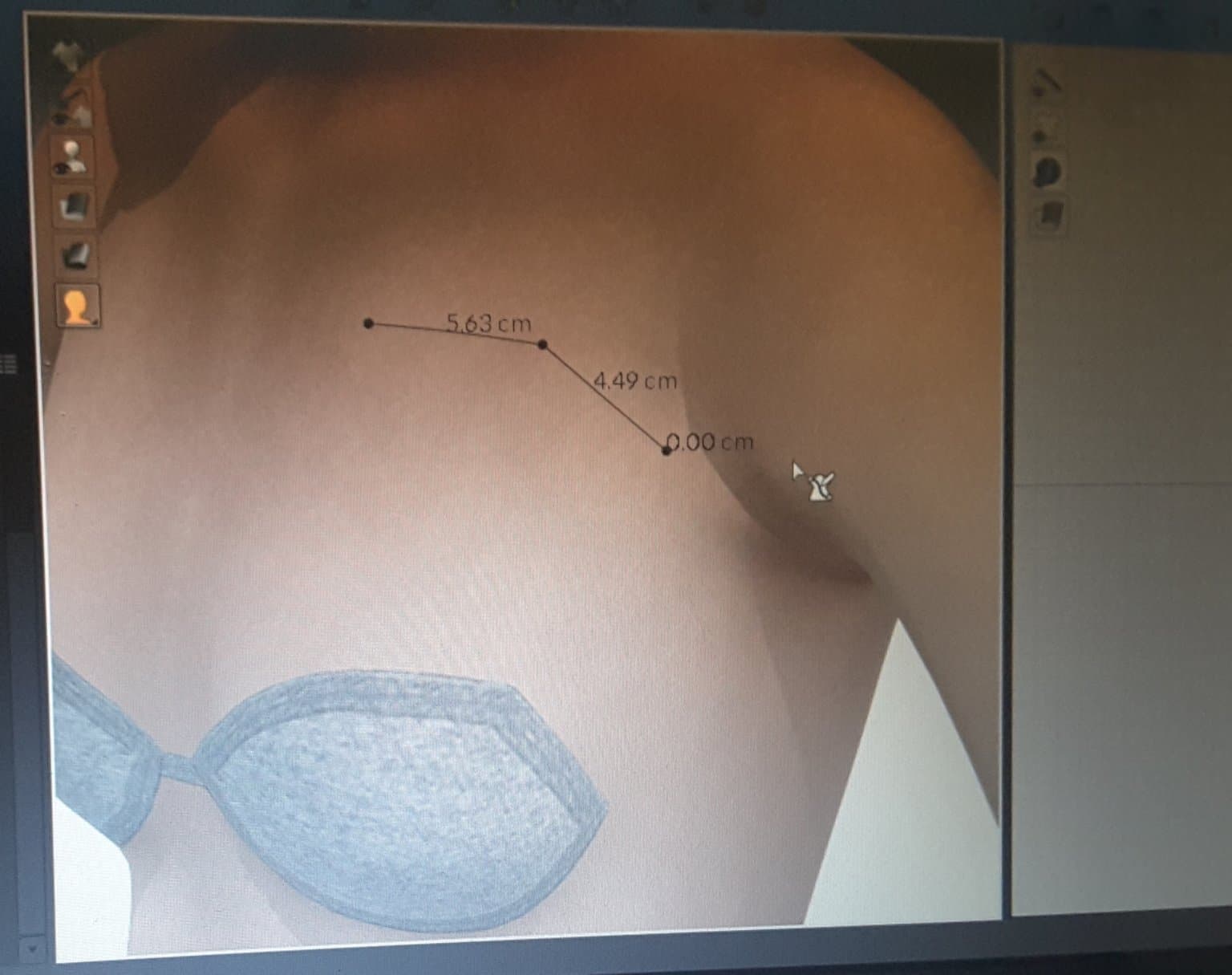
So when I tried to use the 3D pen, the cursor can not go across the armscye, it stops in the borders of the torso, like this:
when the normal 3D pen draws like this:
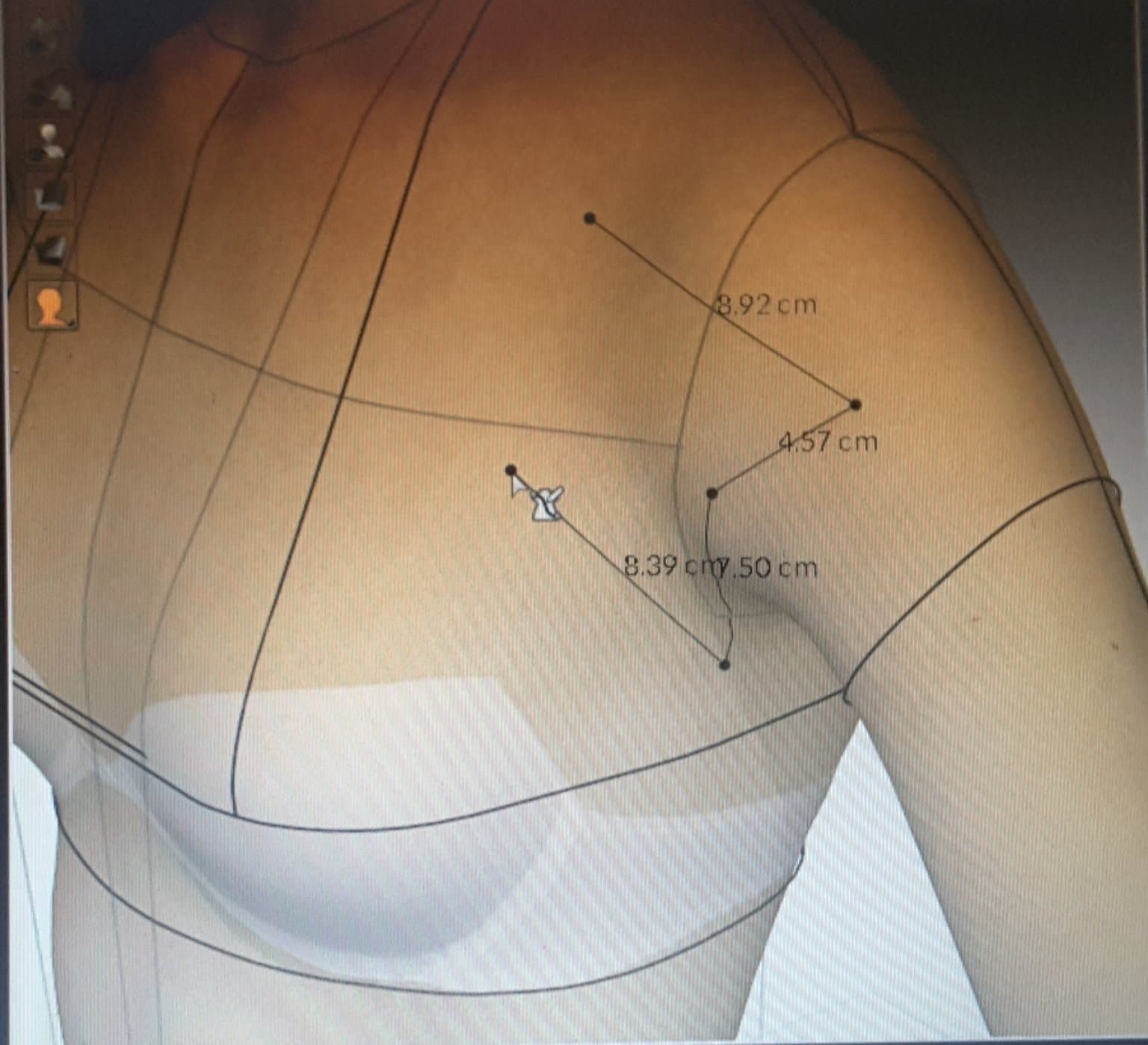
How Can I solve this problem?
Thanks!
-
Hi Steph. Can you share the settings when exporting from CLO, the settings when importing it, which software and how are exporting it back to CLO?
P
0 -
In new avatars, arms and legs are a separate mesh. Therefore it is necessary to use up to the arm.
0 -
Vad, as you can see in the third image posted here, I'm showing that flatten pen can go from torso across to the arm, so I didn't find any problem there, it doesn't seem like arms and legs are a separate mesh. When I use editing software (Zbrush and Blender) just for filling torso areas, I don't edit arms or legs, so my question is, is there a problem with the new version that separates the meshes when importing?
Pablo, I use FBX format and I have tried OBJ too, same result.
0 -
Hey Steph. I don't see how the import module will separate the meshes. I have had a similar problem in the past with the objects not having enough vertices made the line go through a large gap between vertices. Why don't you try exporting without re-writing the normals? I've had weird results from DAZ to CLO and Blender when I allowed DAZ to re-write the normals.
It appears that this is a trial-and-error solution. If you find the issue please share in the Community.
Also, can you try sending me the OBJ file?
P
0
评论