Clo3d User Interface Is White After Update 7.3.108 Win10 PC

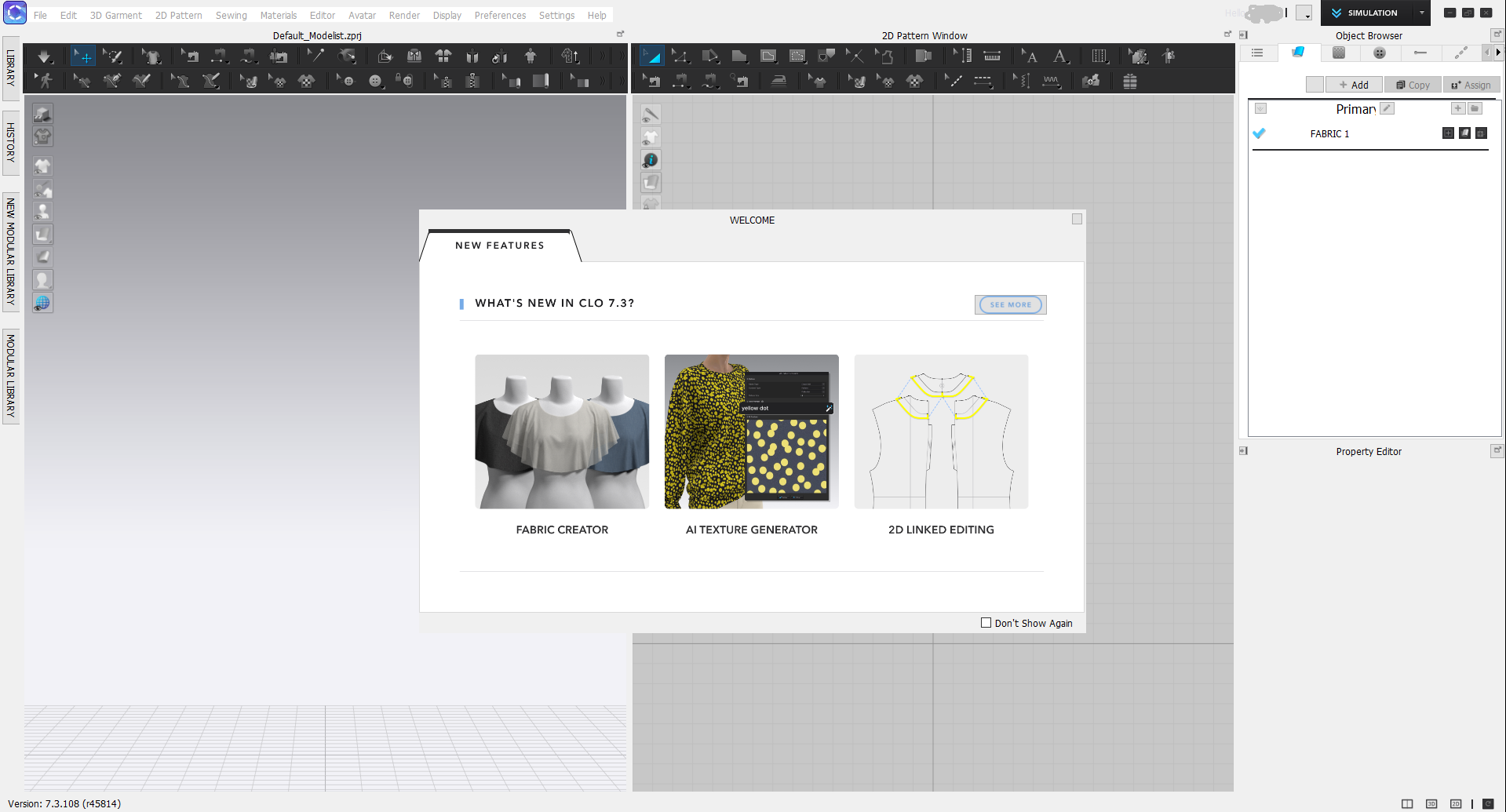
Updated earlier today to 7.3.108 and now the user interface is all white which makes some dropdown menus impossible to use. I see no options for changing it in any of the menus and haven't seen anyone post about it. I have restarted my computer a few times, deleted and re-copied the shortcut for the CLO launcher, and don't know how else to fix this. It's unusable right now.
I don't want to redownload Clo3d because I will lose my custom tool layout in the workspace and I just had it reset after another update this summer. Is there a way to save my custom tool layout as a user setting so I don't have to spend forever rearranging them every time my settings get wiped?
My PC, running Windows 10 with everything updated:
AMD Ryzen 7 5800X3D CPU
32GB ram (3600 CL18)
Nvidia RTX 2060 GPU
Clo3d runs off of a 1TB NVMe that is 30% full.
Any help is appreciated, I have a work deadline soon. :(
-
Here are some screenshots:


 0
0 -
Thanks for the help. Is there any way to save my tool placement? I really hate having to place them back and fear every update is going to wipe them again, which this one has effectively done.
0 -
Currently you cannot save Custom User Interface currently. But once you reinstall you can go into User Settings and reset to your preference in just a few minutes
0
评论