CLO thinks my file name is in non-English format when it clearly is...

Hi All,
I originally created some .fbx files of an avatar on Daz3d to import into CLO3D on my Macbook Pro without issues (used 2010 Binary as per the recommendations). They were able to load into CLO no problem.
Now I have a PC and go to import the same (and newly created) .fbx files and I am getting the error messaging when going to import that CLO does not accept non-English characters and that I need to change the file name. But the file names are entirely in English and always were before. So I am not sure how to go about fixing this issue. I have the latest version of CLO and Daz3d. I even tried removing the underscore and numbers from the file path. My computer settings are also using English.
Has anyone encountered this issue before?


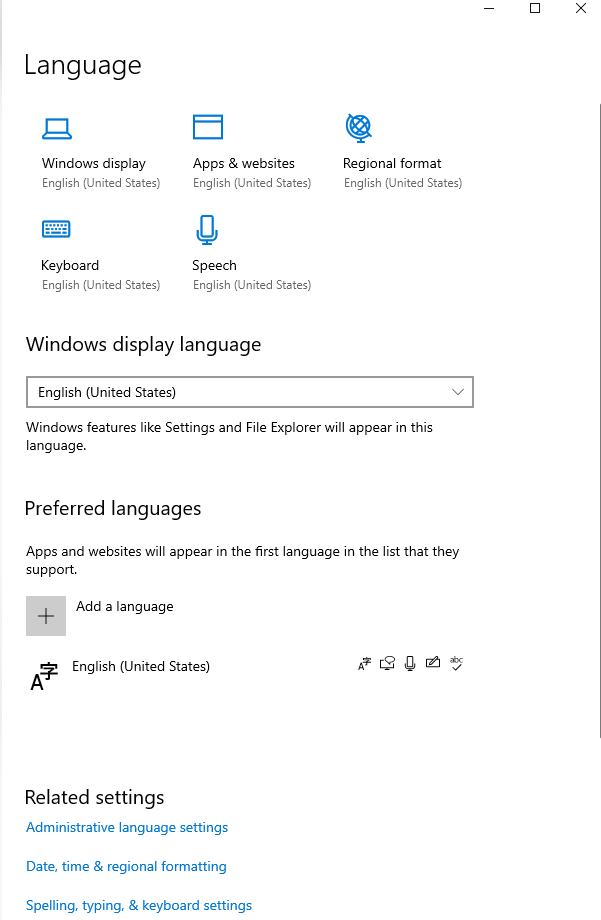
-
Think maybe I figured it out...I checked the file path and, although it looks like all English characters to me, I tried putting in another folder (documents). This seemed to do the trick.
Here's my old file path (maybe it was the apostrophe in "Kirsten's")
C:\Users\kirst\OneDrive\Documents\Desktop - Kirsten’s MacBook Pro
0 -
Hi lenab ,
I think you found the issue, it's the formating of the file path. It's always good to avoid using special characters in the naming like - or ' .
Kind regards.
0
댓글