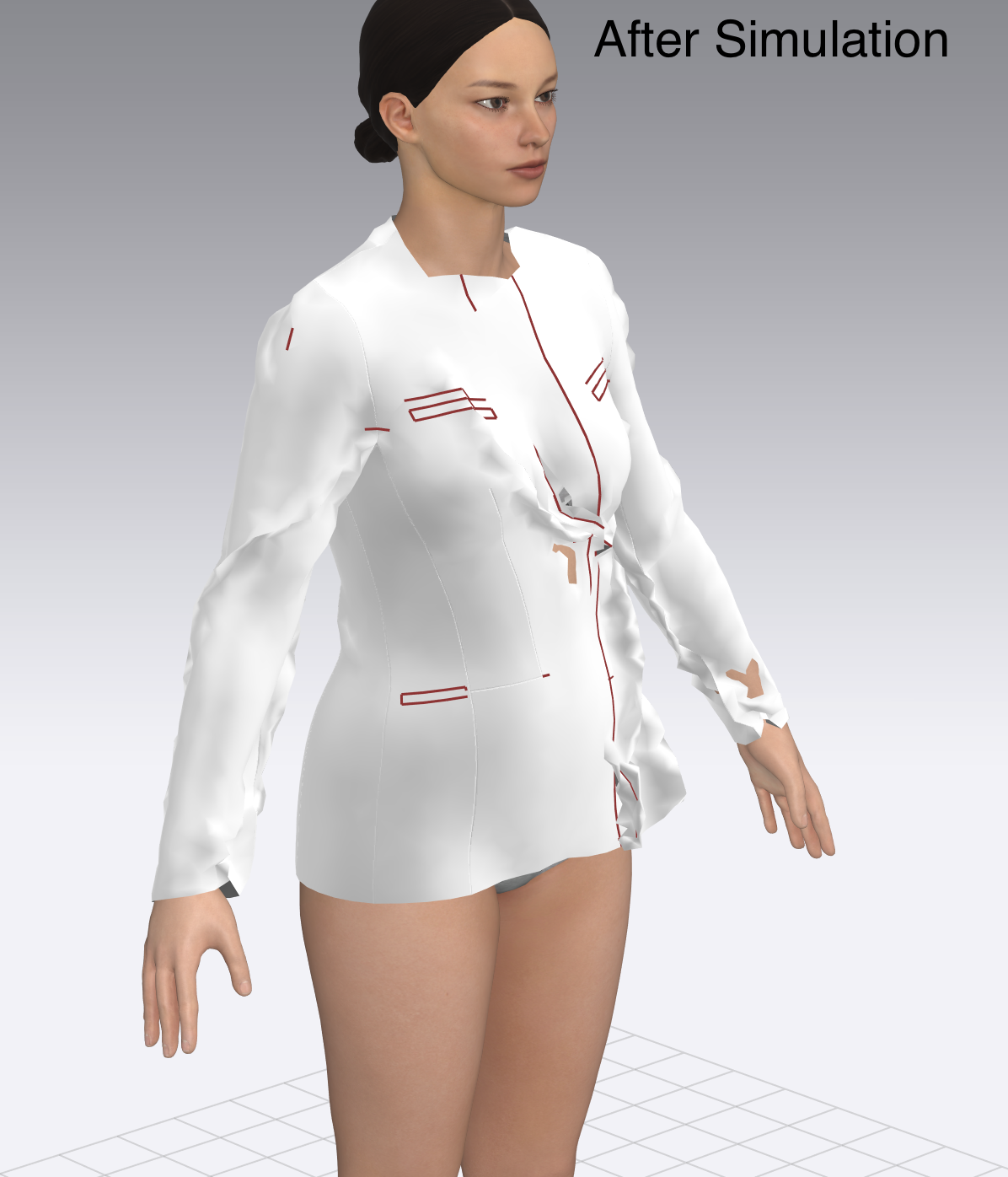
The fabric is fully "magnetised" to Avatar body

Greetings!
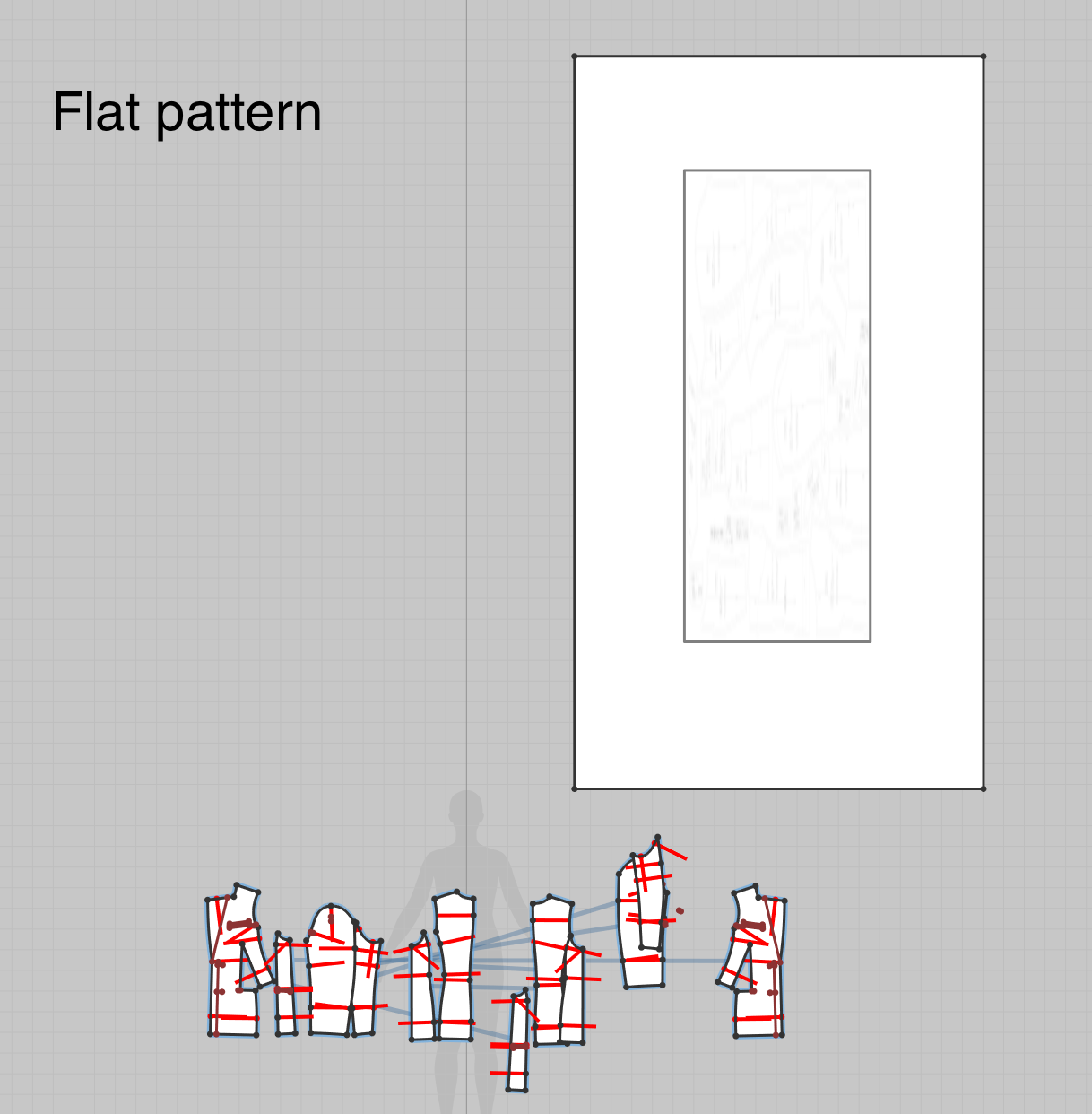
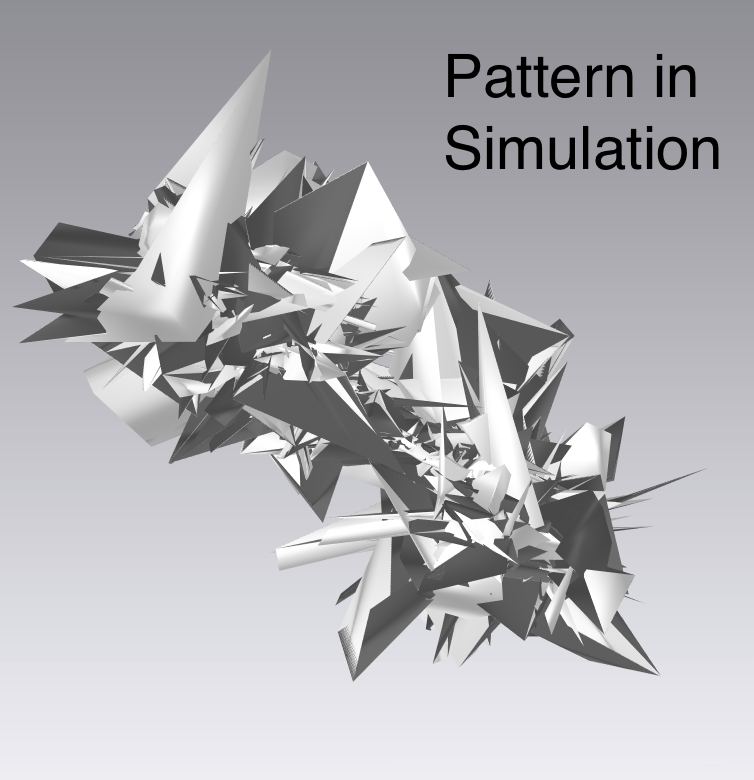
I`m just a beginner in Clo3d. During my routine in Clo3d, after another Simulation suddenly the Clothes started to be kinda magnetised to Avatar Body. I tried to Export my patterns to PDF, then import and sew them again in new project, but still got the same problem. Probably I have accidentally changed some Fabric property... I used Graphic to Rectangle to copy patterns, and after simulation it looks like exploding star((( Thank you in advance for your help.
-
공식 댓글
pastarelli Sorry things have gone sideways! Not real sure what is happening, but check a few things;
- What is your Fabric? (is it the CLO Default Fabric?)
- What is the Particle Distance of the Fabric? (should be 20 by default, no lower than 5)
- What is the Skin Offset of the Avatar? (keep at 3 for the moment)
- Try adding "strengthen" to all pattern pieces (Select All, RCLick-->Strengthen) and simulate.
Get back to us to see if things improved...
-
The Fabric was Fabric 2, I tried to change it to (Default_for_Simulation) - still the same problem. After I saved Fabric from other project (simulating properly), import to my current project - still the same( Particle Distance - 22, Skin Offset - 3. Strengthen option didn't help as well.
0 -
Is there any other options to solve the problem?
0 -
Hi pastarelli. Unfortunately from just screen shots it can be hard to tell exactly what is going on. Have you double checked all sewing lines to make sure nothing is overlapping or trying to sew through the avatar?
0
댓글