go back to dressing up in avatar

After dressing up in avatar, I accidentally pressed the reset 3d arrangement button.
And all the garments were flattened out.;-(
What should I do if I want to go back to my outfit right before? dressing up in avartar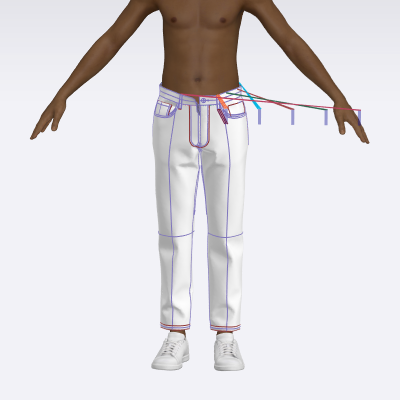
 thank you
-
공식 댓글
Hey there,
One of the very convenient and user friendly features of CLO is that it has unlimited number of Ctrl Z's.
You can click Ctrl Z and the garment should go back to where you had left it at the previous step.
Hope that solves your question.
-
Or you can open the History panel on your left and see all the actions there.
0 -
As CLO3D saves the default backup usually to every 3 minutes interval (unless you switched that off) you can always reload a garment or even open another version of the same project at the previous save point view it and then decide what to do > undo or revert to previous state.
0
댓글