How I can Apply a texture inside this graphic.

I have a PNG graphic that I want to add the texture about Default Fabric Inside of it, what you guys suggest me to do?
I'll show you two examples

This one above it's my actual design (I want the orange to got the same texture as the black, black one has only displacement map, orange its a PNG Graphic.
And this one down here are examples of what I want to do
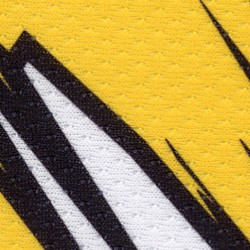
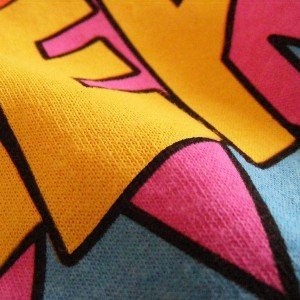

Please help, if it can be detailed I appreciate, I don't have a good English translator
-
Another great example.
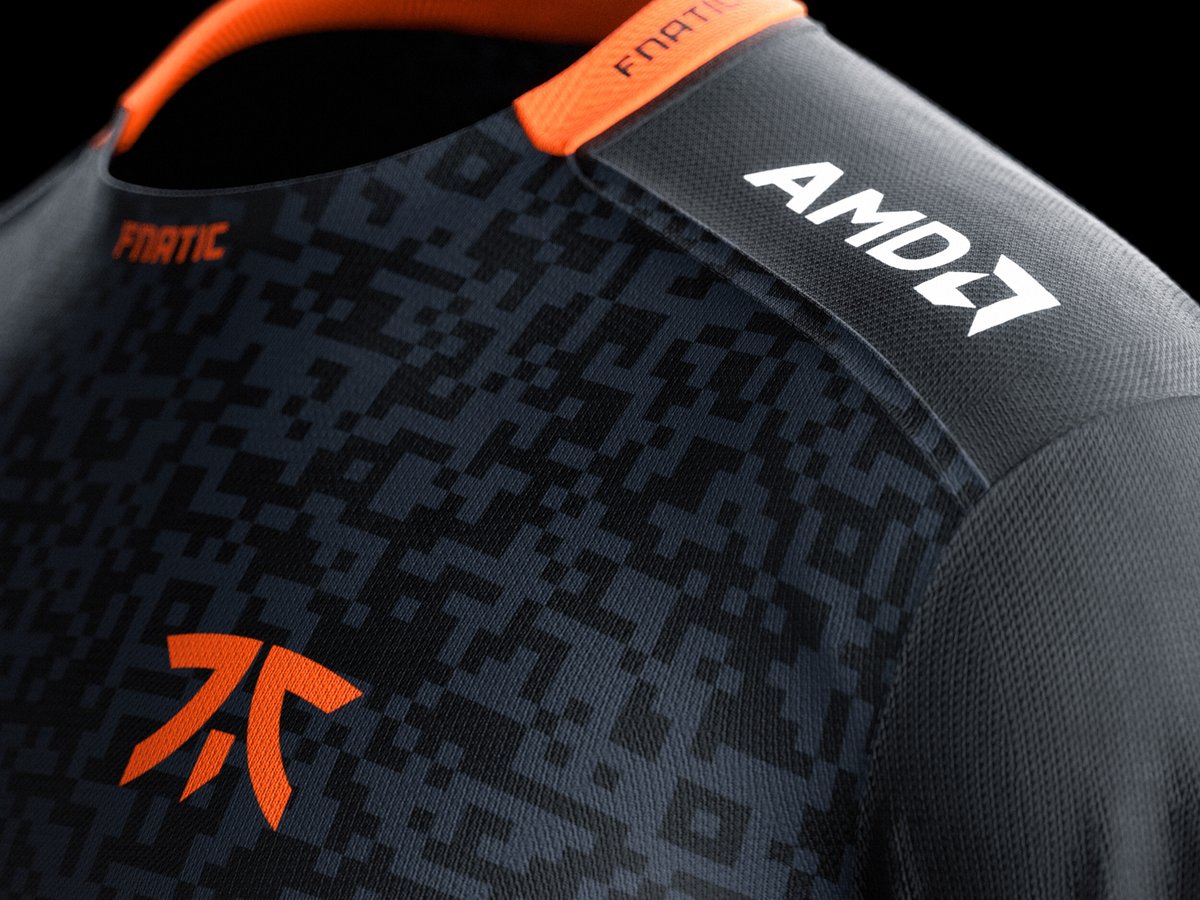 0
0 -
Here is a good discussion about this. There is a normal map channel in the graphics property editor, but you have to have it scale it correctly before applying it. My suggestion is to work your graphics outside CLO for the sublimated part using the exported pattern from CLO as DXF and then bring it to Photoshop. That way your sublimated graphics can be applied in the texture channel and on top of the normal map which defines the fabric type.
You could also mix the fabric texture diffuse map with the graphics in Photoshop to increase the details of the weaving. See the images below:

 0
0 -
Just read off the image scale size in CLO3D for the normal texture you use on the sports fabric texture the artwork/logo graphic will sit on top of - in the fabric texture slot. Maybe scale your tiled normal map for the logotype in photoshop to match that pixel size and texture scale in the 2D graphics area.
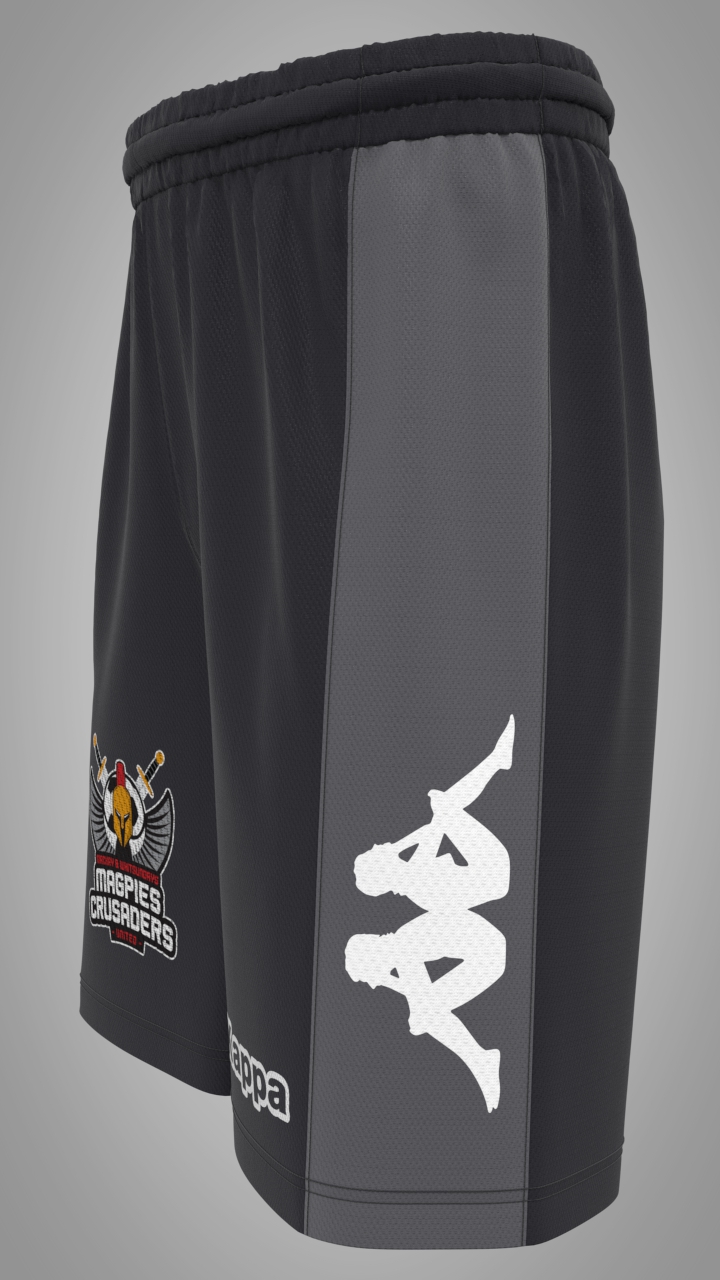
Above white logo 2D graphic with normal map out of scale with light grey fabric under. (So you can see the technical fault here)
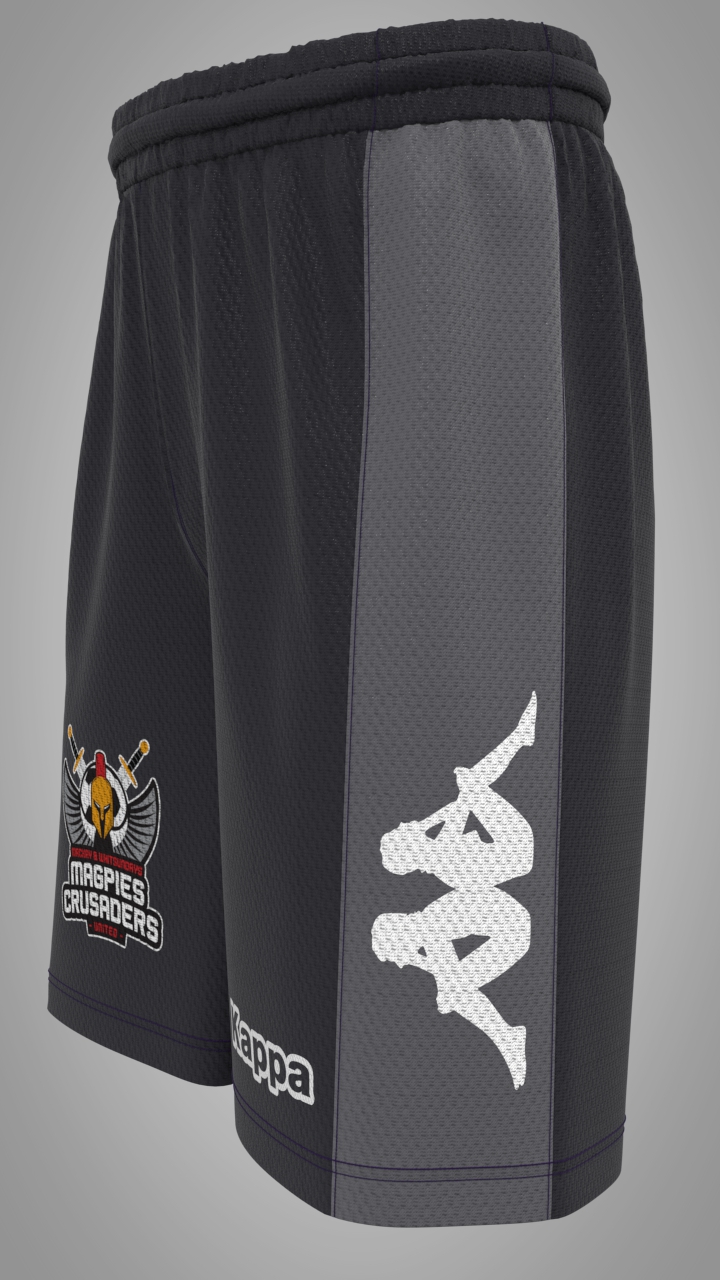
Then exaggerating this texture effect , the light grey fabrics normal map scale is read off and it's size noted down on paper and is then set to the same scale for the 2D graphic - now they appear to be basically the same scale even though there is a normal map with the fabric #1 and a second on the 2D graphic artwork #2. Both must be the same scale. Which means if you then scale your logo-artwork you need to adjust the normal map to fit the fabrics normal map under it and vice-versa. my suggestion is use the same tile map for the normal and make sure you scale your artwork to work at the same dpi scale as your fabric.
0
댓글