How to create grommet in CLO

Hi all,
I’d like to share how to create grommet!
Please follow the operations:
- Create an internal circle shape
- Cut&Sew the internal shape to create a circle pattern
- Add fabric and set the opacity to 0
- Apply the fabric to the circle pattern
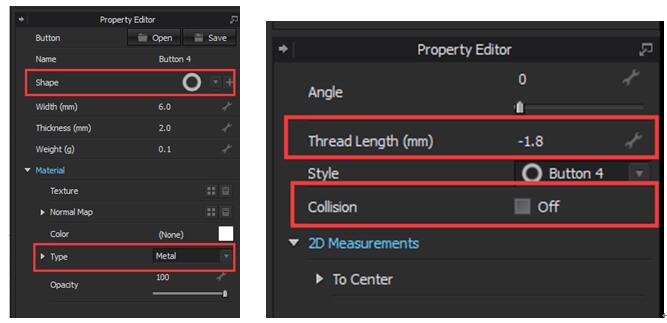
- Add button on the pattern and change the shape
- Change the ‘Type’ to Metal
- Click the button and change the ‘Thread Length’ to minus value
- Turn off the ‘Collision’
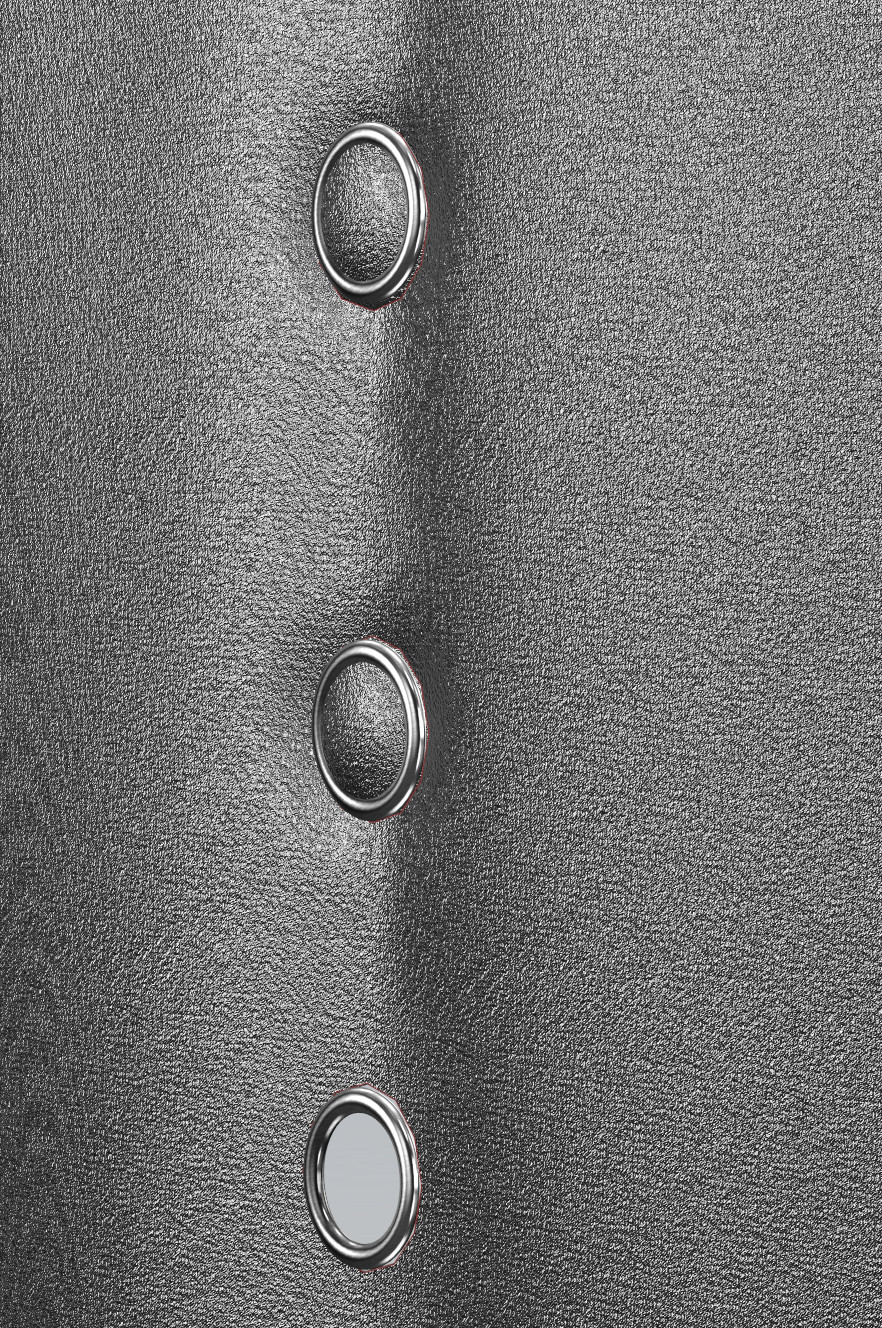
The effect is as below:
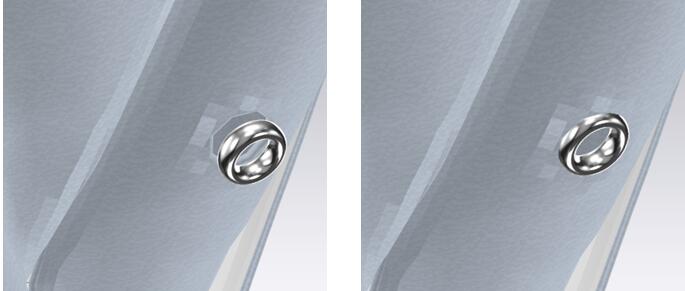
(Before) (After)
1
-
Super. Thx
0 -
Super. Thx
 1
1
댓글