Change of Hierarchy of Puckering and Topstitches and Graphic in the UVs

Hi,
I would like to change the hierarchy what I applied on the pattern pieces in the UVs.
I applied puckering and a graphic on this pair of pants and now the puckering is shown below my graphic, which doesn´t look as it should now...
Is there a way to change the hierarchy, so I get the Puckering on top of my graphic? 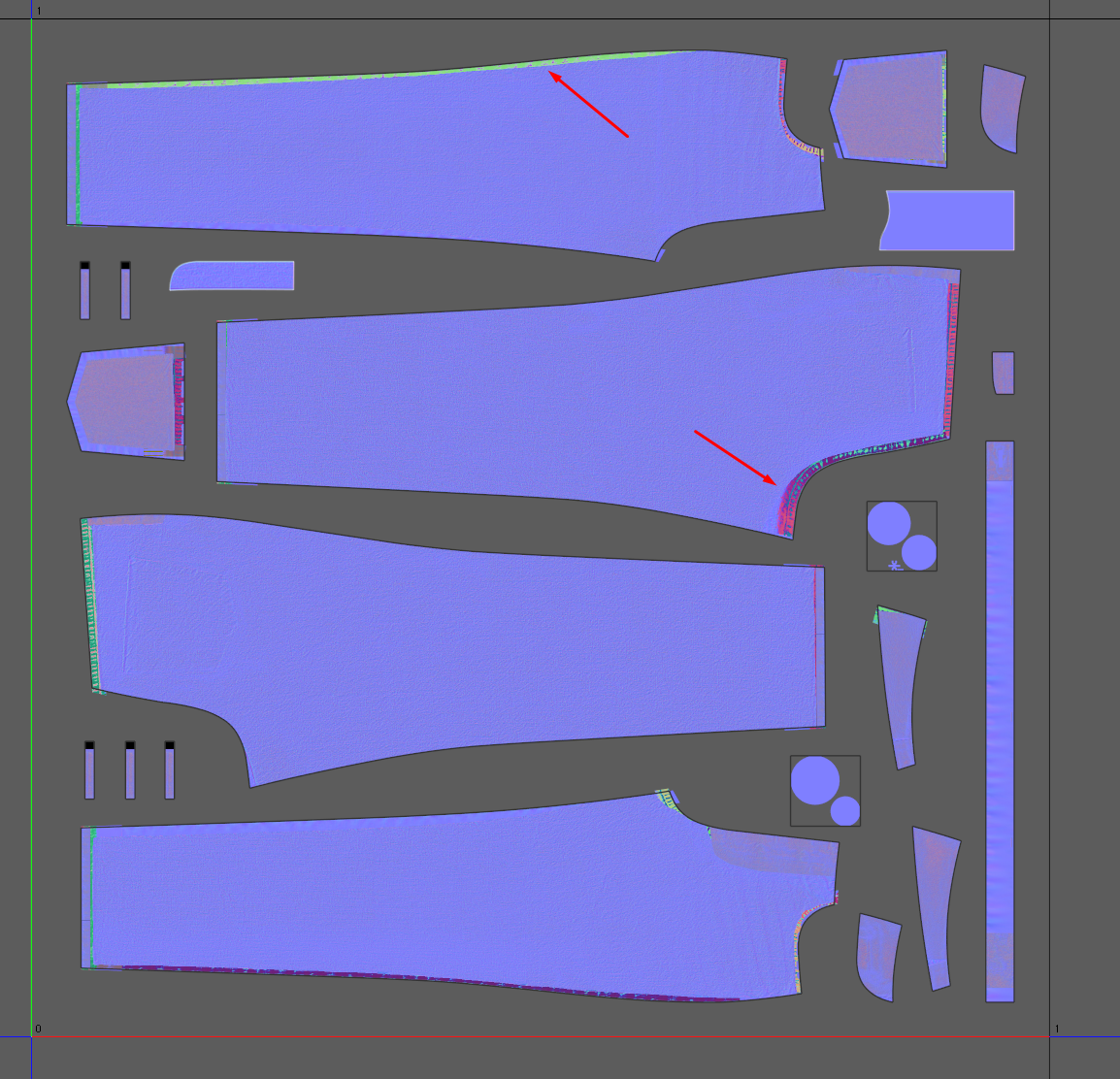
This does not only apply to the Puckering. My topstitches are also hidden under the graphic: 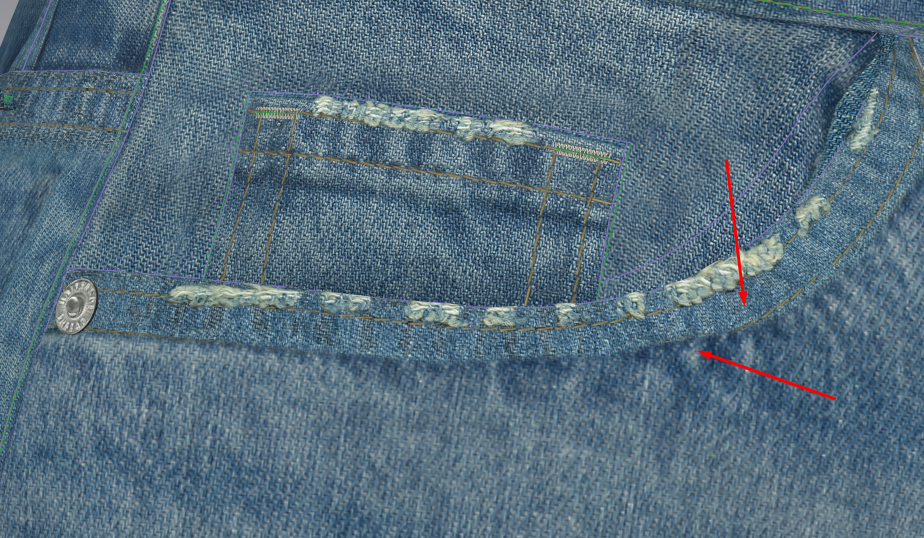
Thanks in advance for helping here, I am really stuck =/
Best,
Hela
-
Hi kammersenger:
Go into the main menu: Settings --> User Settings --> Graphic Options and try UDN under Normal Blending instead of the default setting Alpha Blending:
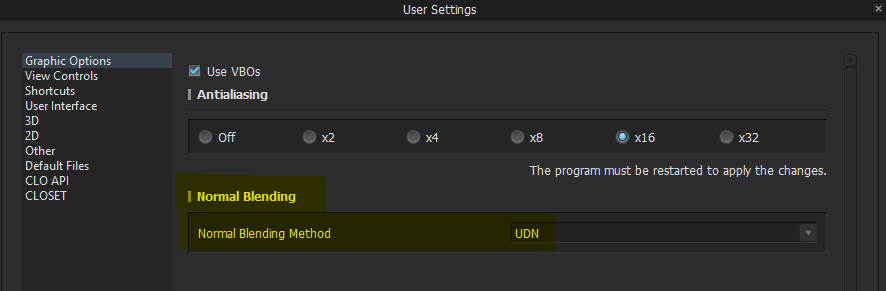
Afterwards, try saving your UV maps again and see if it works.
0 -
Hi,
Thanks for your reply.
It is a bit better, but the graphic is still on top of everything: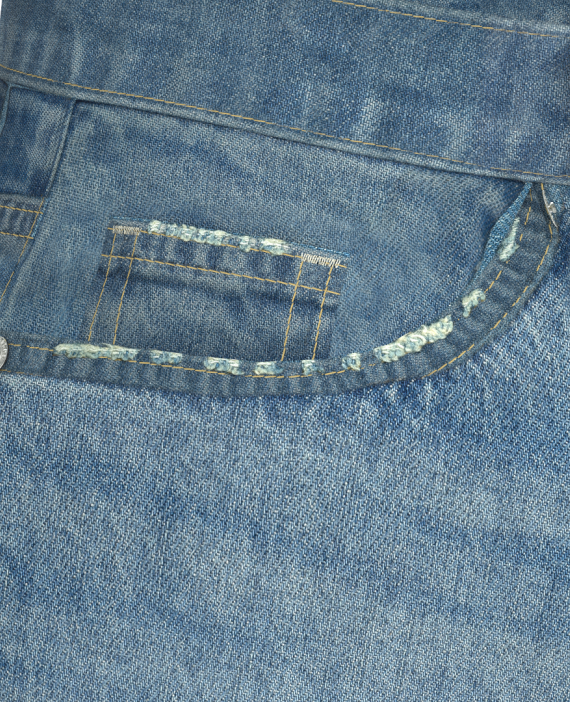
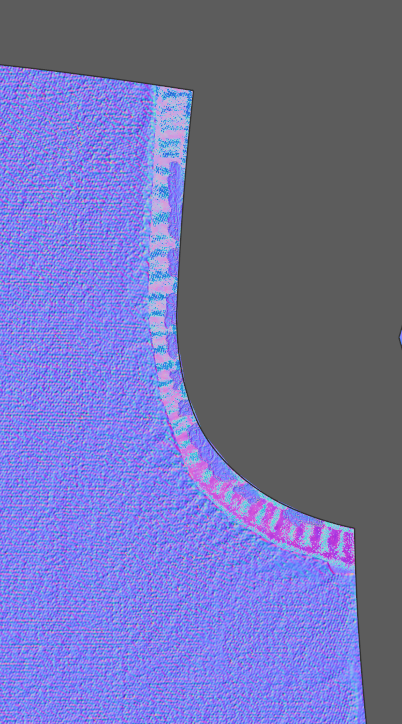
Is there a way to change the hierarchy of the applied treatments? Like a "send to back" of the graphic functionality?
Thank you very much for your help,looking forward to your answer,
all the best,
Hela0
댓글