Can not finish 3D Pen with curve

Hi
I import Sphere as Avatar. I try use 3D Pen to draw curve around sphere. But in the end, they are not curve. Details as below.

Need advice to finish with a curve.
Attached file
https://1drv.ms/u/s!AuAcyL2kNiCPkfpzPxKJ3hom_tRA3g?e=w0xZ7h
Thank
Travis
-
When you lay point you can do that as a straight line or arc (aka + shift) , so the last to first point therefore needs to also be a weight nurb/arc. If however you cannot get a large gap to curve nicely try laying in a few more points in that last section to reduce the nurb control points tendency to terminate on the closed point where the weighting may differ, this reduces the nurb handles weighting down over the lines length.
0 -
Thank your feedback ottoline
Did you try it?
Could you please give screenshot or video for more detail.
Thank
Travis
0 -
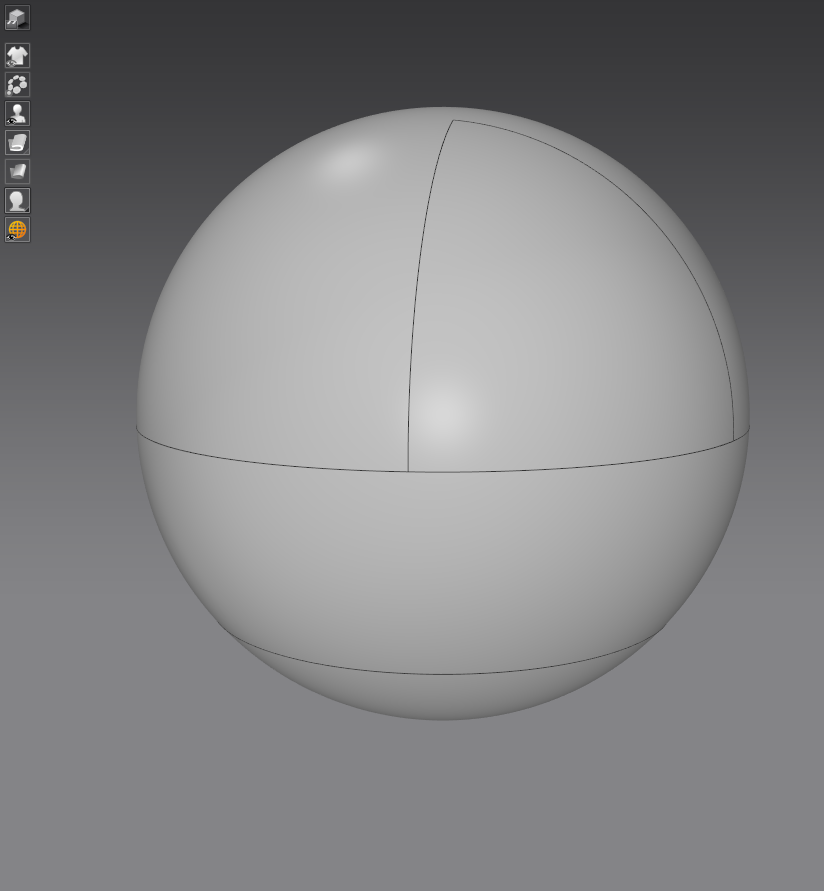
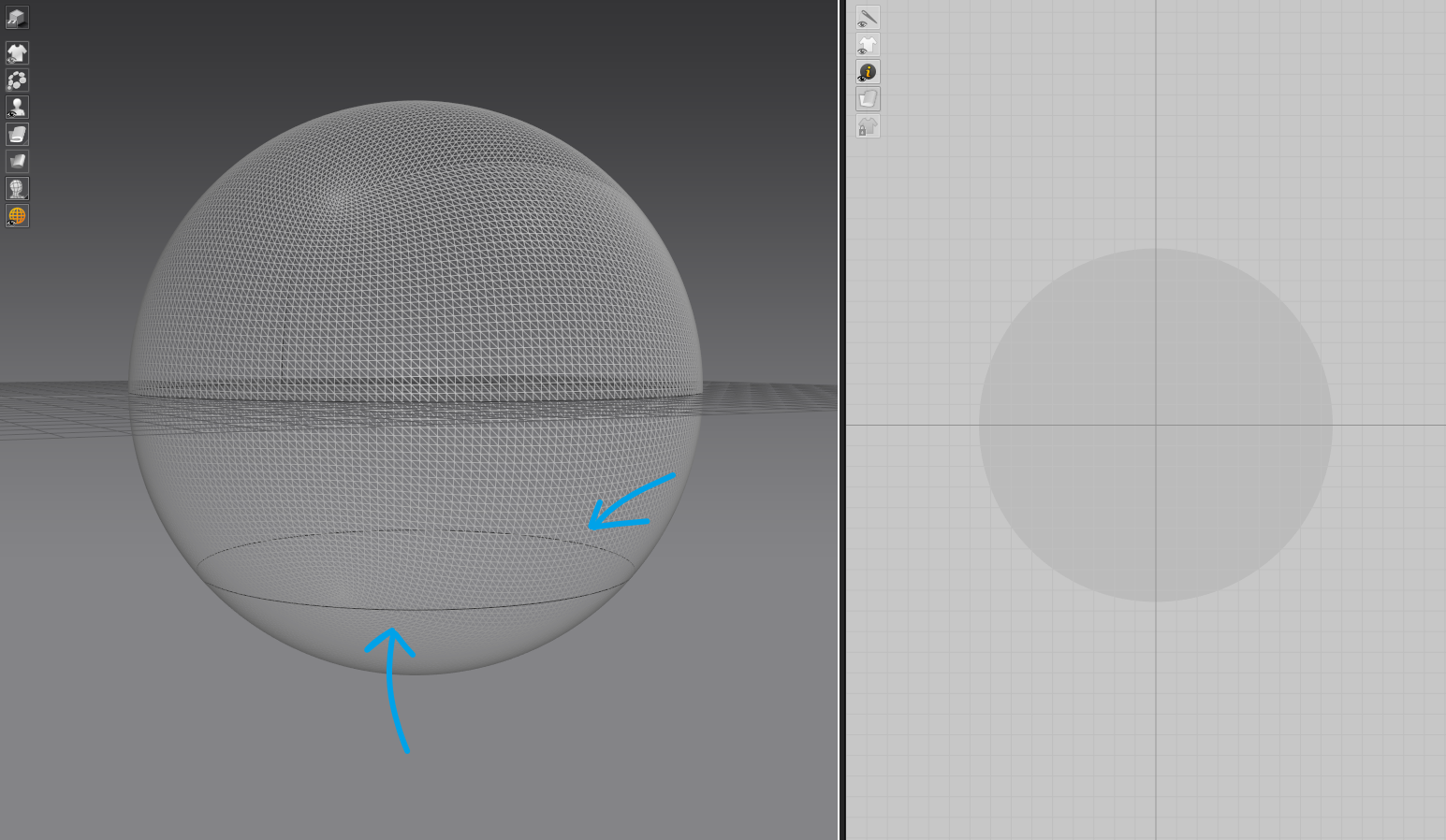
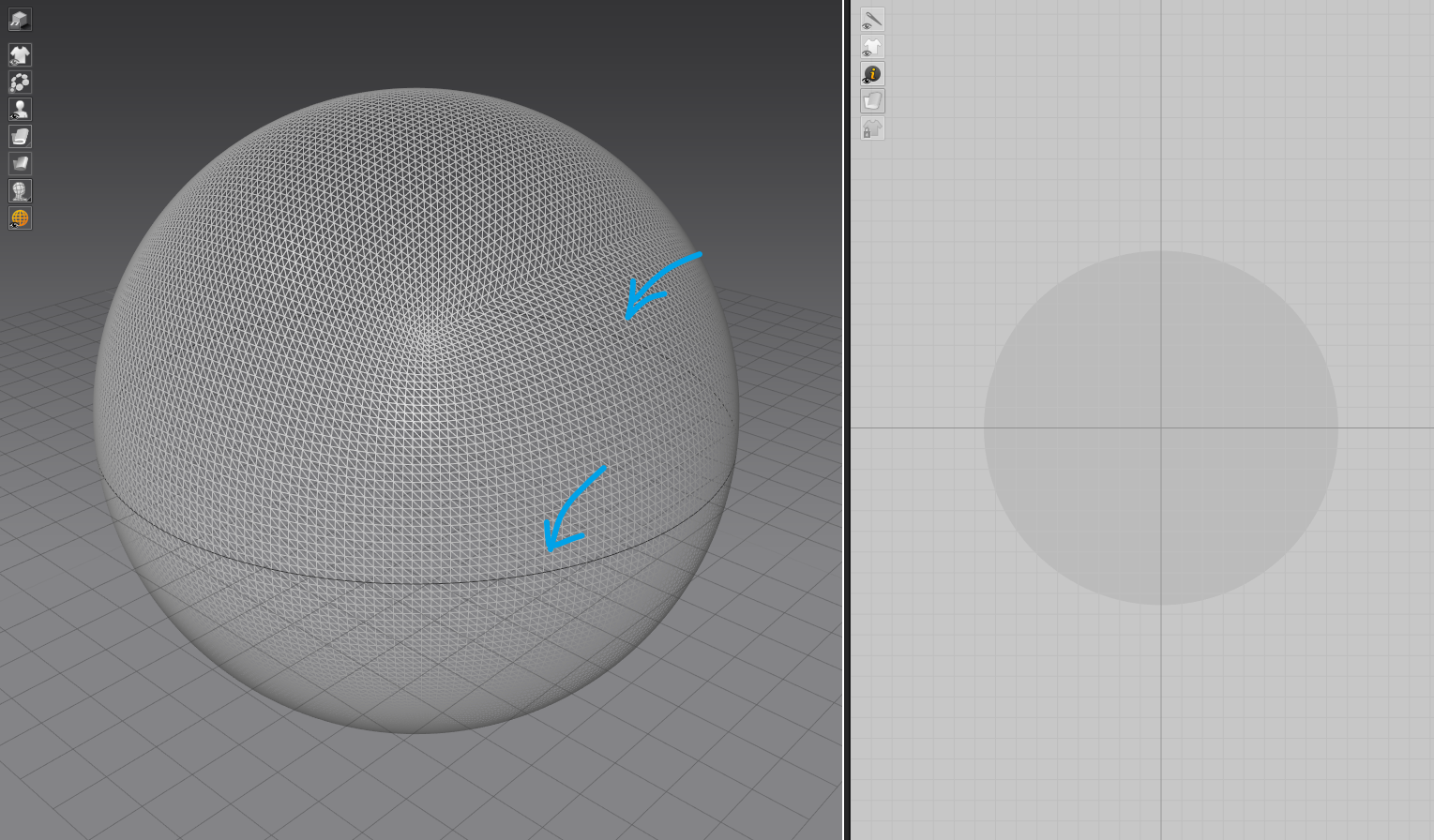
Yes > make sure your objects split lines (UV seam lines) are based on where you want to cut > or where there is shared object symmetry (let the blue auto-line feature catch up to your point placement as you lay points) . (MD /CLO3D)
 0
0 -
Hi ottoline
Not sure, I understand right?
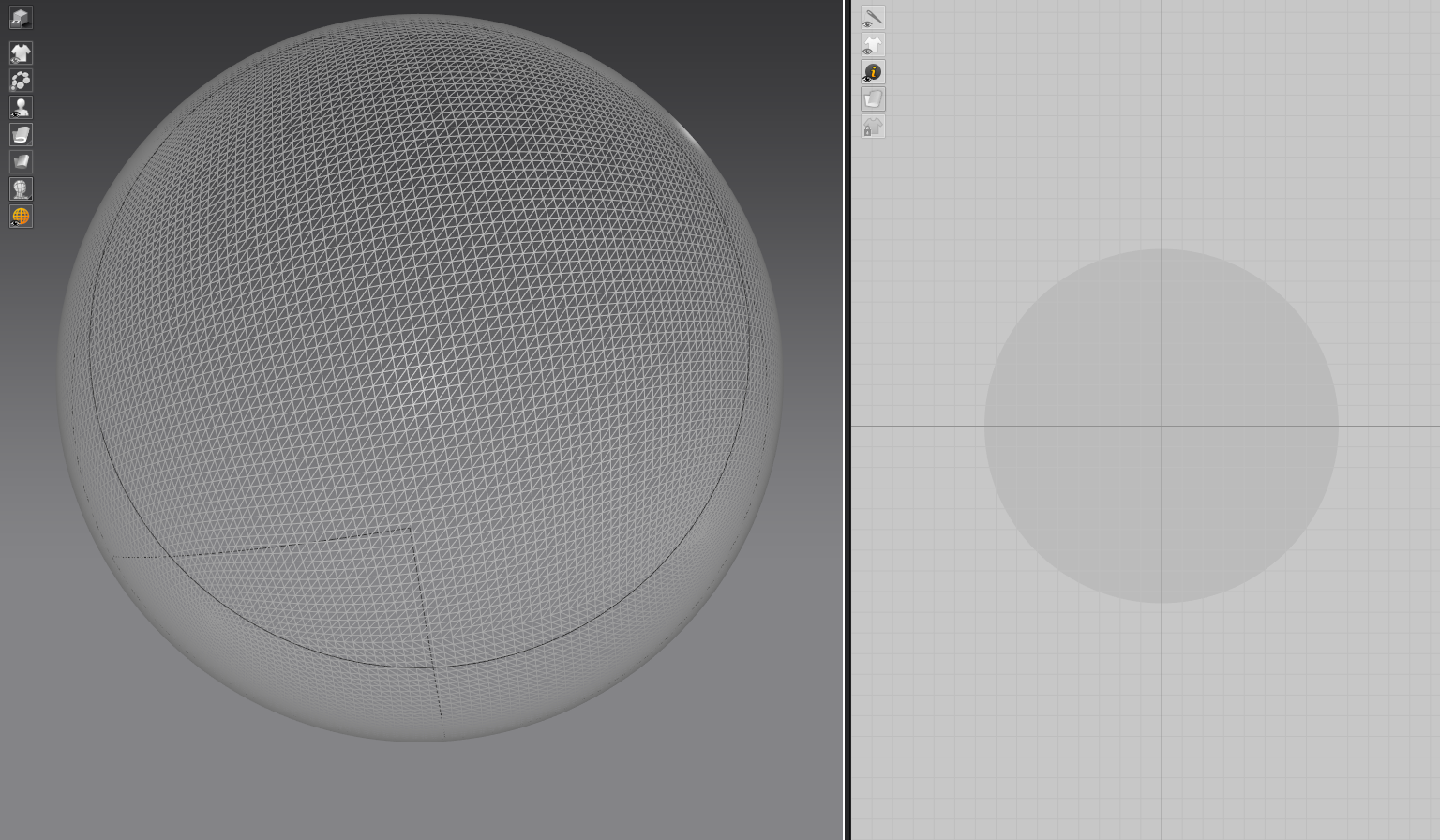
I come back model. Subdivide more polygon then make a seam as below
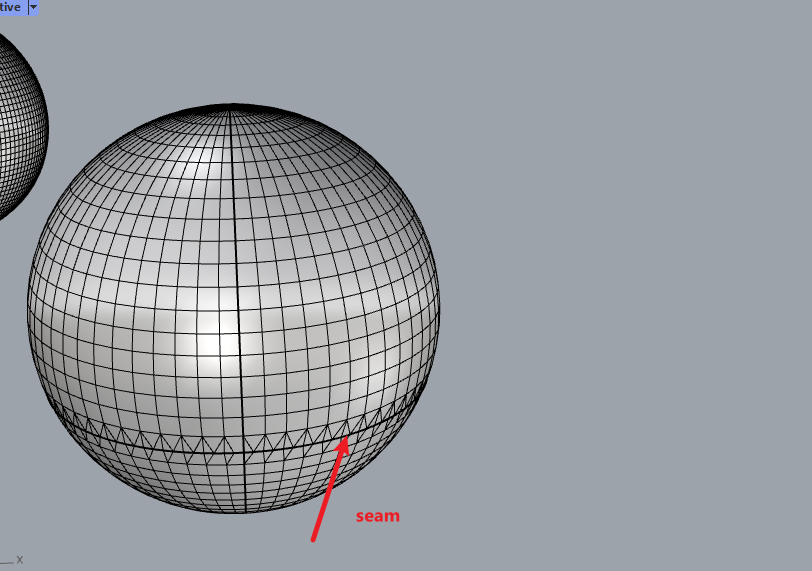
Re-import in Clo3d
Could not snap in position of seam
I try to draw curve, but still can not perfect curving

In your screenshot, You did not show the points. I could not find out how far from start point and end point.
Did you reduce the distance from start point to end point?
Thank
Travis
0 -
Yes basically just place a point closer to the start point to reduce the weight on the nurb, also make sure you take your finger off the shift button when you close the poly-line with a double click on the 1st point to terminate the closed chain.
Any animated gif is limited to 2mb which is ridiculously small to see the line weight - so an enlarge view below.
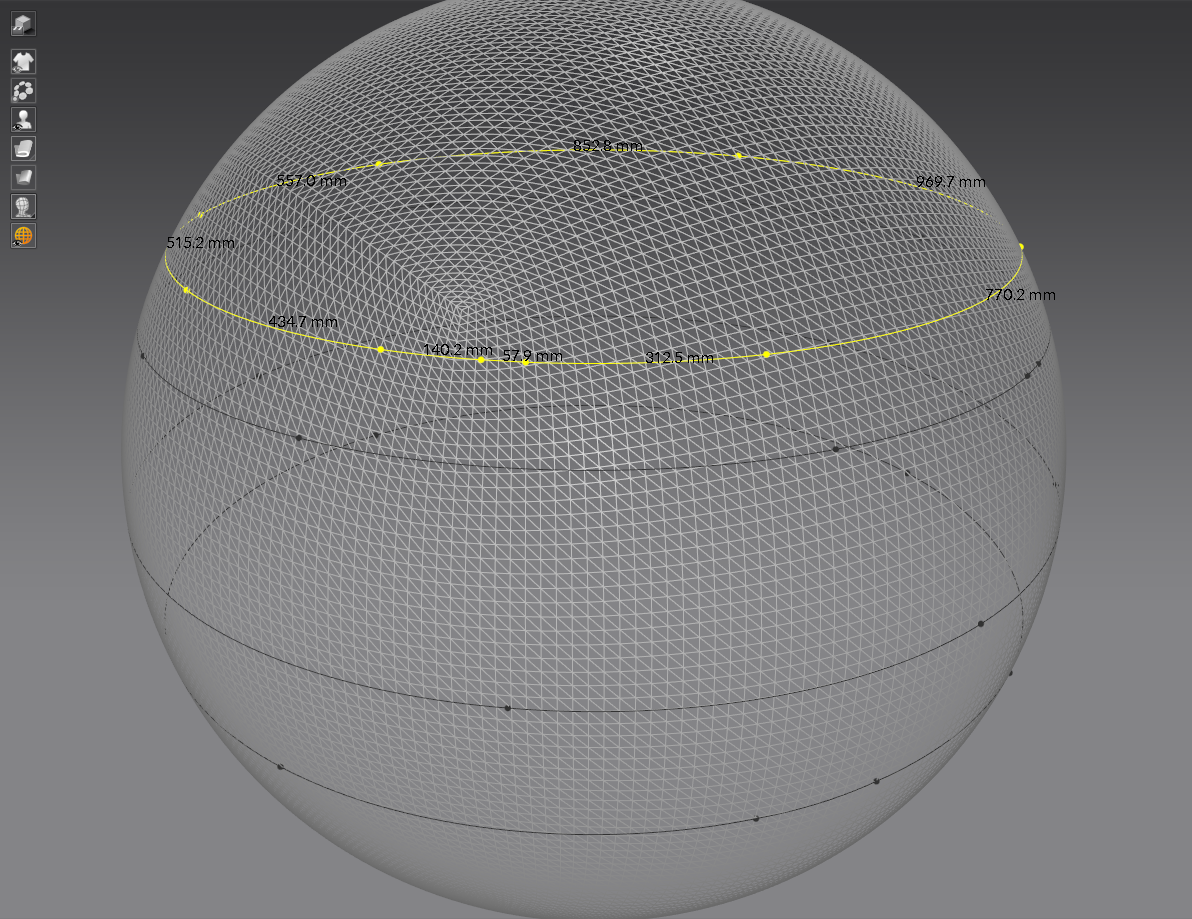
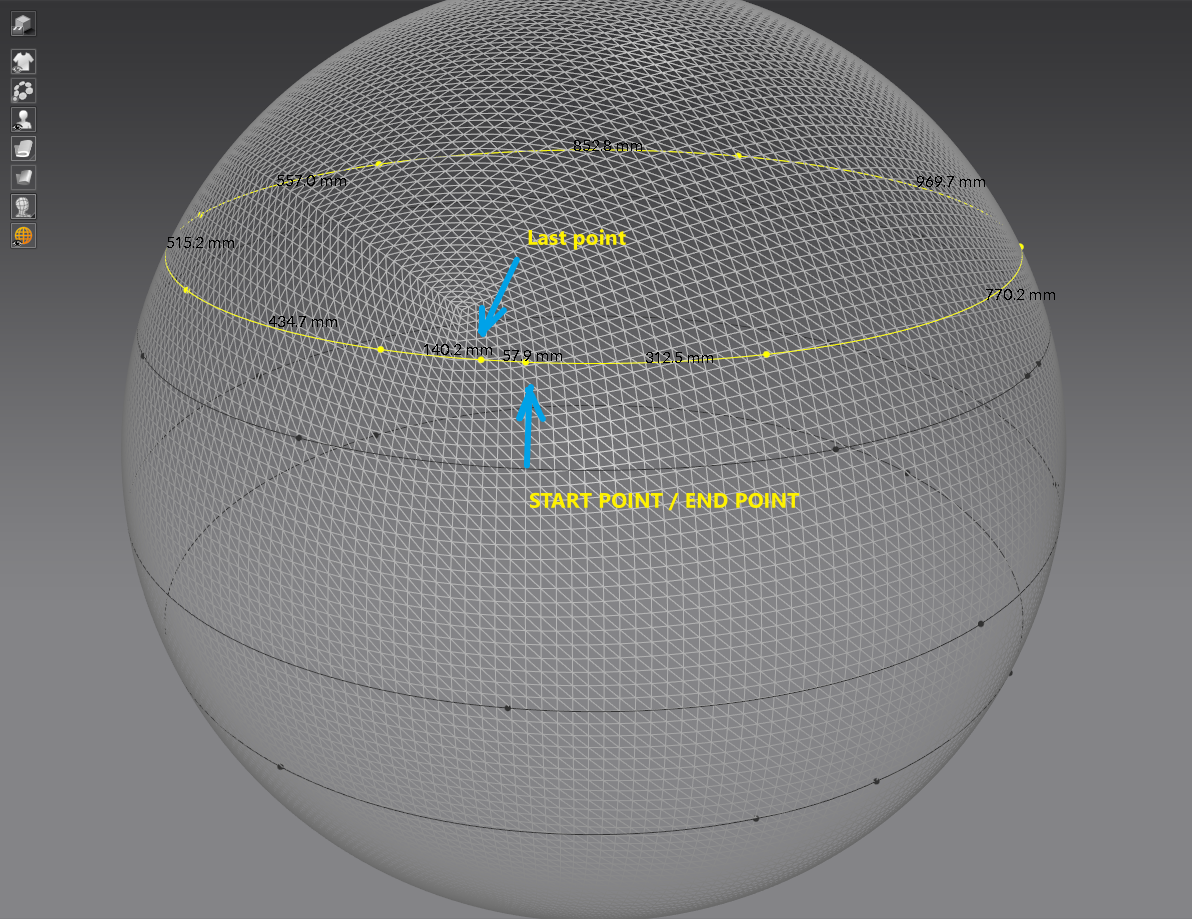 0
0
Commentaires