Help to make stable curved fabric/trim

Hello!
Does anyone knows how to achieve stable curved form that works with animation? I need to make big curved shoulders, I thought if I will make curve form & freeze it that will be enough. It's perfectly works with stable simulation, but I need to make animation afterwards, so freezing these details will not work when avatar walks..
I also tried to convert these details in OBJ and glue to neckline seam but they fall when I start simulation..
I tried to assign hardware/trim preset for fabric & change fabric type to plastic but it only works if I freeze these details before simulation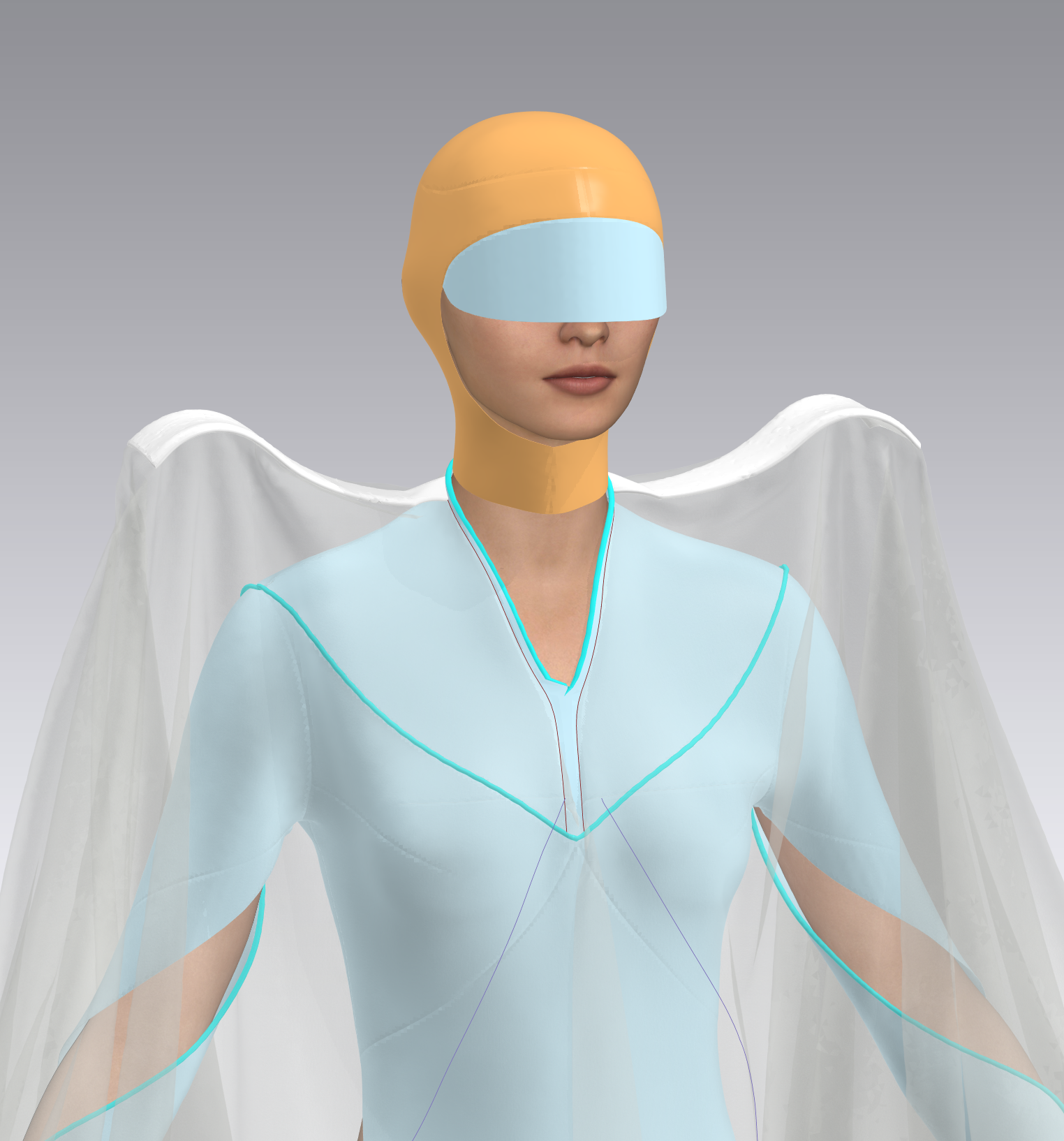

Kind regards,
Anastasiya
-
You could save just the frozen shoulder elements (with a hidden neck brace pattern to help hold it in position) as a separate object (.obj) item and then import that frozen mesh into the application where you carried out your avatar animation and then animate that combined setup as an joint avatar. Then sew (tack) the fabric to the new imported avatar with shoulder rig.
Alternatively you can export just the should elements as 'object' trim and re-import as a solid mesh trim object. However to position it so it stays on the avatar in position might mean you need to include a hidden torso skin (vest) that is unseen when your main garment is over the top.
My suggestion is export to your CG modeling application where you did the avatar character motion sequence and combine the shoulder elements with this avatar and animate so you are happy with it's general movement > then import as a new avatar and sew or tack cloth onto that element. You could do a dry run for this without an animation sequence to simply ensure you can assemble the final garment (tack or sew) onto the re-imported object shoulder pieces (either as a combined avatar , second shoulder piece avatar or as separate object trim). So 3 options.
0 -
Dear Ottoline,
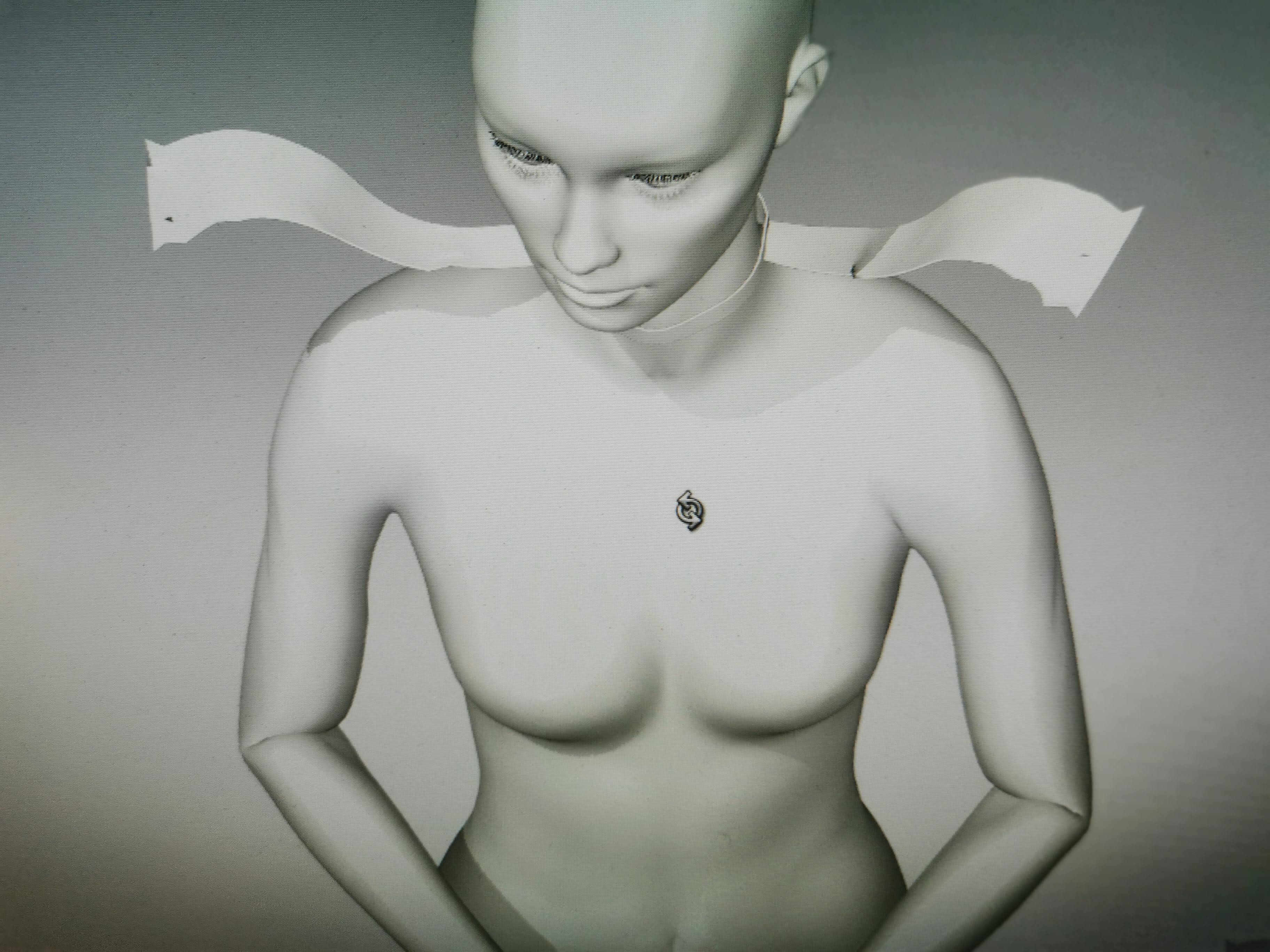
Thank you so much for detailed explanation! I tried first option - make combined avatar with shoulders elements as .obj (saved as avatar). I tack fabric to these shoulders elements but I found that my obj avatar has no joints so I couldn't apply motion to it. I converted my obj figure into avatar using "auto convert to avatar" to get rigging, but, I guess, program can't identify my shoulders elements as avatars parts so it didn't apply joints on them. Anyway,I am close to my idea, - animation works well with this avatar with shoulder elements, the only issue is that these shoulder parts got broken (raw edges) a bit while animation. Do you know how this problem can be solved?
P.S.: I use CLO3D for avatar animation
 0
0
Comments