When I import the Alembic file, my avatar appears lying on the ground.

Hi I'm trying to import an animation in alembic in Clo3D, but when I import the avater the latter is displayed with the wrong coordinates, if I try to move the avatar the animation is deleted...
The same happens with Fbx files where the avatar does not respect the movements of the animation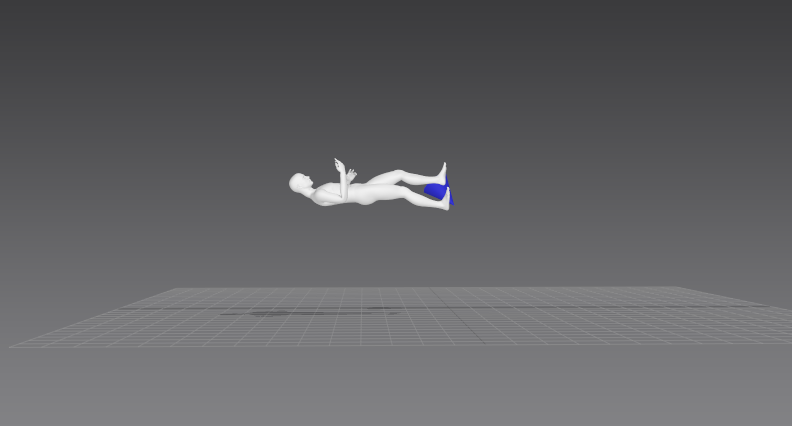 pictures are of the alembic file. ( In marvellous this file works fine)
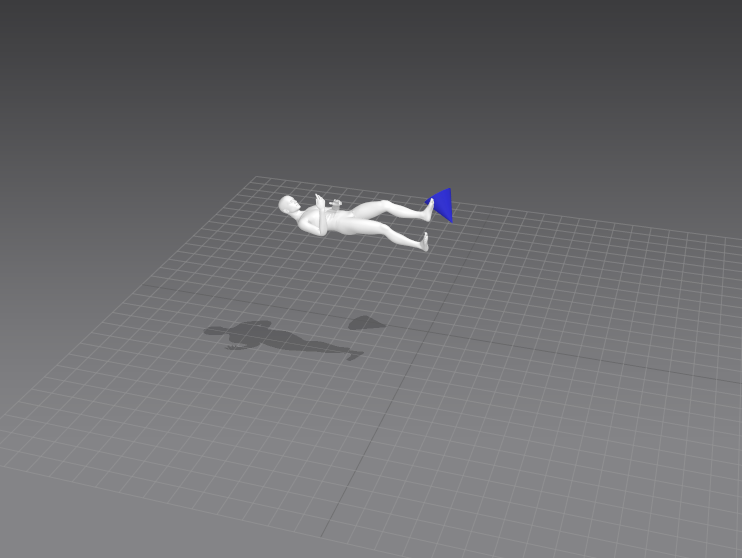
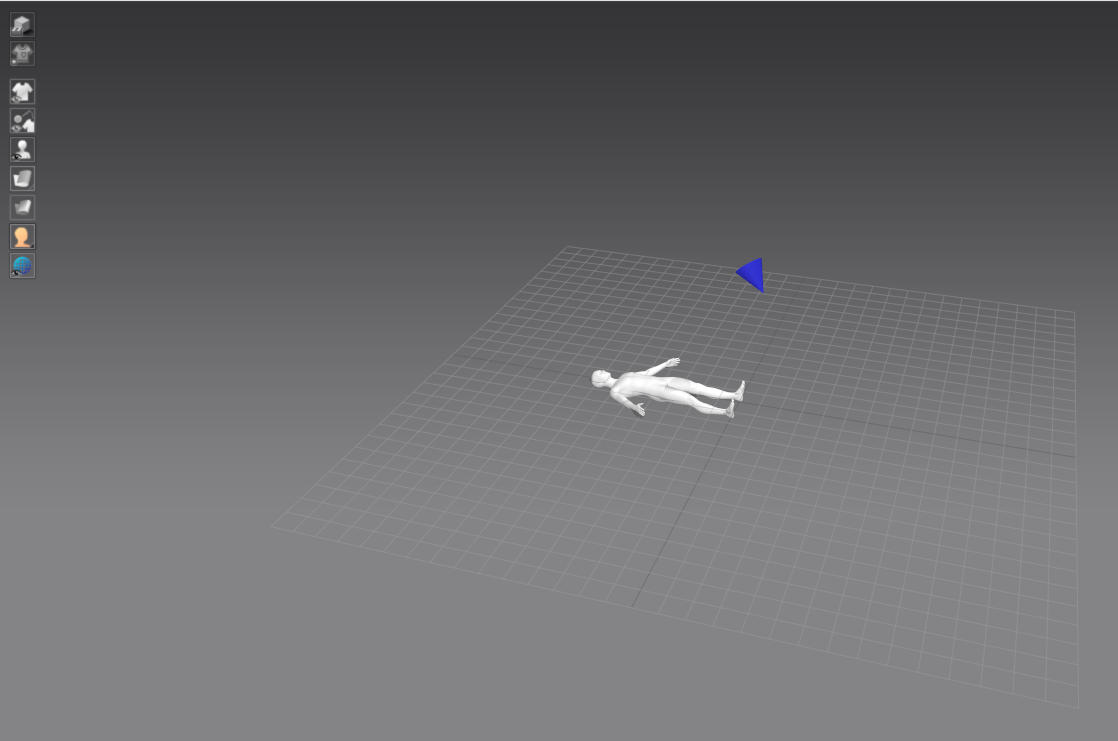 start position of the animation..
-
Hi jekos
I hope you are well and sorry for the inconvenience.
Could you send a screenshot of your import options for both the FBX and ABC files?
Thank you.
0 -
When you import any datafile you have the option of changing the x,y,z axis co-ordinates for the incoming file.
Similarly when you export a file from your previous system you have the option to choose the x,y,z axis co-ordinate for the world axis to match your next software. These often need to be checked in both on export from your previous software (x,y,z, axis swizzle vector orientation) and on import (to CLO3D) to your next system, these are not universally kept to any one standard so the 'human check' between softwares becomes part of the process. The good news is that good 3D software's genrally allow you to save a 'export preset' for this x,y,z axis orientation and the format type such that you can recall that custom preset to work with your next software's workflow. So also check out the manual on your previous CG software and see if you can set a custom export preset that orientates the 3D scene (model) world axis to the same as the CLO3D default import orientation > then you will have a seemless process and only need to call up that custom preset rather than manually do this each time. Do once- do it well.
0
Comments