OBJ button texture

Hi everyone!
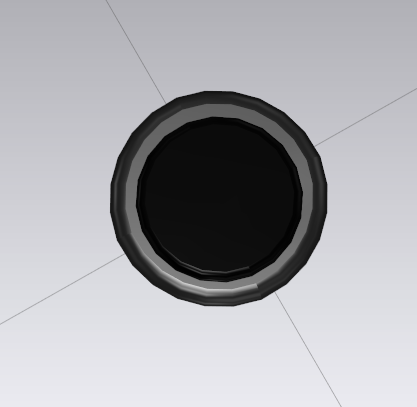
So i ve been creating that simple button (1 pic) in clo which has two colors and two different surface reflections ,but when i try to make it as a custom button or just apply as OBJ it gives me just black one color button where i cant use two colors(second pic)
 `
`
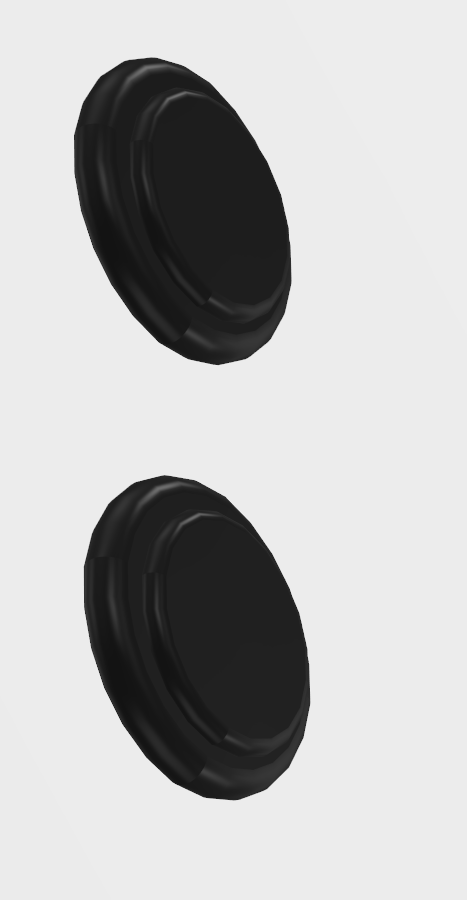
I ve been trying different export settings but its all leading do the same result,
Hope someone has an idea how it possible to solve,
Many thanks^`
-
This is the same process I use in MD, you can create your own custom buttons externally very easily, I must have about 1,000 types, all set up in an automated button and trim configurator that creates a set of trim using algorithms or sketch design into a 3D object in realtime, that way I get all my matching rings, latches, brooches and buttons saved out as a complete set including all the texture maps and location points for each item.
However aside from automating the entire trim process externally you can add in a replacement texture map (PBR) to get the diffuse, reflection, normal and displacement working on a base material button.
See below how a new button shape uses PBR metallic texture maps, with diffuse, normal, reflection/gloss on the model shape and how the base shader for the button type is set to metal, when imported into MD. That is the same process for CLO3D.


What this means is your base button should be set to white color, and the base diffuse texture map should be the color of the button. So this is the image texture map you should have the white ring also rendered in on that 2D image you wrap on that button. To get the gloss /reflection variation you need to also include a black and white grey scale image to indicate which textures should be glossy and other matt. You can load these texture maps into your new custom button to suit the texture detail you want to render in the PBR material. So I suggest you explore the texture maps for that button and edit them in photoshop to suit the colorway and gloss levels you want , then simply load them into that button and save as a new custom button with an small rendered thumbnail image to represent that new item in your button library.

 0
0
Comments