Turning the label of the back of a shirt to the inside

Hello,
i am stuck with a little problem.
I added a necklabel to my polo but it is sewed to the backside of the polo.
I want to show on the front (sew it on inside of the polo fabric)
can anyone help?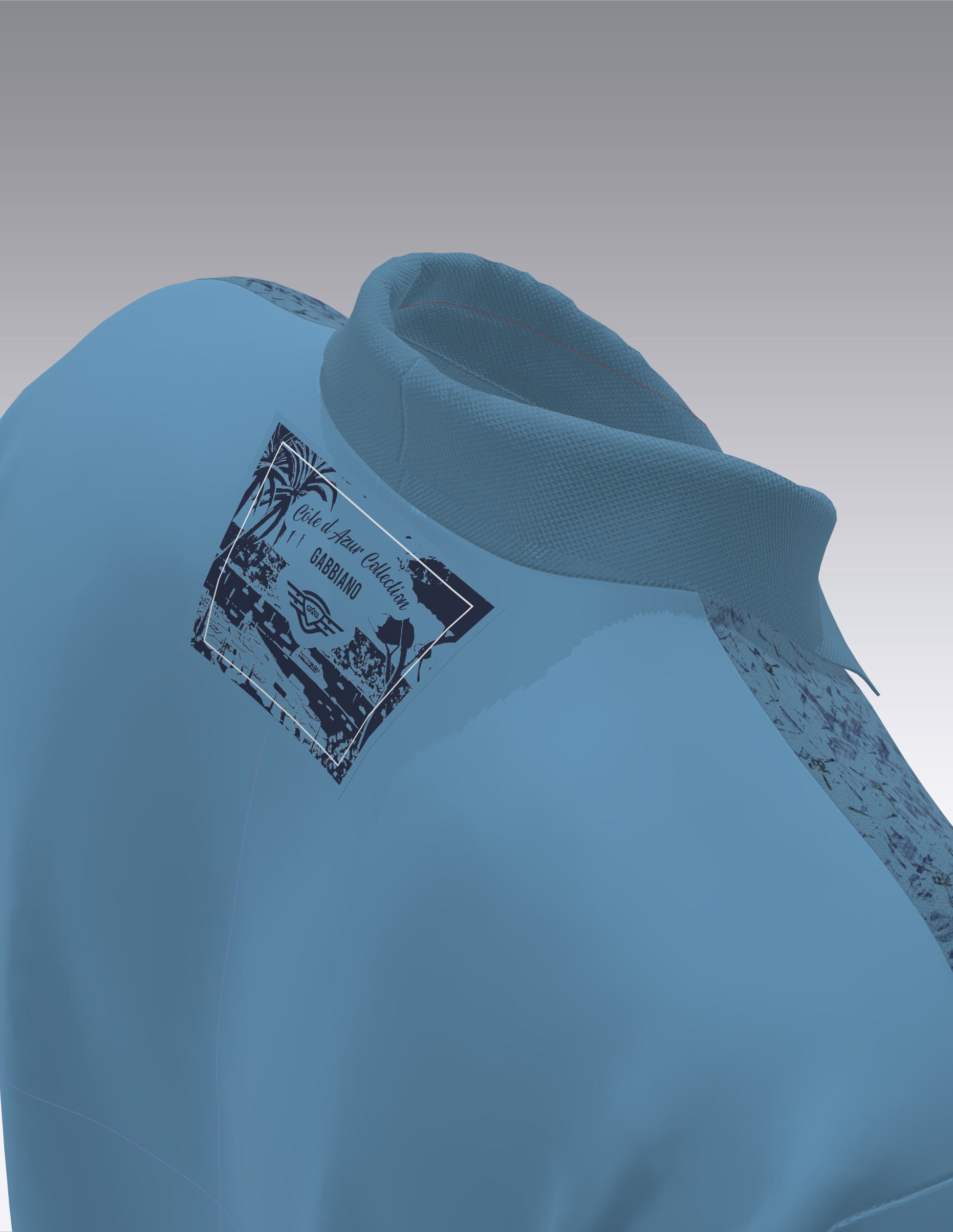
-
It is a pattern or a graphics?
If it is a pattern place it in the 3d window as super impose under, probably you must have to flip the normal beacause the outside of the fabric is by default showed toward the extern.
Another way is to sew the label in 2d window flipping the sewing line( Like it was sewed in the wrong way, then place the label in 3d window from the inside of the garment 8 hiding the avatar
for a moment and place the label close to the inside back of the t-shirt.
If it is a graphis you have just to select it and choose in which side of the garment you want to show it.
Hope this help you.
Daniele.
0 -
hello daniel thanks for the fast reply.
it is a pattern with a 3d graphic print on it.
the method you said flipping the sewing line, I want to do that but don't know how.0 -
I hope this image can help.
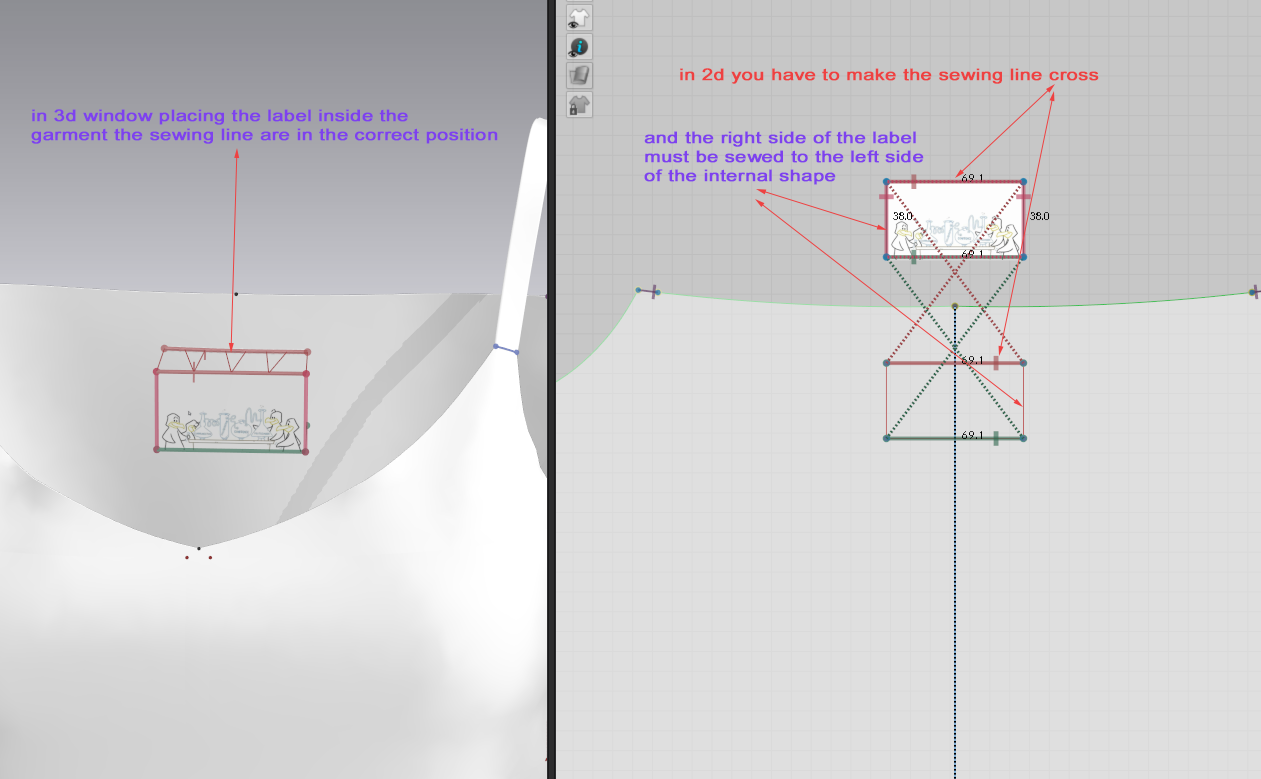 0
0 -
Also, besides Daniele's method, you can do this in two steps in the 3D Window, once you have the label sewn in the 2D Window before making the stitches reversed (just like you had it originally when you asked the question):
1. In the 3D Window, right click the label and select "Superimpose (Under)". This will move the label to the wrong side of the fabric (assuming you have the right and wrong side of the back shirt correctly placed).
2. Right click on the label and select "Flip Normal" This will automatically reverse all the stitch lines and put the right side of the label fabric facing you in the 3D window. This is what Daniele suggested, but done automatically.
I hope this helps!
P
0 -
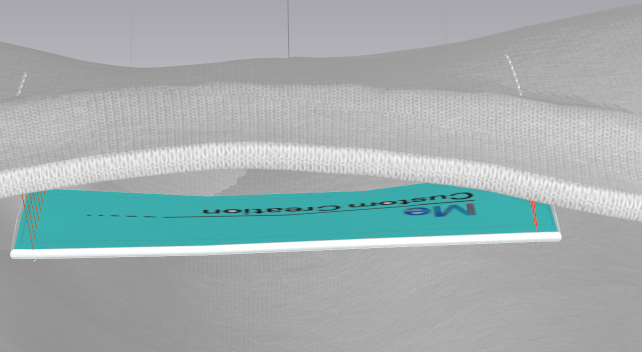
I feel like I'm going insane! I am doing all of the above and when I hit "flip normal" I get this: (I turned the backside blue in order to tell the front & back sides) Just to confirm:
1.) Place label in 2d window & sew
2.) In 3D window, do you place the label on the inside of the garment or on the outside before you Superimpose Under?
I am using 6.0 if that makes a difference. TIA!
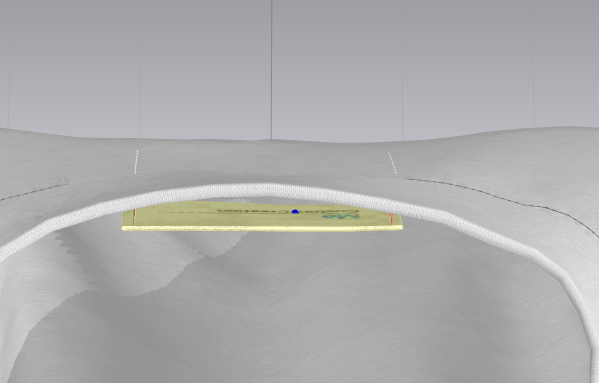
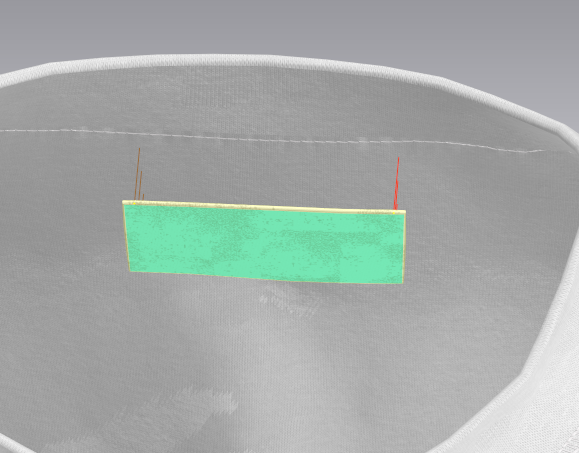
edited to add: I just tried again and it worked EXCEPT the graphic is on the back side after I flipped normal. hmmm.....
 0
0 -
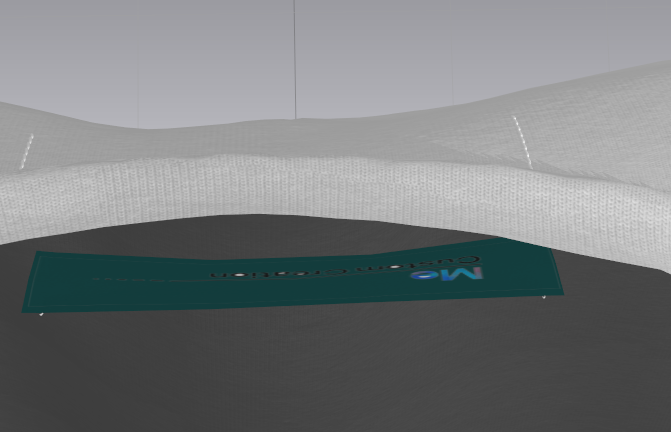
Can you show the last image on textured view (Alt+2)?
0 -
is this what you are requesting?
 0
0 -
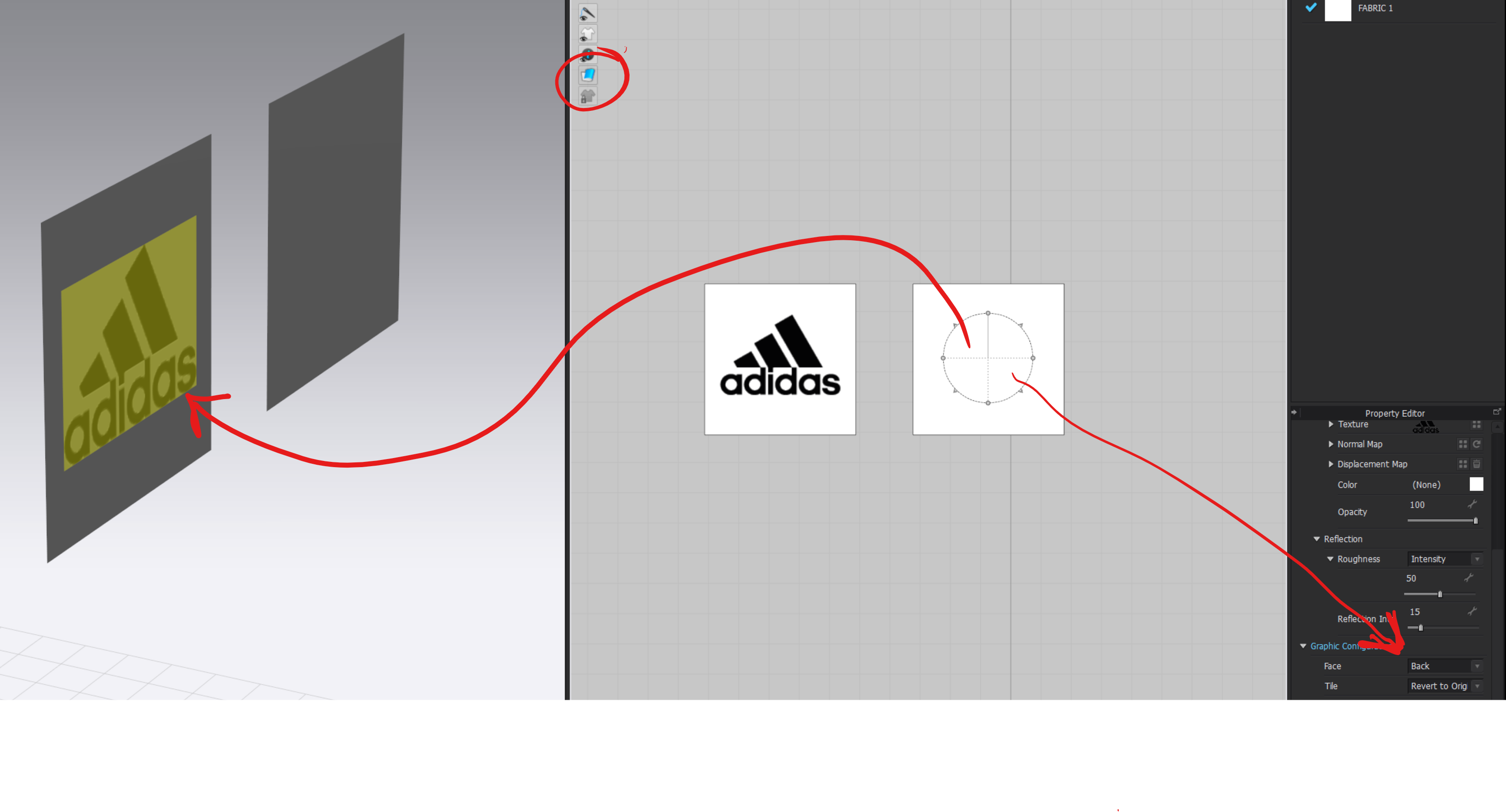
Well, I need to know which side is the front and back side of the label. Here it seems that the graphic is on the back side of the label. You have to go to the 2D window and check that your graphic says "Front" in the Face configuration. Yours seems to be like mine in this example.
 0
0 -
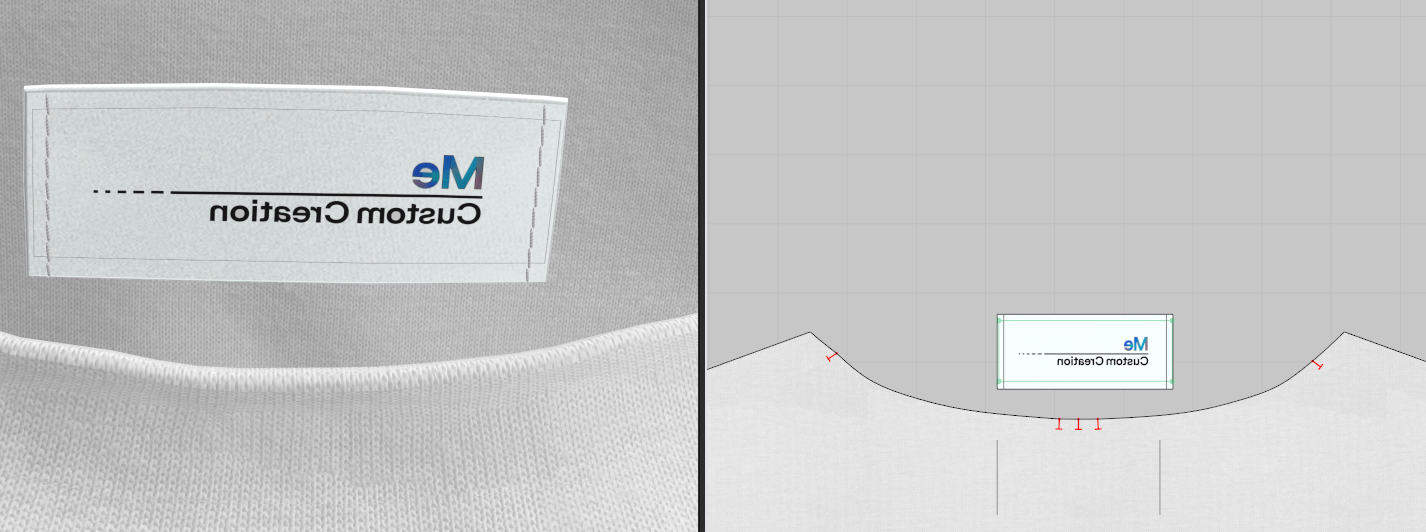
pablo.quintana aha, did not know there was that option. Not sure when that got switched up...thanks! But now it is mirror imaged...?
 0
0 -
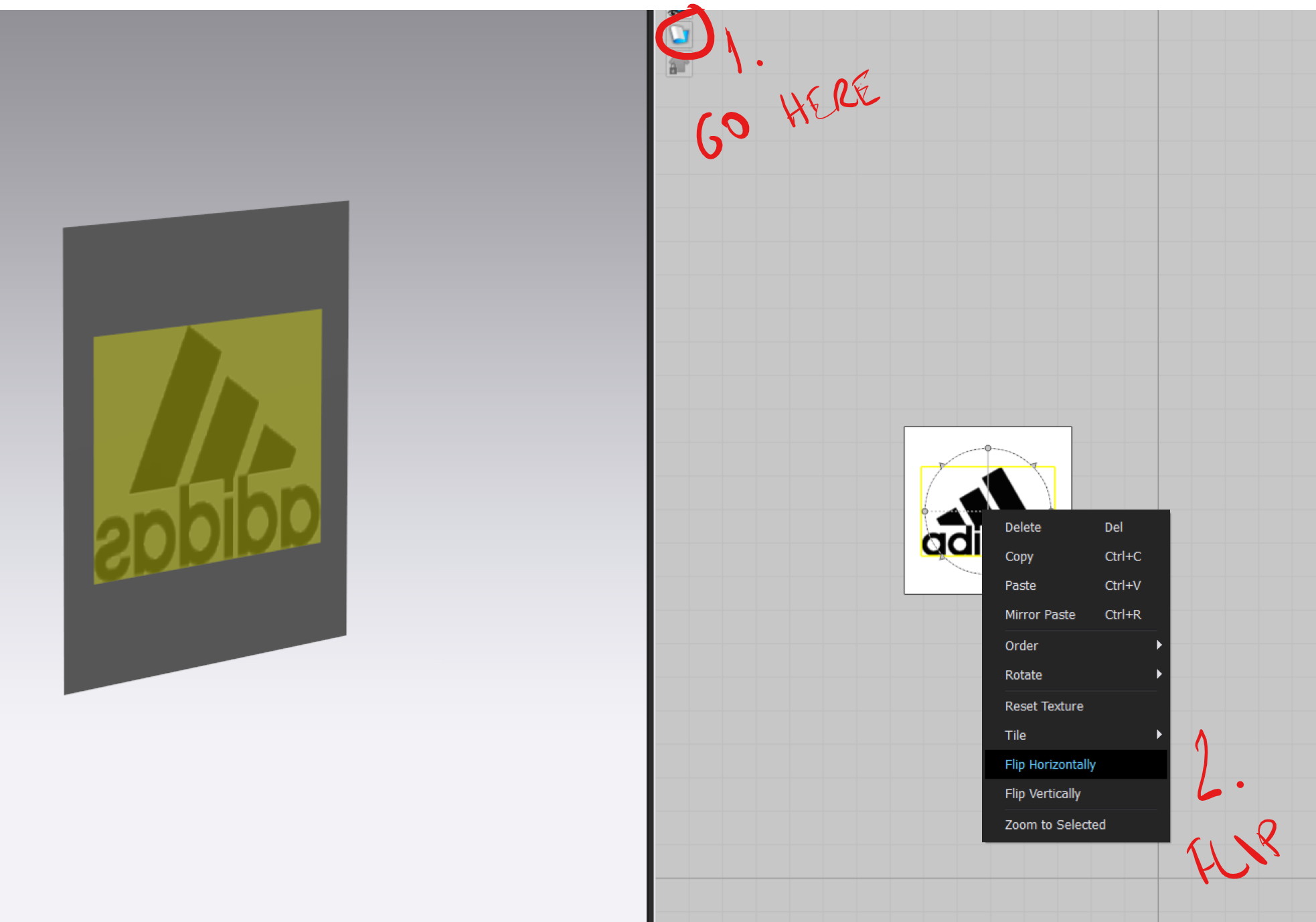
Go to Back Texture Surface and then flip your image.
 0
0
Comments