Render avatar with glass texture

Hello together,
I simply changed the texture from the Avatar to Glass (Render only). But as soon as I start the final render, the avatar disappears completely and you can only see the garment.
Does anyone know what the problem is or is it not possible to render with Glass texture?
Best Regards
-
I'm using 5.1.436 and I was able to render Emma v1 as glass.
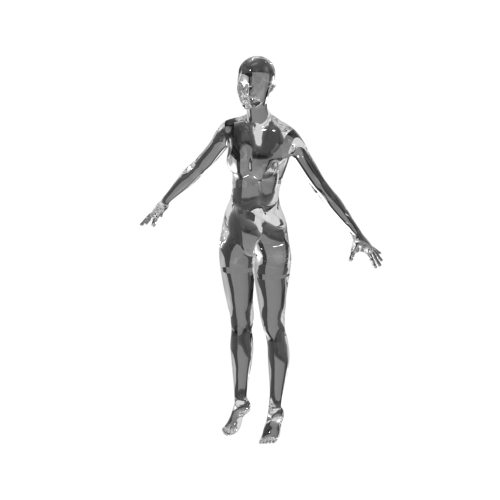 0
0 -
Thanks for your pic, but in my case its really not working out. I have the latest version of CLO3D.
This is before the final render
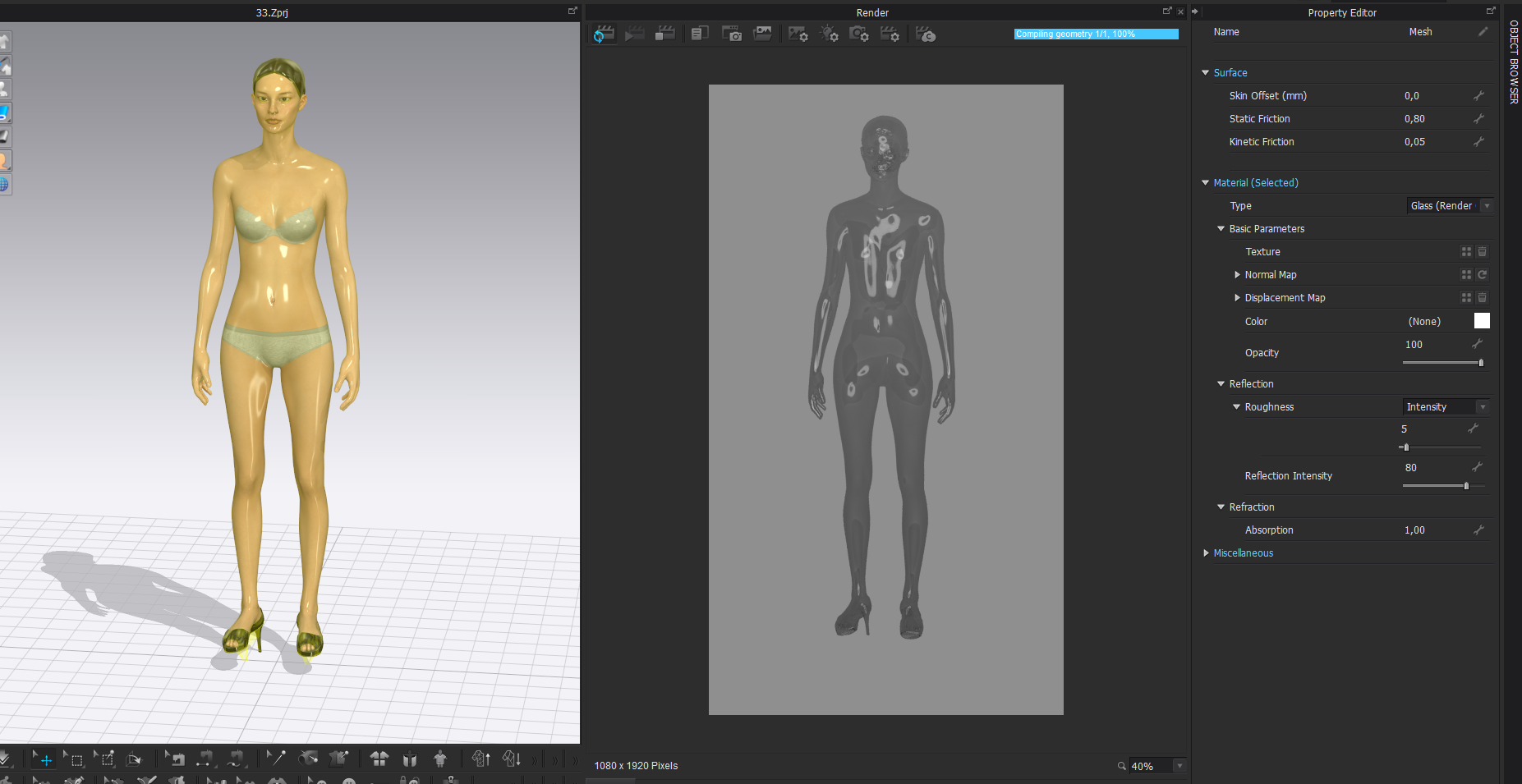
and after starting final render avatar disappears...
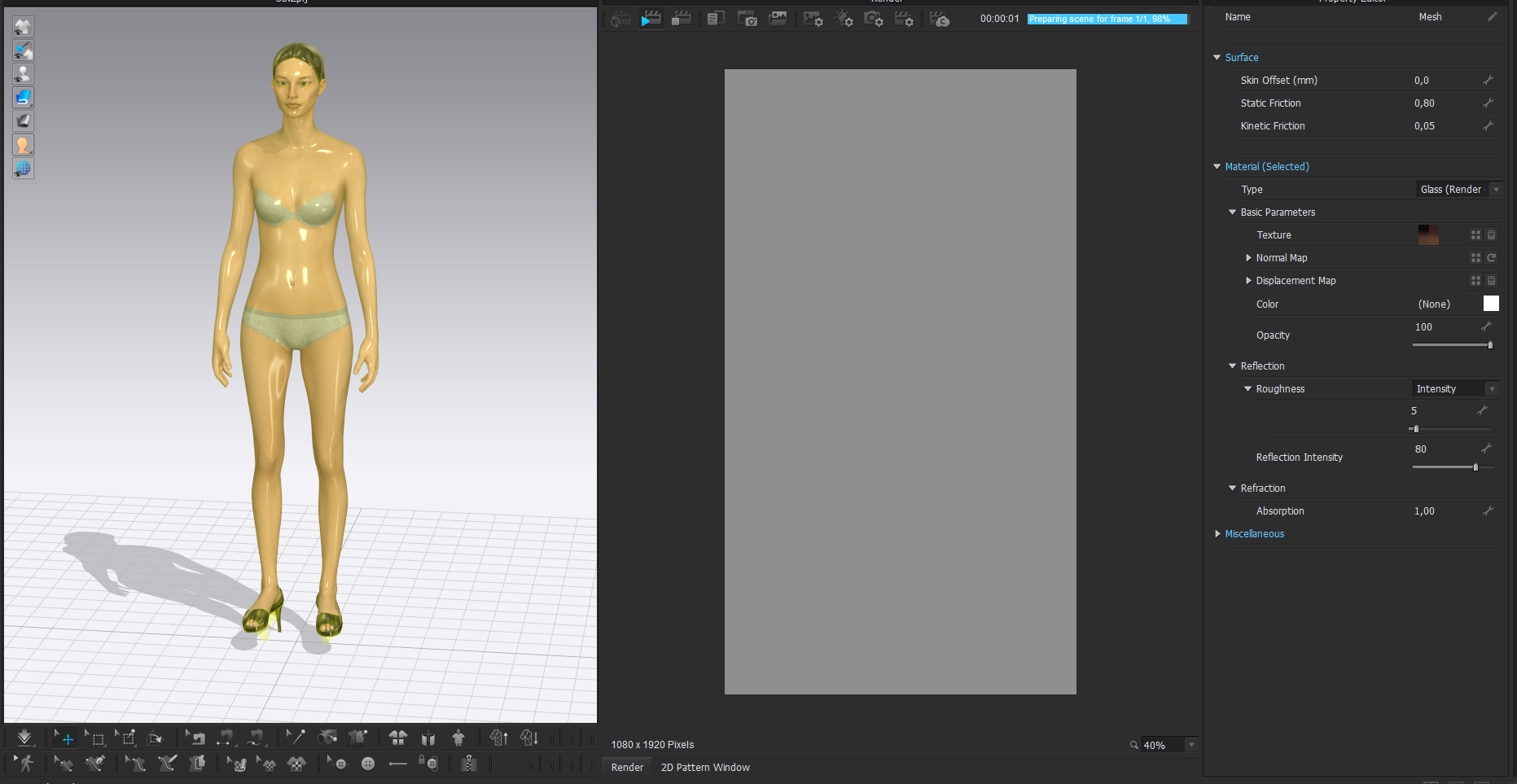
I tried everything, with garment of course, different background colour, no background, it does not work...
0 -
I've had situations like yours, that, when rendering the image i don't see a thing being rendered. It has been solved simply by restarting CLO, as it seemed to be caused by the CUDA drivers. Can you check if CPU or GPU rendering yield the same result? Try upgrading your CUDA drivers in case of GPU.
0 -
Make sure you don't have the white area lamp sitting in front of the camera position. Switch the lamp visibility off when you render. Looks like you have an area lamp sitting smack in font of the camera position obscuring the avatar from view.
0 -
Thanks a lot for your help! I changed from CPU to CPU (Cuda) and it worked :)
But whicht light you mean? This one? :)
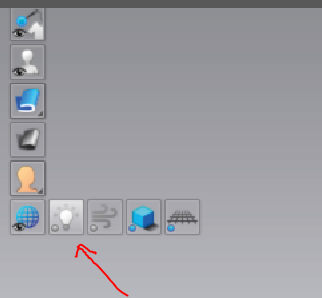 0
0
Comments