Why can't I see the legs of my curved paths?

When I've watched workflow videos of people using the "edit curve point" tool legs appear. (Much like working with curved paths with the pen tool in illustrator.) I'd like to edit my curved paths with precision but for the life of me I can't figure out how to make the legs appear.
Photo of legs for reference: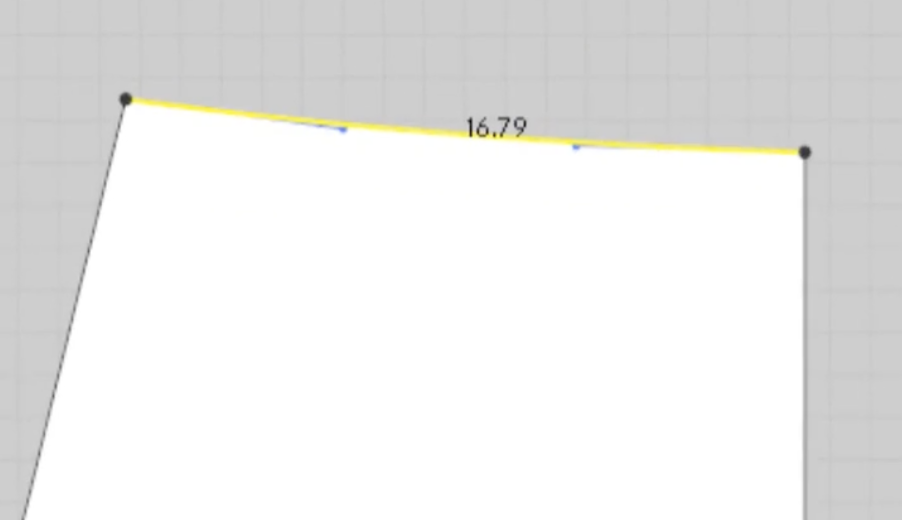
-
Is there a way to convert from curve points to AI Bezier Curve without loosing the shape? Or at least the general shape?
0 -
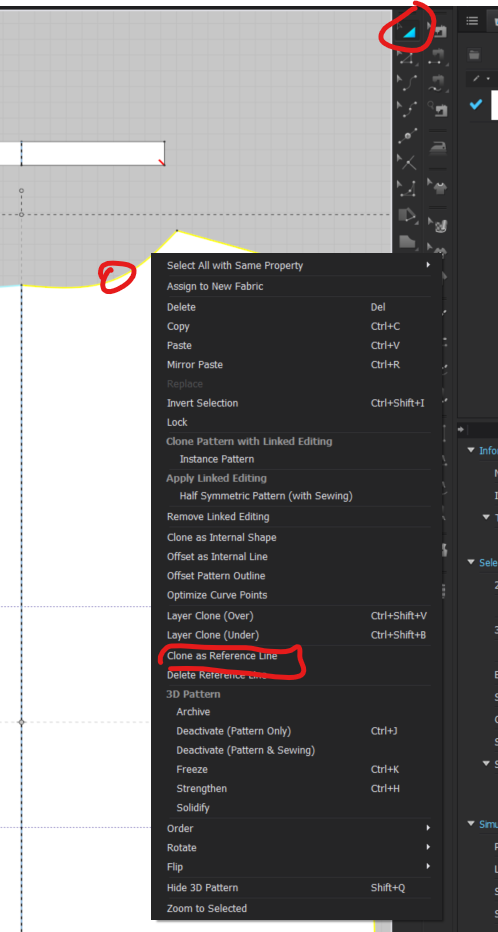
Unfortunately these two tools cannot work together. What you can instead do is Use the Transform Pattern Tool > R-Click on the pattern piece and select Clone as Reference Line. This will not leave an outline below your pattern piece so you can delete the Red Curve Point and then use the Edit Curvature tool to recreate the line
 0
0
Comments