Help! I can't show my HDRI background because there is no "show" option

Where is the show option to show my HDRI background? When i press on lightening, I go to dome, and I attach the HDRI file, but can't manage to show it. I'm in my trial version 7.1.318.
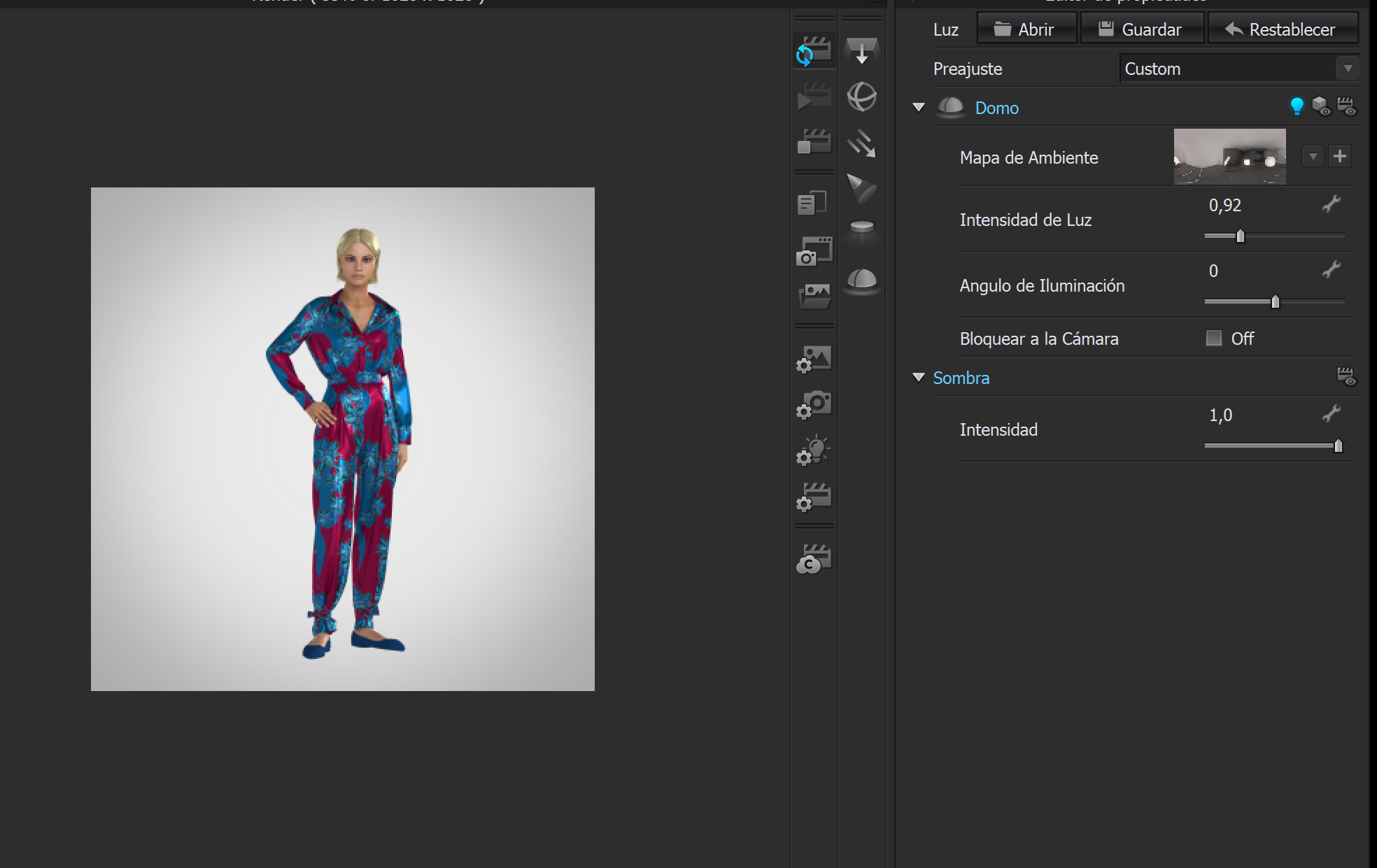
0
-
Dear luisa0258,
Click on the "Show (Render)" icon:
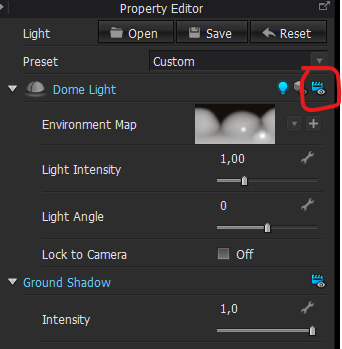 0
0 -
That's embarrasing, I did press that icon but the HDRI was so huge, the background was a white background, so I did not see the changes.. Thank you very much for your answer!!
0 -
HI luisa0258
No worries at all. Also if you do not want to the Light and image linked you can add the HDRI to the Background Texture in Image/Video Properties
0 -
Thanks for the tip! That's a great option!
0
Comments