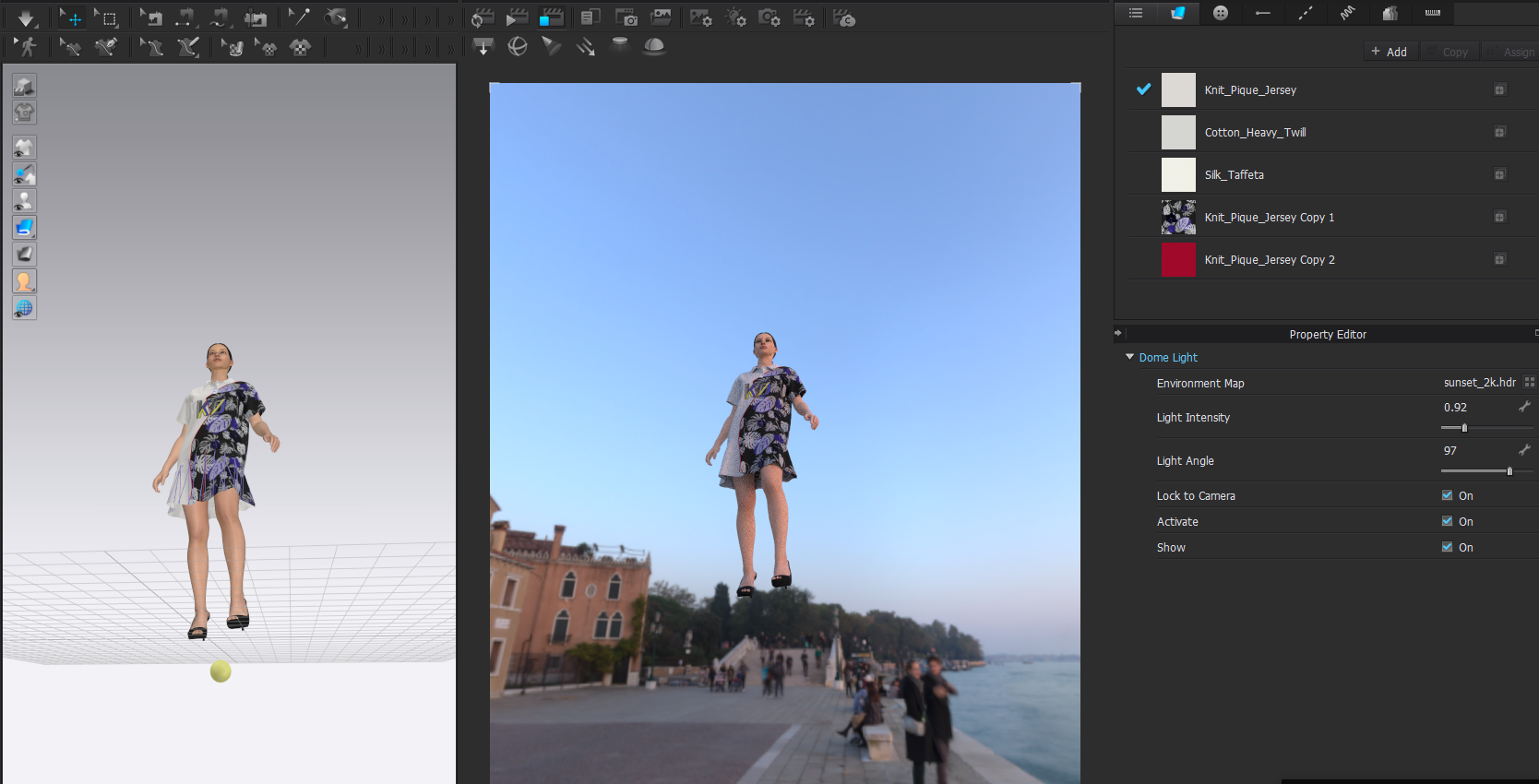
HDRI Environment map only shows half map

Hello,
I see someone has flagged this up in an earlier post with no clear solution, and I'm having the same issue. I suddenly seem to have an issue where half my HDRI disappear if I try to put my avatar in the correct camera angle. I have tried different maps in different sizes and they all turn out the same. However I have done this in the past with no issues on the same update of CLO. Any ideas? Is this a bug that needs to be flagged up?
Many thanks,
Kristian

0
-
Hi Kristian Ostvik. May I ask what version on CLO you are using? That can be found on the bottom left corner of your CLO screen.
-One solution can be to turn off Ground Shadow. Ground shadow can be found in your Light Properties at the very bottom
Please let us know if this helps
0
評論