Puckering map isn't blended into Normal map (UV Editor)

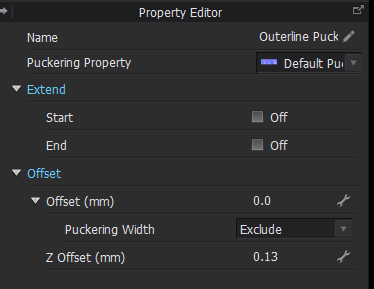
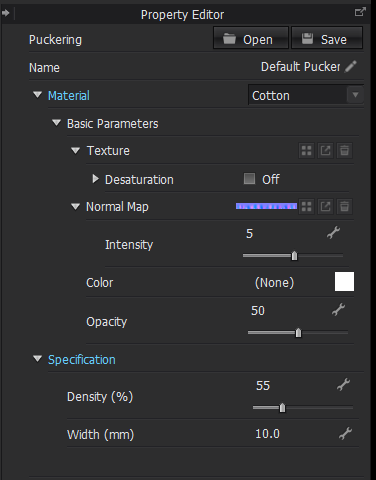
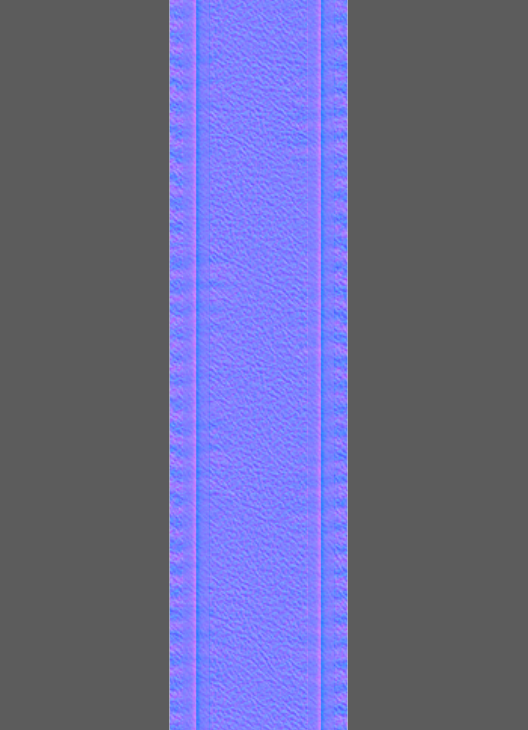
I draw a line to demonstrate the puckering. In the UV Editor, I see that the puckering is not blended into Normal map. It's seperated with fabric normal map.

Is there an option that I forgot to make it smoothly? In Render windows, it shows puckering good. But in Keyshot, the puckering has problem like it does.
-
Hi, thank you for bringing up this problem! It's been so bothering and I can’t seem to find a solution anywhere. I tried to export the puckering and normal maps and manually overlay them in blender, it did not turn out to look good though. It only seems to be the way it is meant to be in clo's render but not in any other render engine. Please share with me if you've figured out how to solve this.
0 -
Hi again! I just updated to clo 7.0 and they fixed it.
 0
0 -
I figured out how to fix: Menu Settings > User Settings > Graphic Options > Normal Blending > Whiteout
 0
0
評論