Name internal shapes keeps resetting

Hi. I'm working with a pattern which has overlapping internal shapes. To easily distinguish which is which when selecting the shape, I give them a recognizable name in the Property Editor. This works fine while working on the project. However, when I close the program and reopen the project the next day, the names have been reset. Is this a bug or simply not possible? I'm using 6.1.322.
Btw, I name my sewing lines the same way; those are saved though.
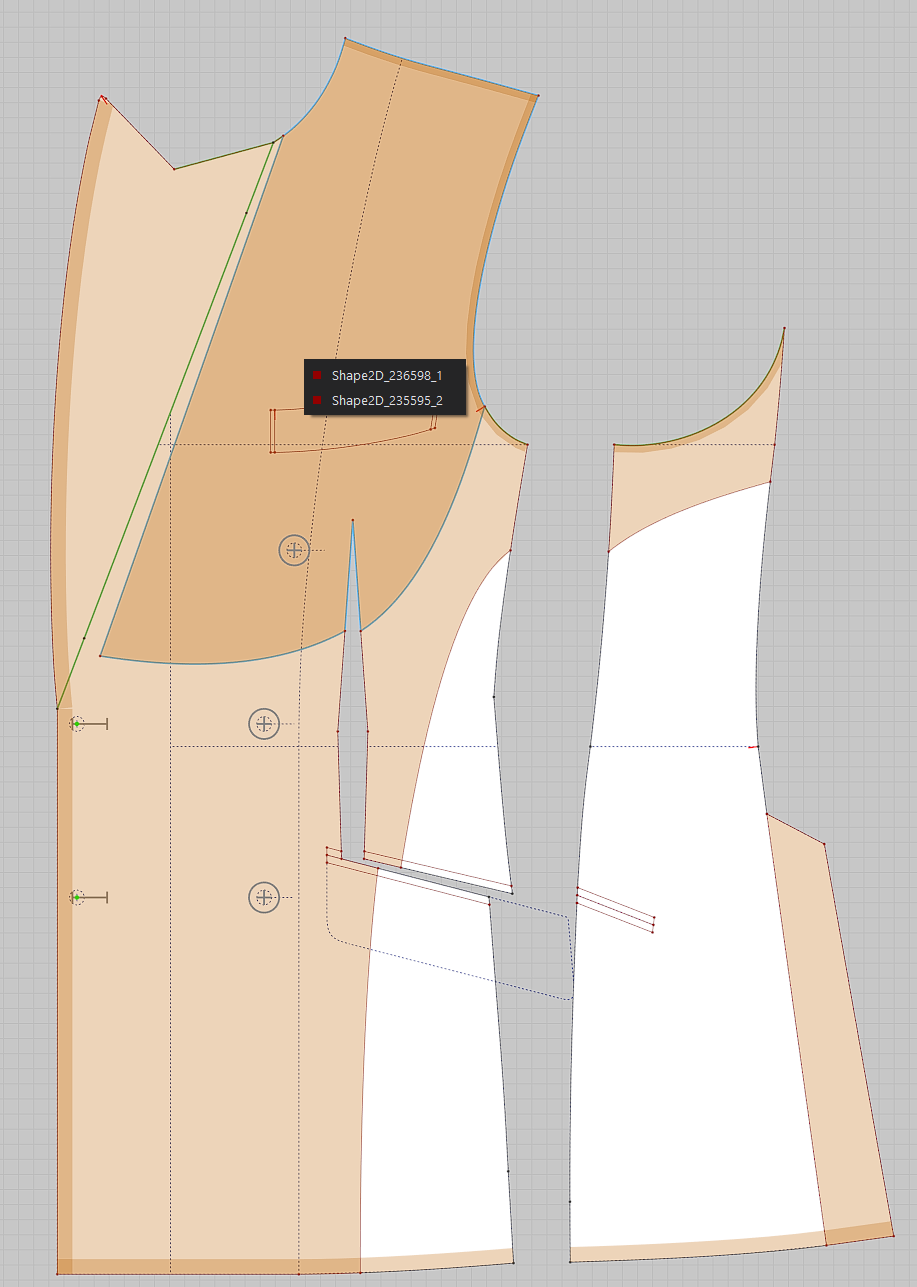
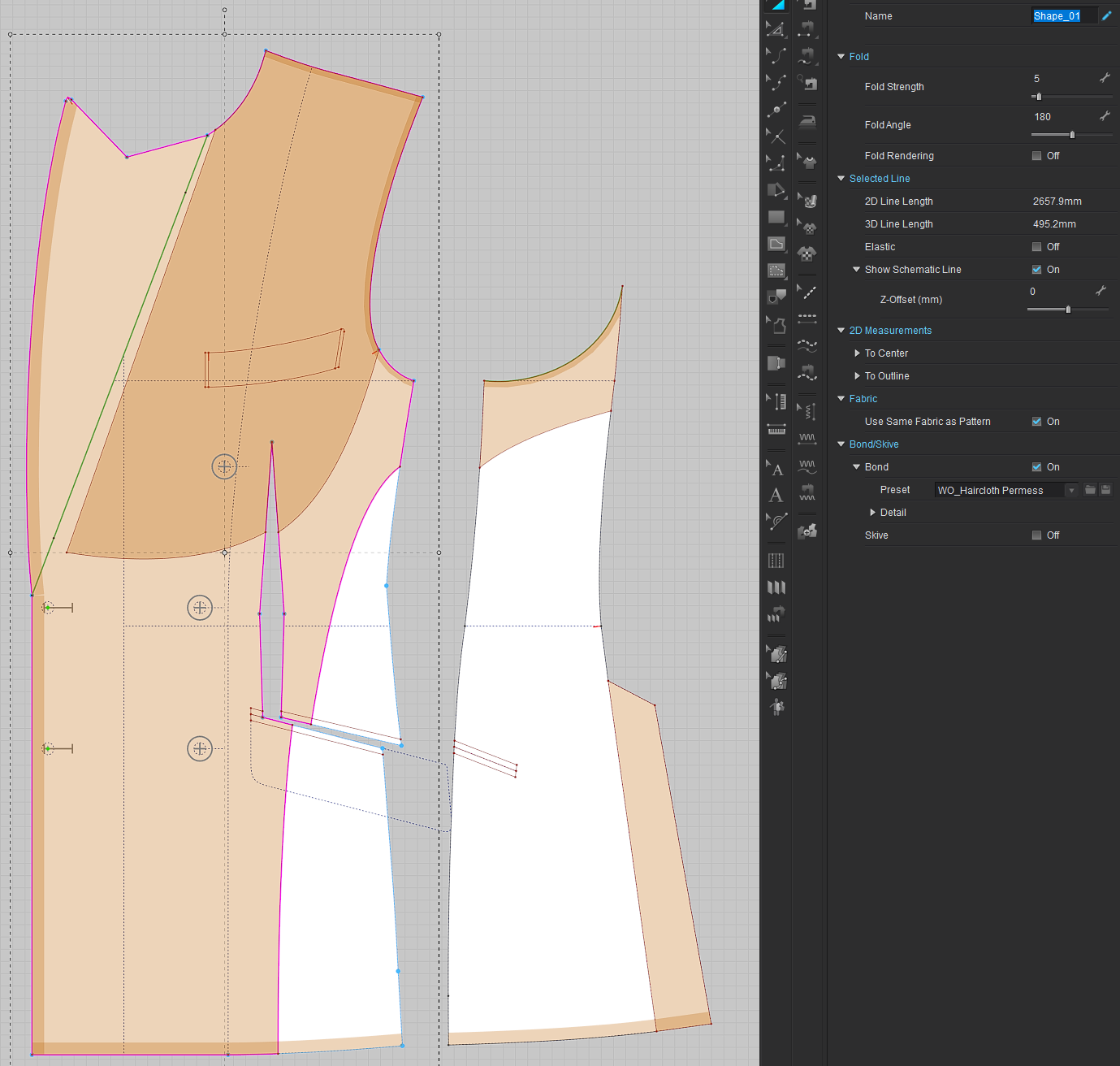
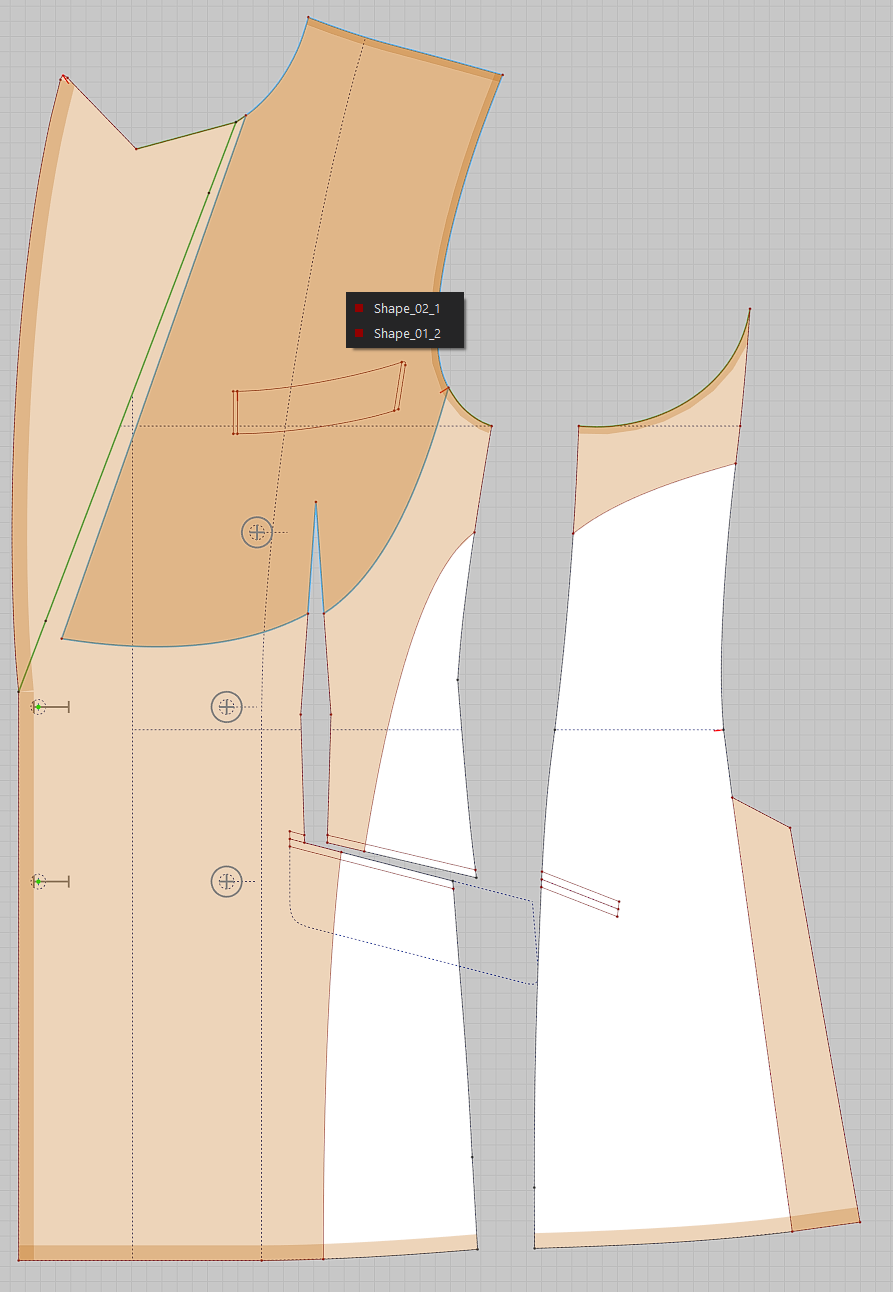
-
Yes this is pretty annoying also in MD, I get exactly the same fault and it bugs me that it always drops references made in painstaking detail in the scene tree when naming patterns and internal shapes in the 2D drafting workspace. Needs a fix because it doesn't make sense of your workflow - why name stuff if it doesn't load the name?
0 -
'Nice' to hear it's not just me. And yes, it's quite annoying. Especially when you're working with numerous internal shapes.
The ability to name internal shapes is already there, so it shouldn't be that difficult, nor much work, to also have it save them. So CLO Designers, consider this a feature request.
0 -
Hi all. Thanks for sharing this issue with us! The internal shape name is not supported to rename at this moment. We will share this request with the developer and hope to add this function in the future.
0 -
CLO Designers thanks for the reply. Hopefully this feature gets implemented in a future release, would be very much appreciated!
0
評論