Fabric falls through custom avatar

I've built custom avatars in Rhino3D and Solidworks, converted them to OBJ and imported as Avatars. This is the result:
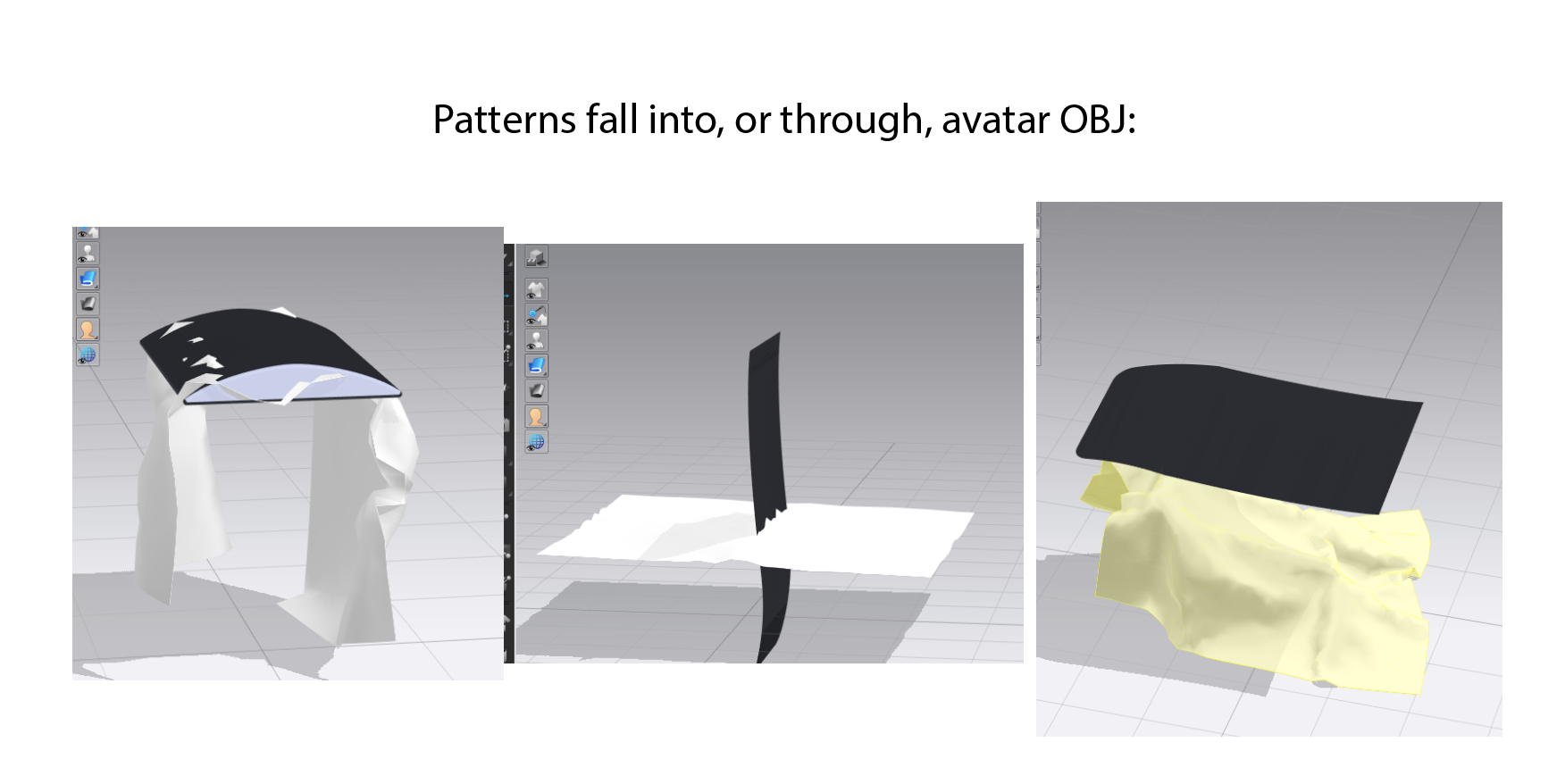
Are there specific settings I need to be aware fo when exporting the files as OBJ from Rhino3D? In Solidworks I usually save as an IGS file then I convert it to OBJ.
Any help would be great!
0
-
正式評論
hey cj. When you import OBJs that you want to have the fabrics interact with, choose AVATAR on the dialogue box.
-
Also, when importing OBJ as avatar, try to make the normals point to the direction where the fabric will collide with the object. Also decrease the particle distance of your fabric pieces so you have more geometry to collide, and finally pointy or razor thin objects will poke through the fabric no matter what.
0
評論