Changing Font of Pattern Name?

It seems that the (Setting > User Settings > User Interface > Fonts) does not apply to Pattern Names.Is there a way to change Pattern Name fonts?
It is easier to do this than to add Annotations to each pattern.
I am exporting the document to include 'Pattern Name', but when I open it it is looking for the font Spoqa Han Sans Regular. Based, on my research is a Korean/Japanese font. But I am typing in English.
-
Hi dthai93. You seem to find issues that are hidden for the rest of us. =)
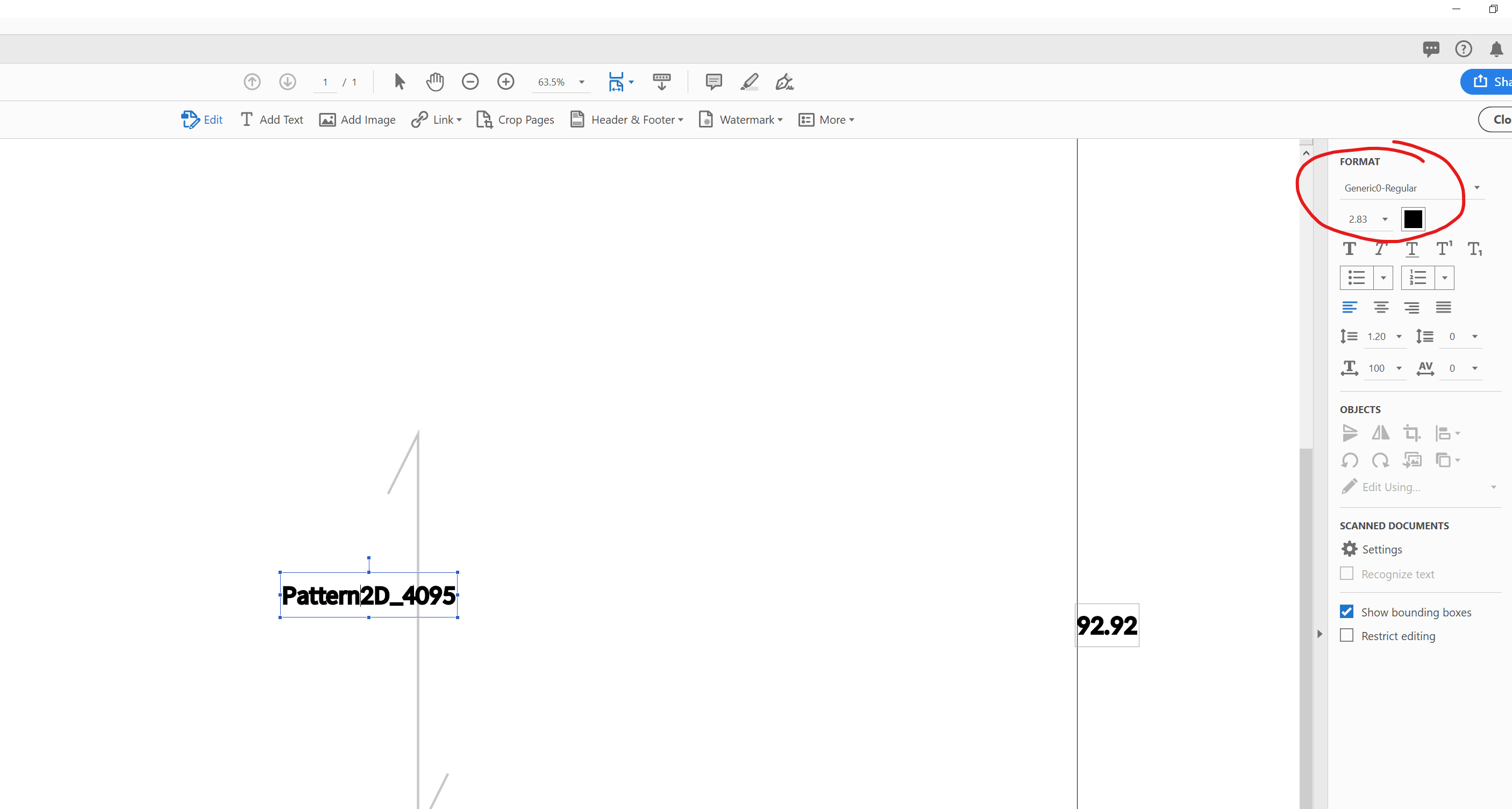
I tried exporting a pattern file in PDF format in 5.0 and 5.1 and both came out fine when I opened them in Adobe Acrobat Pro DC.
This is the default setting. I'm not sure where is that instruction in CLO's code or if it is possible to customize it.
 1
1 -
Hi Pablo,
Not sure why mine does not come out clean like that. Although I know this isn't an AI forum, this is what I get.
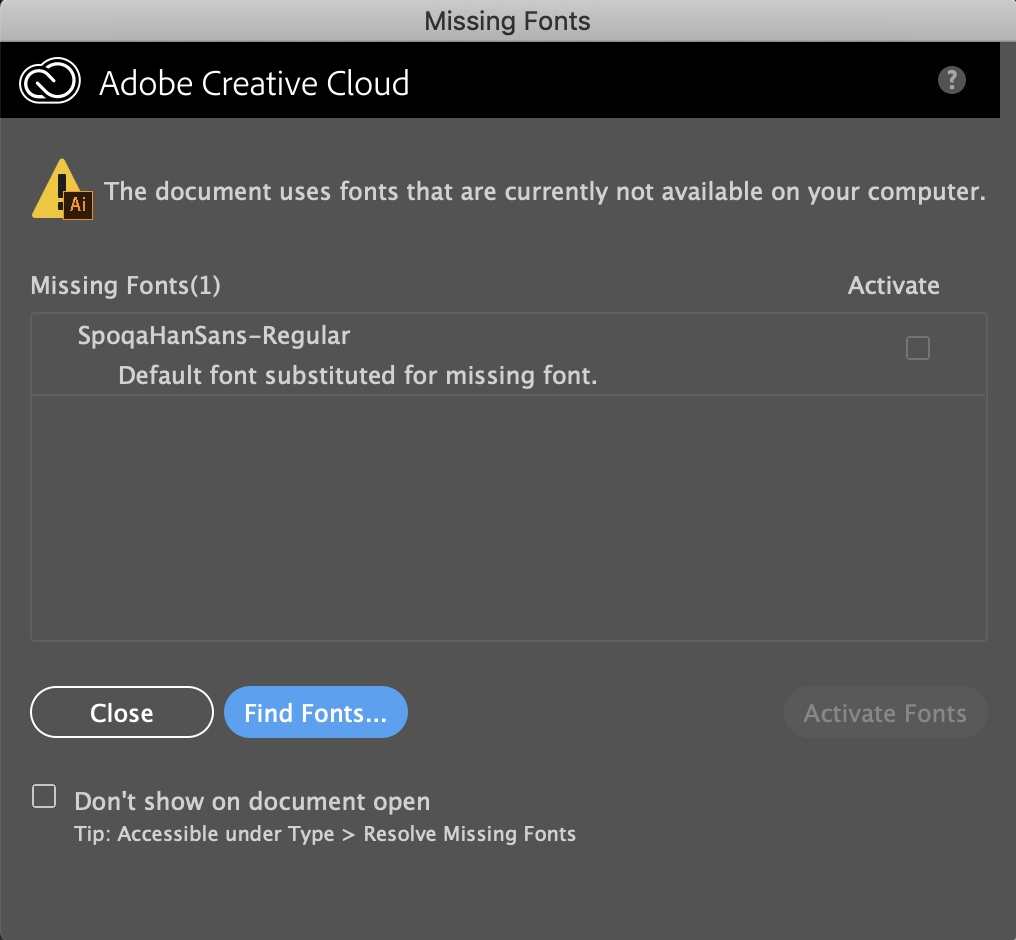
What the font actually looks like now.
 0
0 -
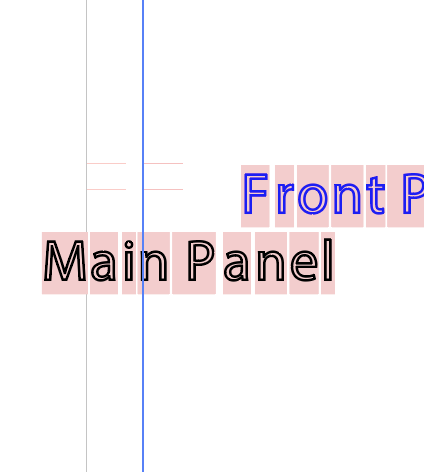
Is there any way to change the font size, the text just gets imported is a hot mess.
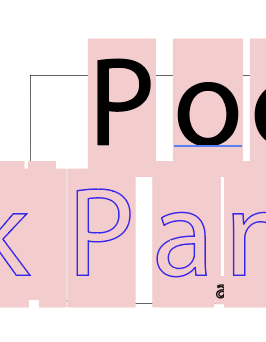
It exports letters in two layers AI. Once you delete the first layer you can see the letters, but they are all individual text elements with background highlighting.
 0
0
評論