Import CLO DXF to Eurocad software

Hi!
I am having trouble importing a DXF file that was exported from CLO into the pattern making software Eurocad. Anyone experiencing the same? Suggestions on what to try to solve it?
BR
Linnea
-
Hi Linnea. I'm not familiar with Eurocad. Can you share the files so I can try them on my CAD software? What is the error?
P
0 -
Hi,
No me neither, it is our new supplier who has it. They have also tried to open it in two other factories with other softwares and it is not working, but our other suppliers can open it.
How do I share them? Do you have an e-mail? Or you can ask request in this folder: https://drive.google.com/drive/folders/1WZ4HNsfOEJjyqDcV01D9UkcZCiuuJZRV?usp=sharing
0 -
I asked permission for the drive folder already, but if you can send it my way could be faster pablo.quintana@bicher.mx
P
0 -
Hey Linnea. I was able to import it directly into CLO (currently using 4.2 in this computer). Below the imported files and the settings in CLO used to import the file.
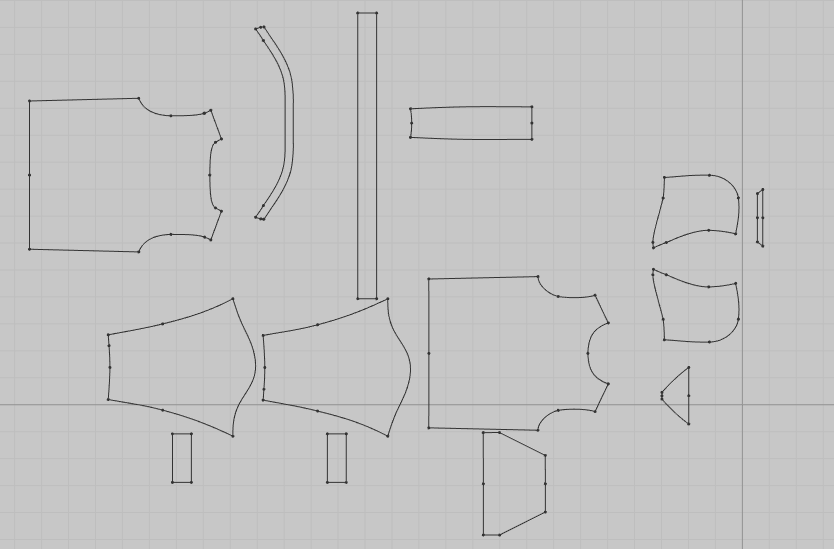
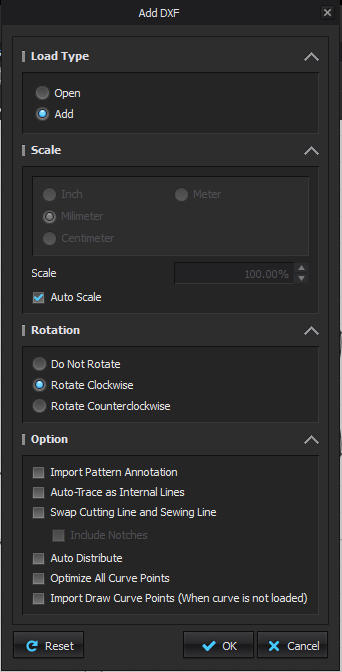 0
0 -
Yes, I have asked 4 other companies using different softwares and they can all open it, just have to change unit for some of them. I have no problem re-opening it in CLO.
Meanwhile our supplier has tried to open it in this Euro CAD and in two other softwares with no success...
I will try to export something more simple in all kinds of settings and names I can come up with to see if this solves anything. It is not workable that we need another software just to resave files...
0 -
Hey Linnea. I got confused for a minute and tried the DXF file in CLO, which you already knew it worked.
Now, I tried in the CAD software I use (padsystem.com) and it worked fine from the start. Have a look below. Definitely an issue with your Eurocad.
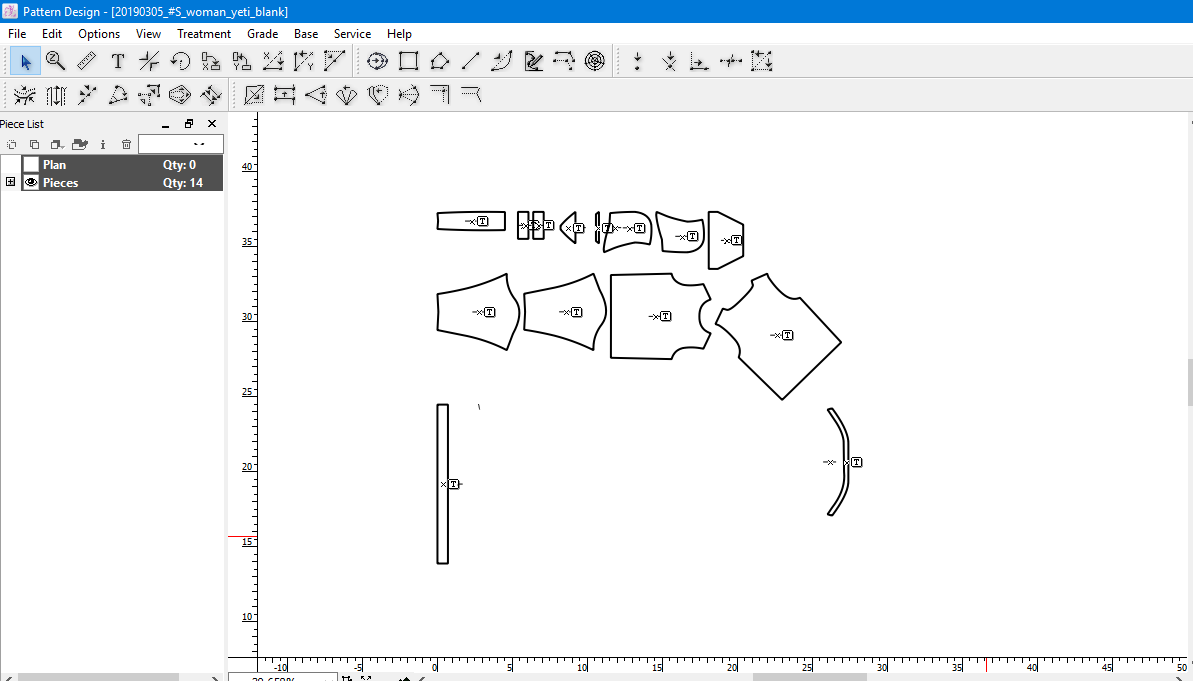 0
0
評論