I can't apply my own graphic and texture on 3D window

Hi,
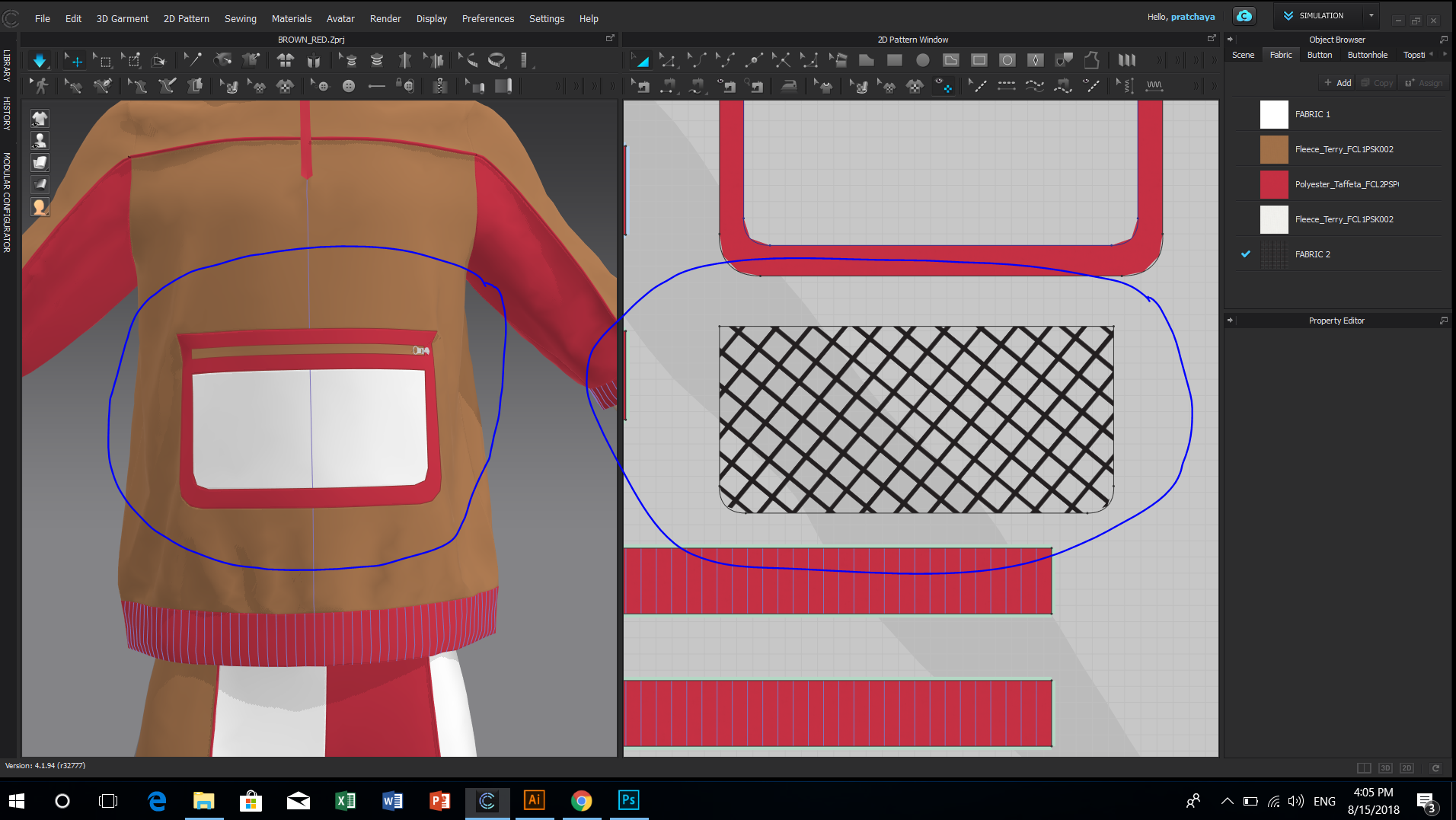
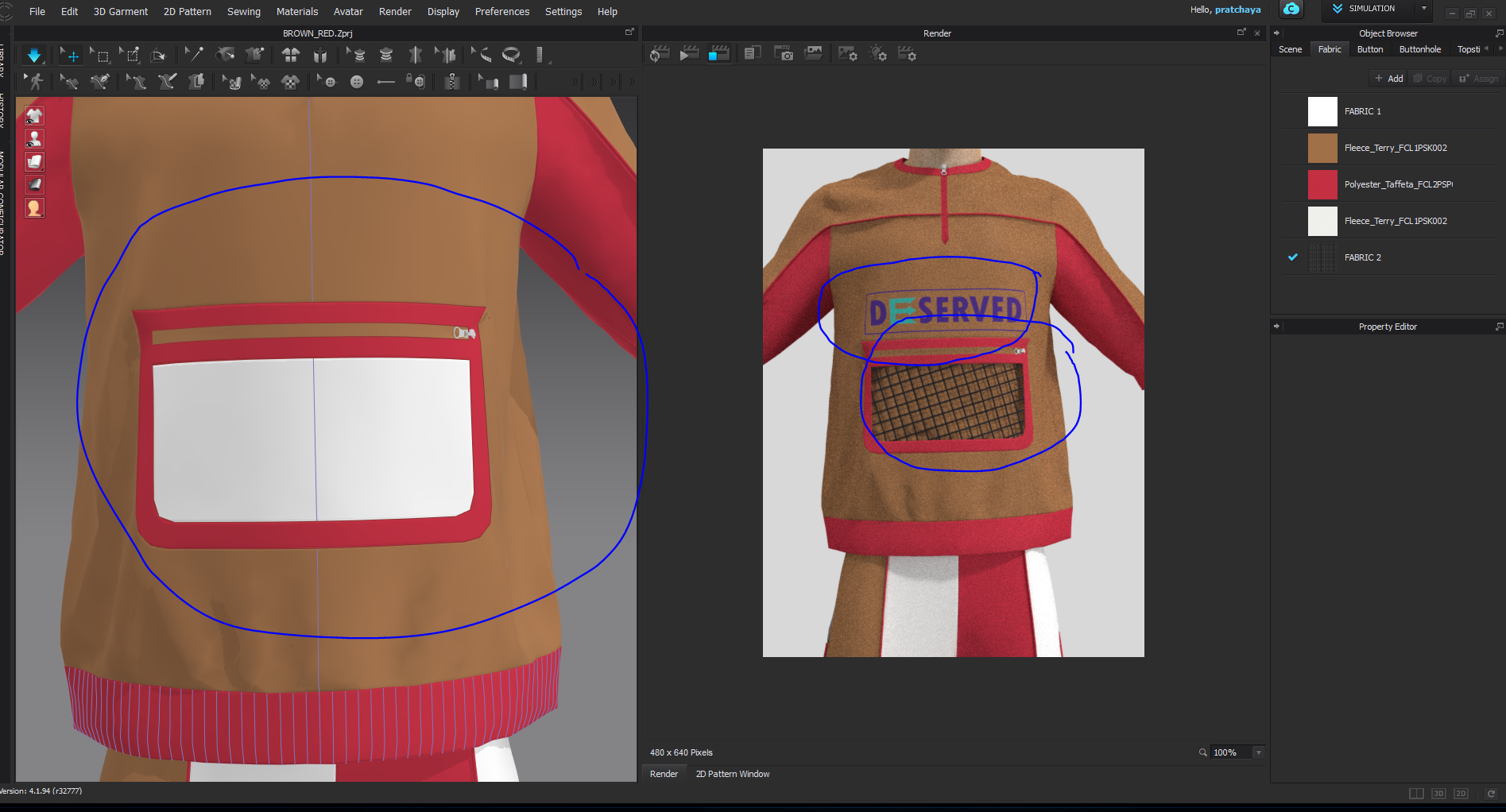
I already add my own graphic, texture (PNG) by drag & drop on fabric tap. The 2D window and render option shown and can edit but 3D window could not display.
I would like to know how to apply my own texture on 3D window for adjustment when I simulate.
-
Hey pratchaya,
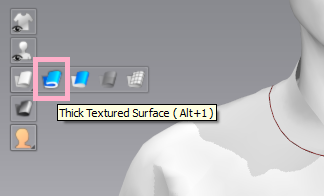
It seems as though you have changed to Monochrome Surface - which is why you can see flat colors but not all-over prints. Try switching back to Thick Textured Surface, and see if that works!
Thanks!
Amy1 -
@Amy Canavan Thanks!!!! I'm so fool.
0 -
@pratchaya
No! You're great! This happened to me a couple times and I was so confused. It can automatically turn onto monochrome surface when you're using the fit maps, so just be aware.
0 -
@Amy Canavan
Okie, I have another question.
CLO3d Could it work without the internet? I use to apply Marvelous designer that disconnect the network I can work it anywhere.
Are there any setting of function for this matter?
0 -
Hey @pratchaya
You only need the internet while your license is Authenticating. When I travel, I will open CLO and sign in when I have access to wifi, then I put my computer to sleep. When I open it up, CLO is still open and I can work the whole flight.
Hope that helps!
1
評論