I am Unable to export animation alembic (OGAWA) with maps

I am Unable to export animation alembic (OGAWA) with maps .
I checked the UV coordinates box as well.
Still unable to maps matching the animation
-
Hi nikkineuro,
- What program are you importing into?
- Could you screenshot the export settings in CLO?
- Could you screenshot a view of the issue occurring?
0 -
So when we export the animation as alembic (OGAWA) and save it in a folder, even when I check the box for the UV Coordinate. The export folder only has the abc file, not the maps linked to the animation.


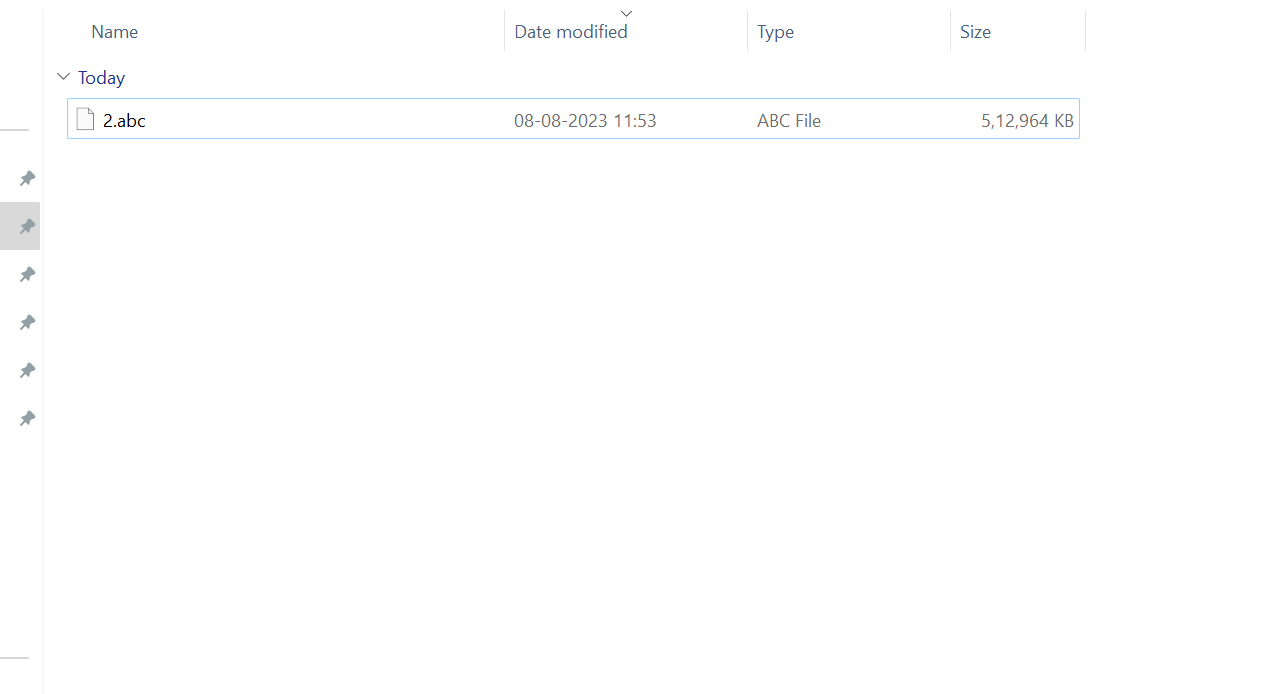 0
0 -
Dear nikkineuro,
Unfortunately, it's not possible to add the maps when exporting as Alembic, however, there is a workaround where you additionally export as FBX and then use those maps on your Alembic file in other software.
0 -
But Iam unable to get Metallic , Roughness and opacity map with FBX
0 -
Hi nikkineuro,
You can use the UV Editor to export all maps: https://www.youtube.com/watch?v=gt-YmEutZbk
0
評論