saving avatar to file

I finally finished my project but now i cant save my file including my avatar, so i need help or i cant turn off my computer till the file is saved.
0
-
it just says this "avatar is not found ' even though I saved it as a pose file like the clo breakdown says.

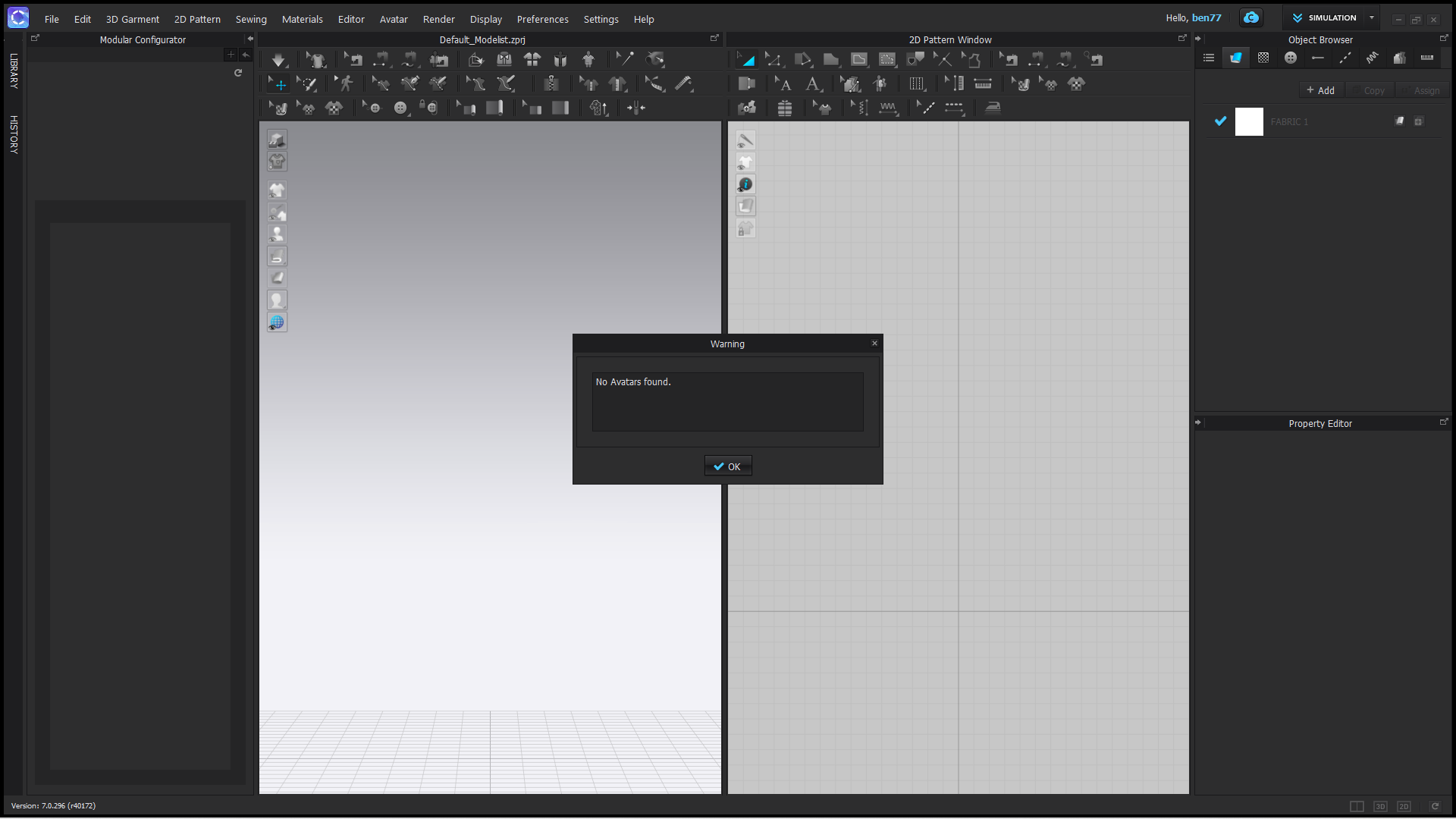 0
0 -
When saving and entire Project which would include an Avatar, Garment, Sewing, etc.... You want to go to File > Save Project. this will save as a .zprj file which will include everything.
If you want to just save an Avatar you should go to File > Save As > Avatar. This will save a custom Avatar.
Saving a Pose file will not save the avatar, but will instead save the position of the avatar skeleton so that the same pose could then be used on another avatar.
We hope this helps!
0
评论