Is it possible to add HDRI image as background in 3D window for motion recordings?

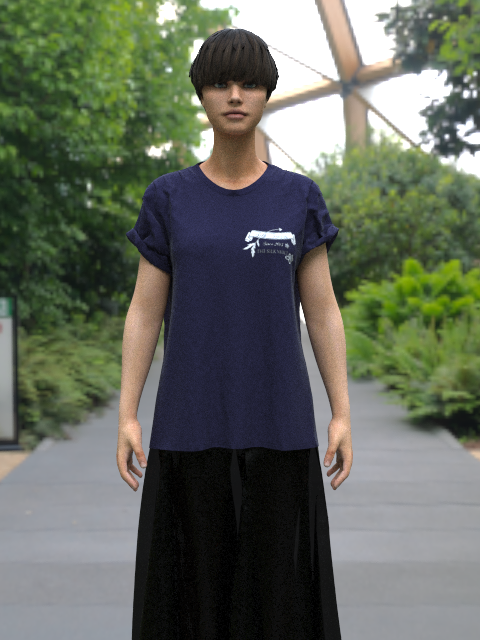
Hello! I have just learned how to add a HDRI background to the render function. See image attached. I would also like to record a motion file with the same background, but have not managed to find instructions for this. Is it possible to add a personalised background to 3d window at all? I would really like instructions if anyone know. Thank you in advance :) Anna
-
Hi annakmoller
Once the HDRI background is on all you need to do is record the animation like normal and then render our the animation. As long as you do not have transparency on in the render engine the background will appear in the video. You may want to either add the same HDRI as a Texture in the Background of the render engine Image/Video properties or add a large pattern piece to act as a floor for the avatar to walk on.
You can also add a background image to the 3D window by R-clicking in the background and selecting Format 3D background. Then add any image you would like. But these will not appear in the Render Engine
1 -
Hello CLO Designers, thank you so much for your reply and help. I did not know you could do this, I will try it out. I have also never rendered an animation, only stills - are there any instructions or YouTube video with instructions on this? Thank you so much.
0 -
We are happy to help! we have lots of great animation tutorials on our Youtube channel. A great first one when starting animation is this video HERE which will introduce you to a few different concepts that can be used. There are also several other great animation videos on there once you are ready to dig further, just type animation into the CLO youtube search bar for them to appear
0 -
Dear CLO Designers, Thank you, I managed to create the effect I wanted thanks to your help. Have a lovely day!
0 -
Thank you so much for letting us know! We always love to hear when things work out :)
0
评论