Set up for "zero gravity"

Dear Community,
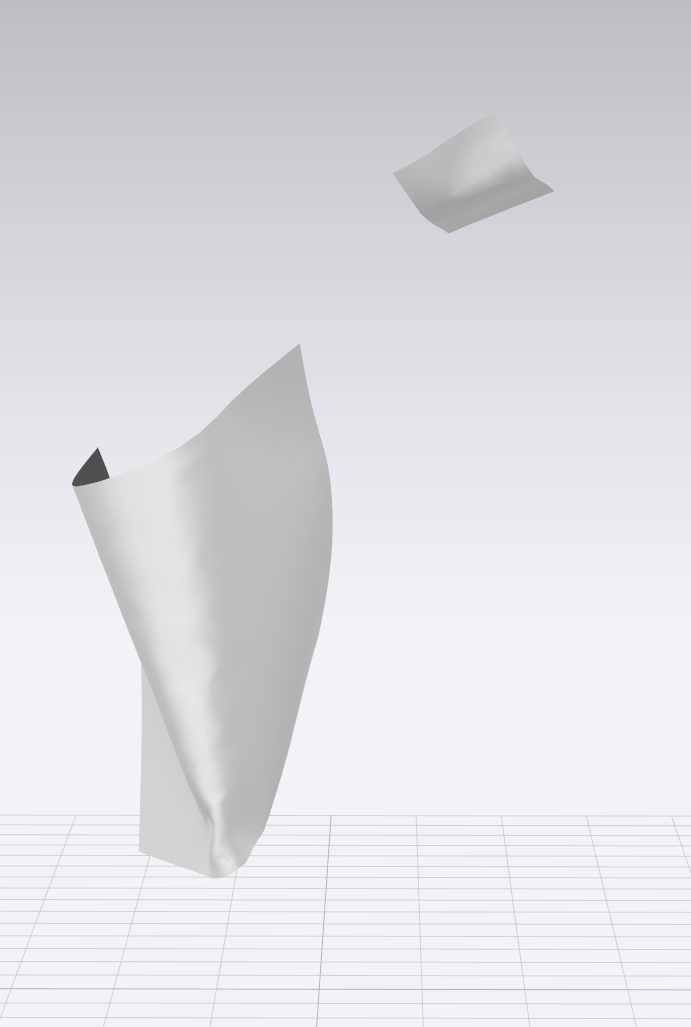
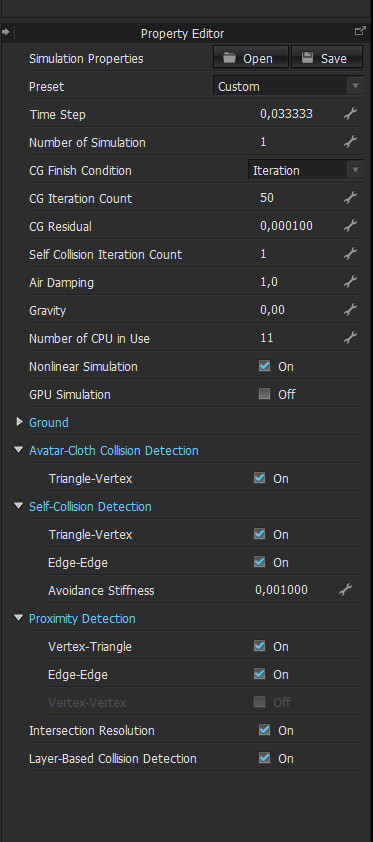
I would like to ask if anyone knows values for the simulation properties that will ensure that even the smallest cut pieces only move minimally. I would find something like this useful, for example, to collect multiple garment labels in a CLO file as a kind of library.
I have already used different values for gravity and air damping, but the pattern pieces always end up flying around in the 3D window.
Does anyone know a trick?
-
make sure you don't have pressure applied to one side of any pattern pieces and that the wind generator is switched off in the simulation.
0 -
Hi ottoline,
thanks for the quick answer - but the wind generator and also pressure have been off by default
0 -
Switch to CPU simulation best quality and change all patterns to layer 0.
0 -
Thanks so much! You are really kind.
0 -
Hi. I would also like to know where to get a handbook to learn about all that properties above. My silk jersey is also bouncing insanely, while animation mode and simulation.
0 -
How do I make sure that no pressure is applied to any pattern?
0 -
Hi mail,
Select all pattern pieces and check the Pressure value in the PE.
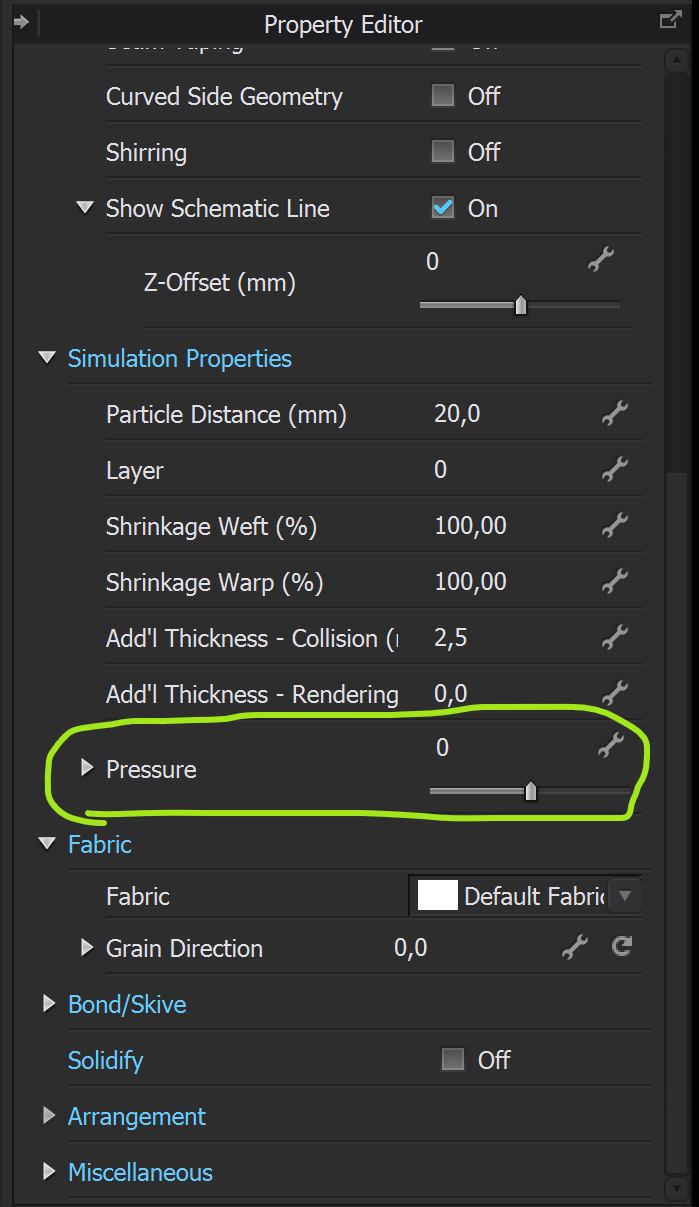
Pressure = 0 is the default setting.
0
评论