Can't edit avatar measurements (fields greyed out)

Hi,
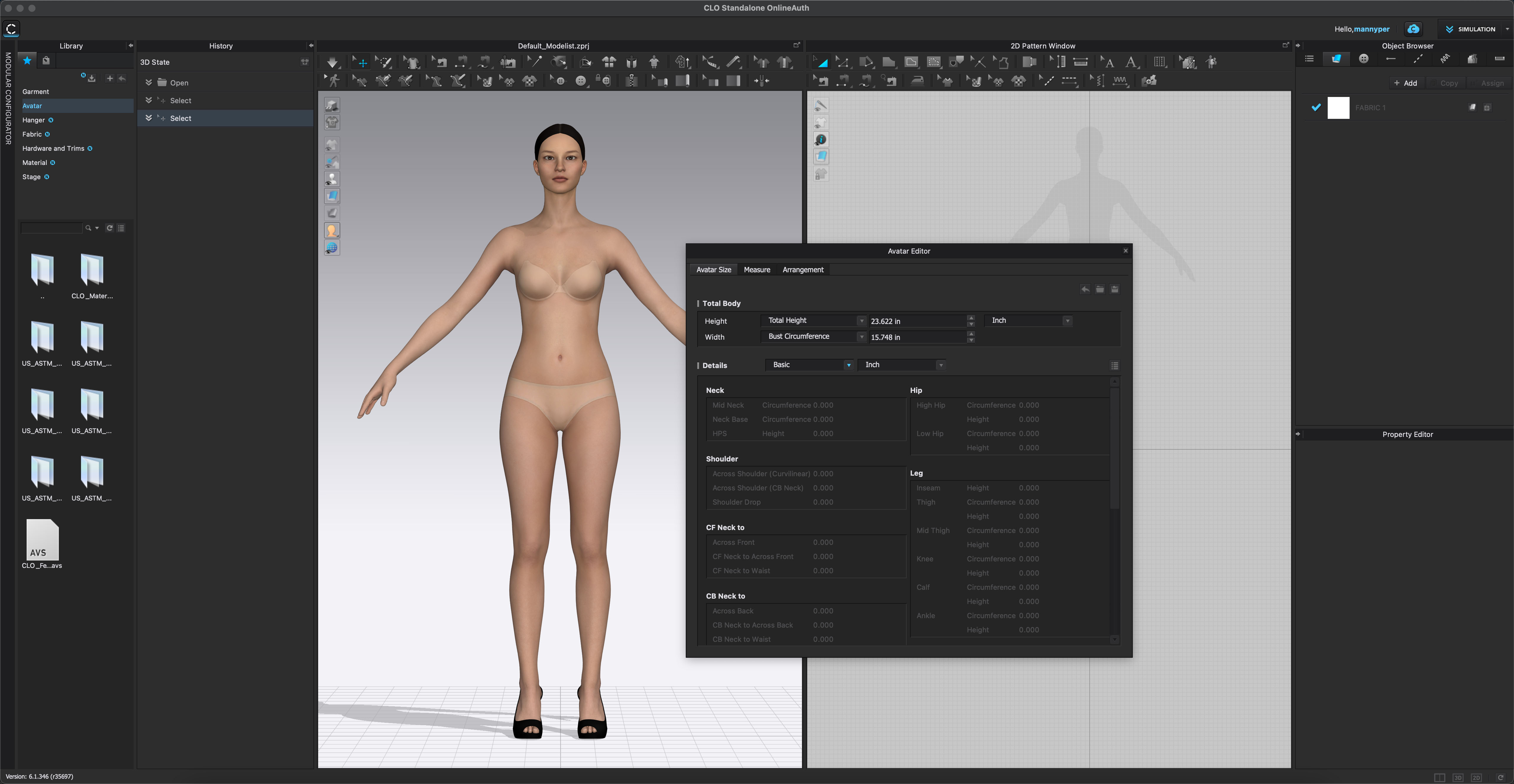
I'm trying to edit my avatar measurements and input my own, But when I go to Avatar > Avatar editor, all the measurements are greyed out. How can I change the values? See image below:
Thank you, M
0
-
Hi mannyper,
thank you for reaching out and submitting your question.
Looking at your screenshot it seems like there are undownloaded assets in your library.
Please try to download all assets first and ensure you are then using one of the default avatars from the library, when trying again.
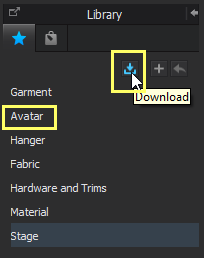
To download all assets, please click on the download icon on top of your library with the blue little 'n' next to it. (see attached image for reference).
Feel free to reach out if you have any further questions.
BR0
评论