Window Problem when trying to open files.

Does someone know how to solve this problem? I can't reach the top part of open file screen.
With this screen I cant change the folders or open the top part of this folder.
I'm working on an Apple
(See picture)
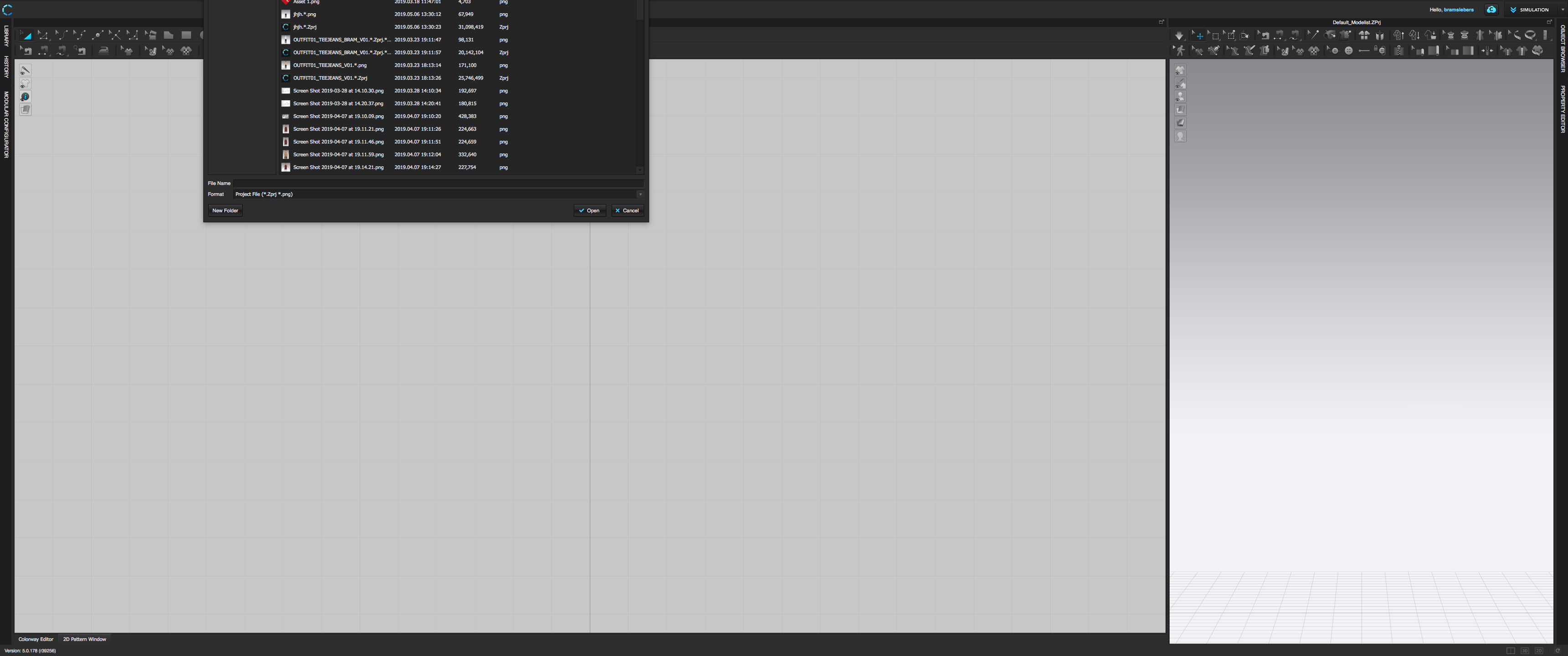
-
Move the cursor to the edge of the open/save dialog so that the cursor changes to the DOUBLE ARROWS (←→). Then hold SHIFT+OPTION and slide cursor. All four edges will resize smaller so that you can move it to a better location. https://www.lifewire.com/resizing-macs-windows-new-tricks-2259806
Alternatively you could use Mission Control to move the window around to a different space and back. https://support.apple.com/en-us/HT204100
I assigned the Mission Control shortcut to one of the buttons on my multi-button mouse so that I have access to it quickly when I want to move windows across spaces or rearrange.
0
评论