Avatar below the grid when opening back a project

Hi,
I'm getting avatar position issues since CLO 5.
Attached, an example of a dress I have simulated then animated.
Once I was happy with the position I got from the animation I saved my project.
But now that I open it back a few days later, the avatar gets systematically off place.
The legs are below the grid both in simulation and animation modes
Any ideas why this is happening ?
How can I fix this ?
Thanks in advance
Mylène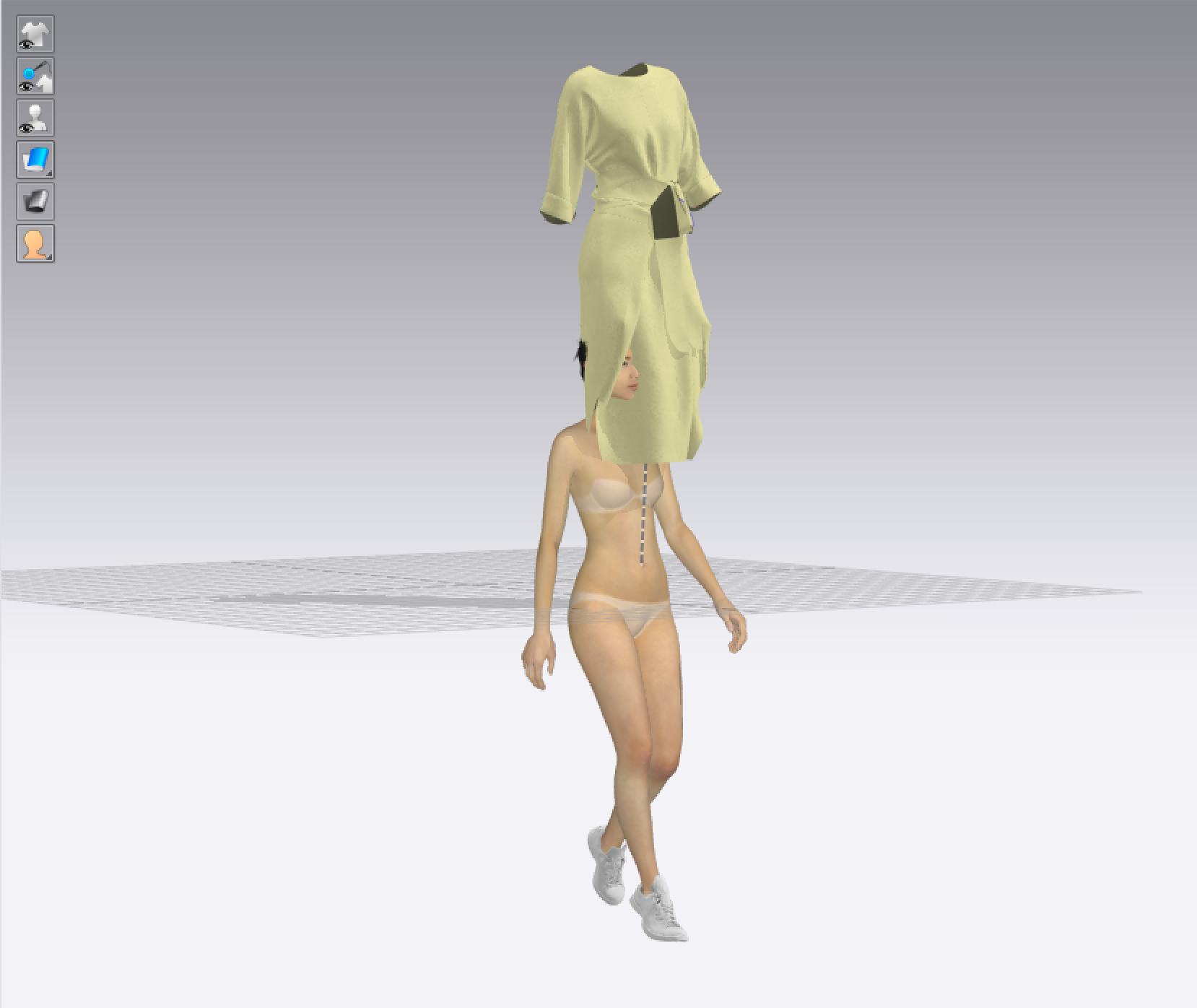
-
Additional info:
The Purple pelvis point when displaying X-ray is still in place though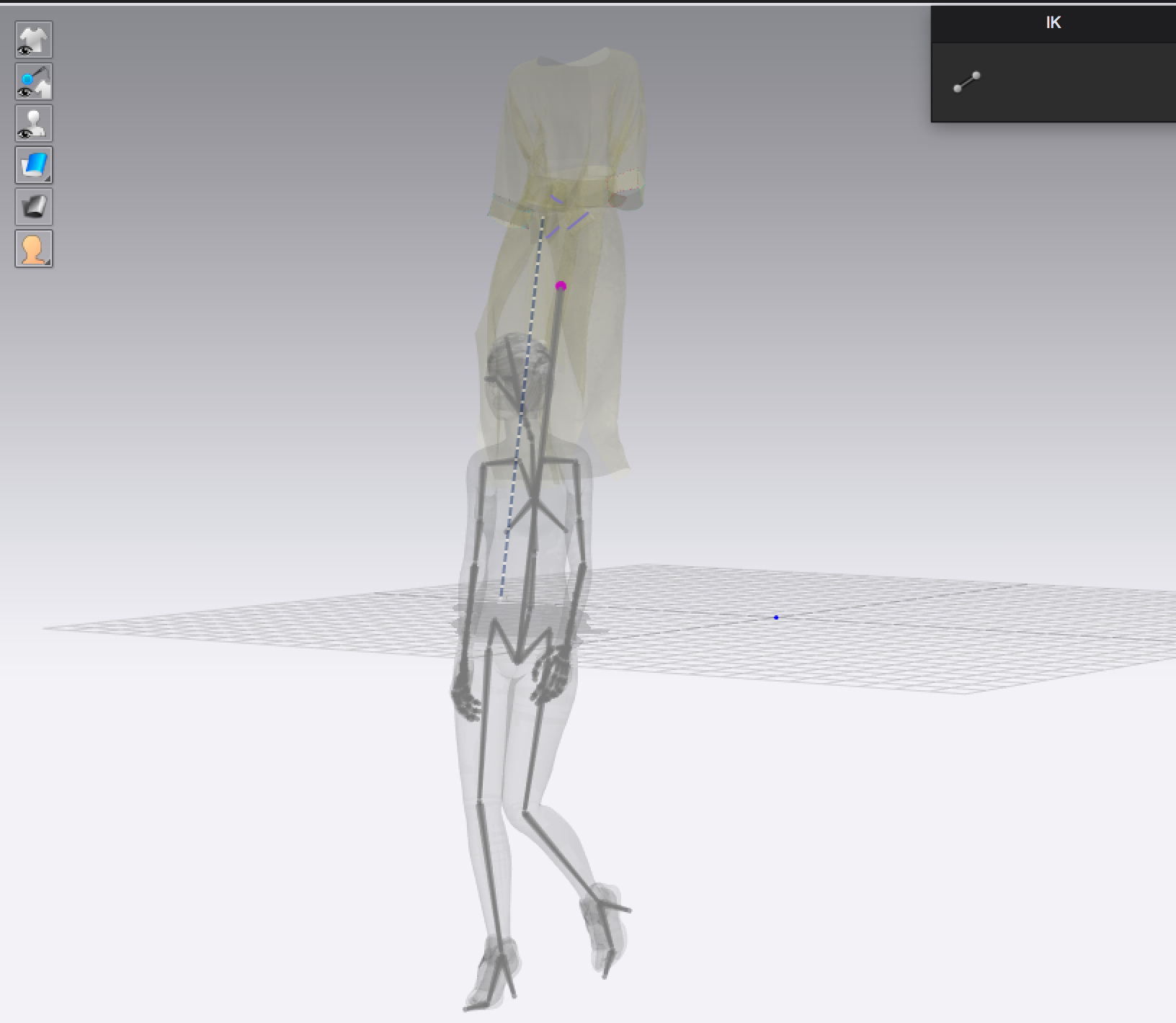
My first Idea, was to pull the avatar up (taking the garment shape as a reference) to get back to the original position
But its seems that the garment position was not correct neither.
Everything remains off the ground:
So I :
- pulled down the avatar so the shoes lay on the floor
- pulled the whole dress down accordingly
- Activate the simulation
- Saved the project with the latest version 5.0.156
- Opened it back
- The project position looks OK in the simulation mode. However the animation does not follow. I keeps the wrong coordinates 😒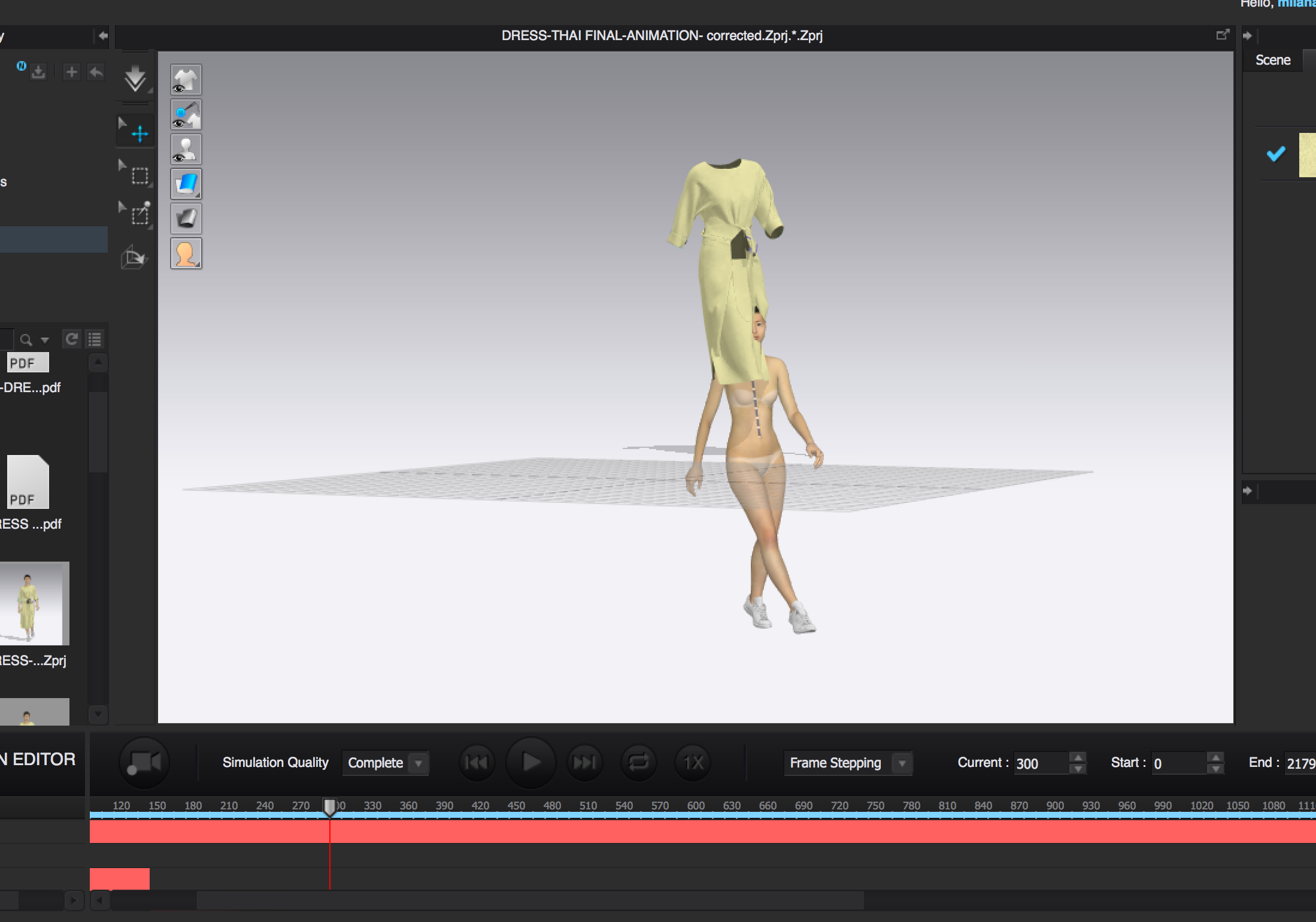 0
0 -
Hi there, I have the same issues. Can somebody help please?
0 -
Still have no solution for this problem and its really frustrating, because once the avatar is lost under the grid i have to record the animation again. Does anybody have a solution?
0 -
Any solution? is it something that clo3d team cannot fix for 2 years?
0 -
Hi abond. The best way to recenter your avatar is to Right Click on your avatar in 3D and select "Move all Avatars and Garments" > Then chose either to Center or to Ground. We hope this helps.
0
评论