Initilizing issue

Hello everyone, install the program recently, but when you open it, it shows me an error message, it says the following: "Access denied to the temporary folder path. Please select another folder to save the temporary files. A temporary folder is required for the program to run properly."... and when I choose the folder for temporary files, the error is displayed again.
Hope someone can help me.
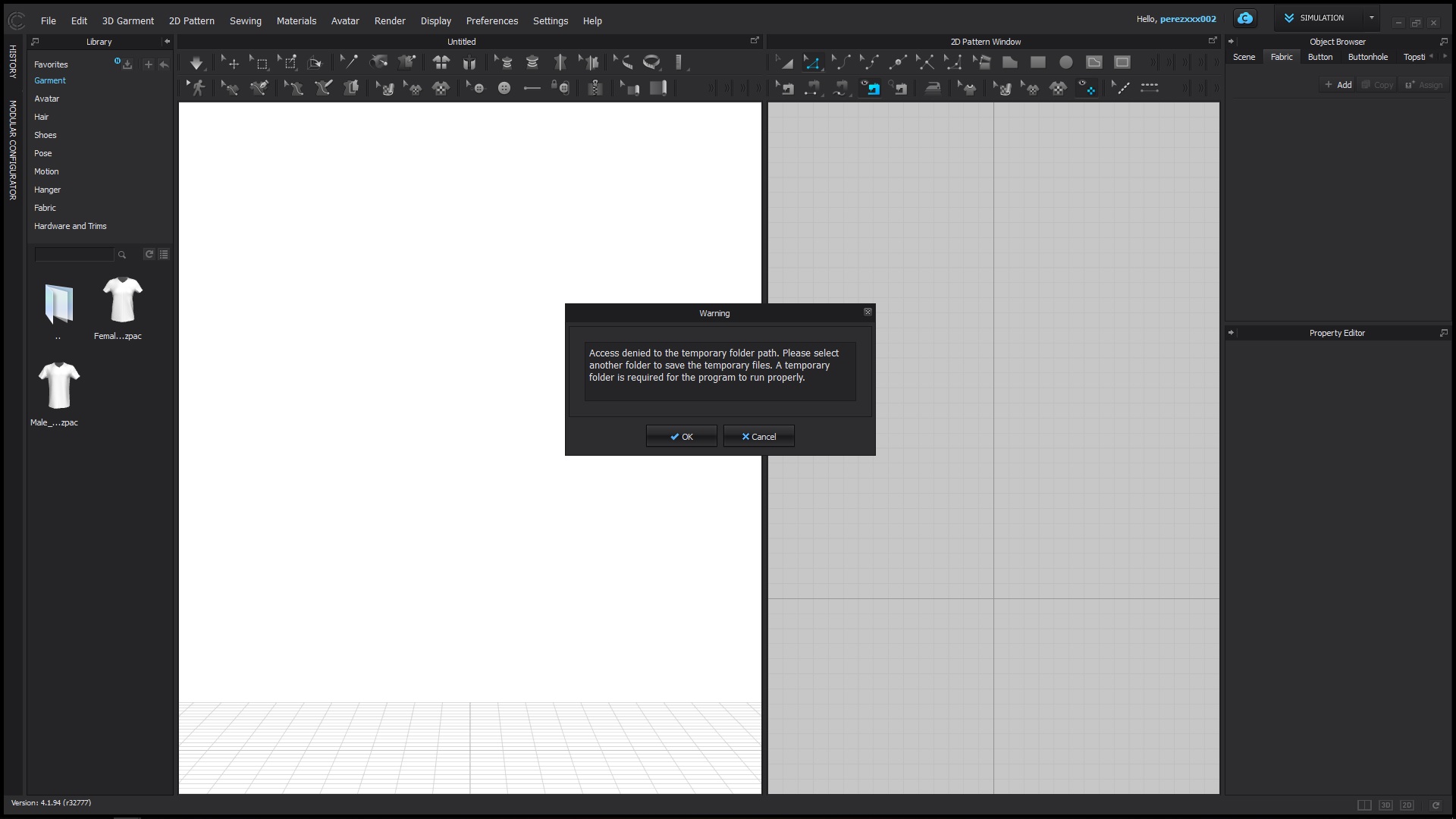
0
-
Hi, @perezxxx002!
There are three permissions for all folders and files, Read, Write and Execute.CLO works properly only when those three permissions are allowed. The error message you've attached pops up when Write permission is not allowed for Windows temporary folder.I'd like to share three possible situations when the trouble occurs.1. If the permissions of Windows temporary folder have been changed.> Please set all permissions of temporary folder allowed by following the path below.(Right-clicking on temporary folder > Security > Edit)There are many ways to allow permissions for every version of Windows, and please note that the manual above is based on Windows 10.2.If your login ID(local account) of Windows is not Administrator.> Please get in Control Panel and change the account type to administrator.3.If your login ID(local account) of Windows is not in English.> Please make another Windows login ID in English and get access with the new ID for using CLO.Hope my answer helps!Best, Lea.0 -
Hi, its been 2years since this post. Though I have the same issue. My situation is that I recently renewed my laptop and keep getting this error message.
My laptop setting is Korean, and thought the solution #3 would work then tried, but did not work.
Hope someone can solve this.
Best,
romoonie
0
评论