Adding sizing to an imported FBX avatar

I am trying to make an FBX avatar that I have imported into CLO size editable. When I try to use the Auto Convert to Avatar menu the avatar is imported at the wrong scale it can't be sized. When I just import the avatar into CLO the normal way it is scaled correctly. How can I my avatar size editable?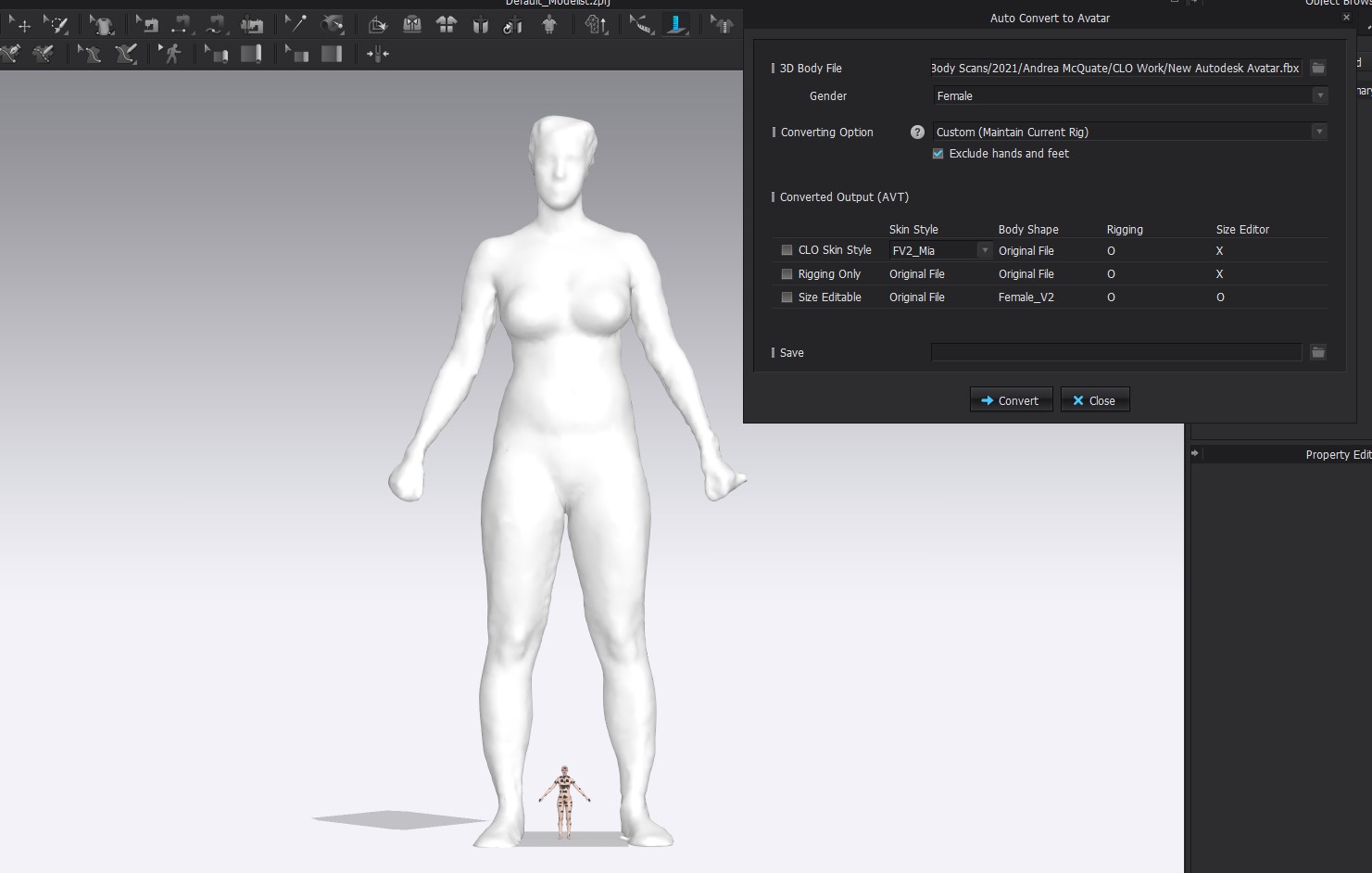
-
Hi ganderson,
Does it come back with an error when you try converting it anyway? I am unsure what would be the result as I have no file to test.
When you import and it comes in in regular size, is it set to auto scale?
Where did the FBX come from, could you have it changed to a smaller base size?
0 -
I will send you my fbx file. I have generated it in 3dsMax. When I just import the fbx file it is scaled correctly. It is not set to auto scale but to cm. When I try to use the AutoConvert to Avatar, the program erases the existing avatar and imports the file again, this time not to scale. I have tried to scale it differently when I have saved it in 3ds max but it always comes in too large as I showed before. Here is the link to the fbx file that I am working with. https://drive.google.com/file/d/1_oJNPnuVxkTqdhr9GWpvIO42Vzsxxfy5/view?usp=sharing
Thanks for your help.
Giovonnae
0 -
Dear ganderson,
- The deletion of any existing avatars in the window is intended, this should have shown up:

- The avatar only comes in for me in a realistic size when setting the scale to MM, and when trying to convert, I get an unusable output with the large avatar (looks like scaled to meter).
- There is a workaround: load the FBX into the scene, save it as an AVT file. Then use this AVT file for conversion instead of the FBX:
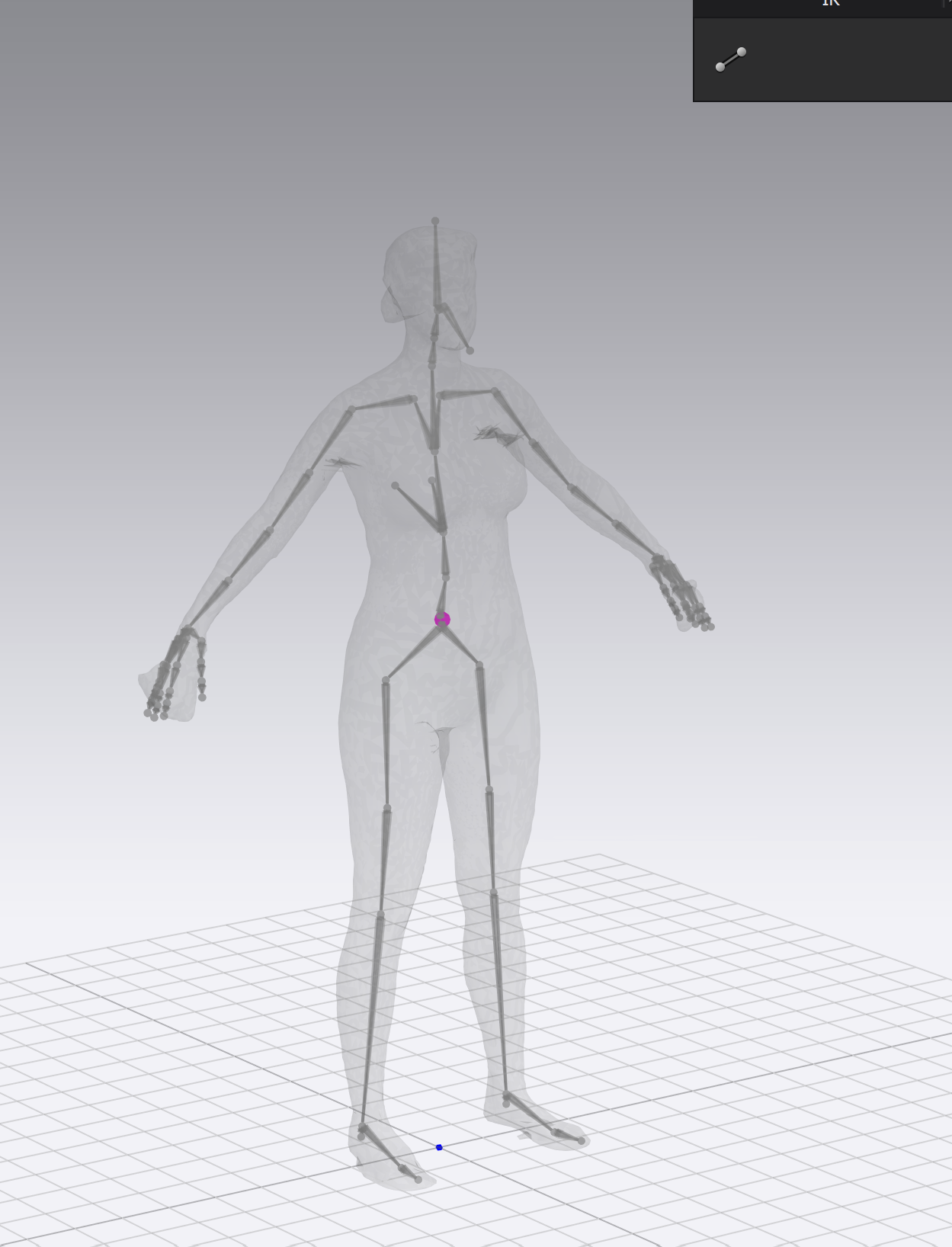
(I also tried exporting as an OBJ, but after conversion produced a skewed effect.)
0
评论