i want delete this line

what i doing?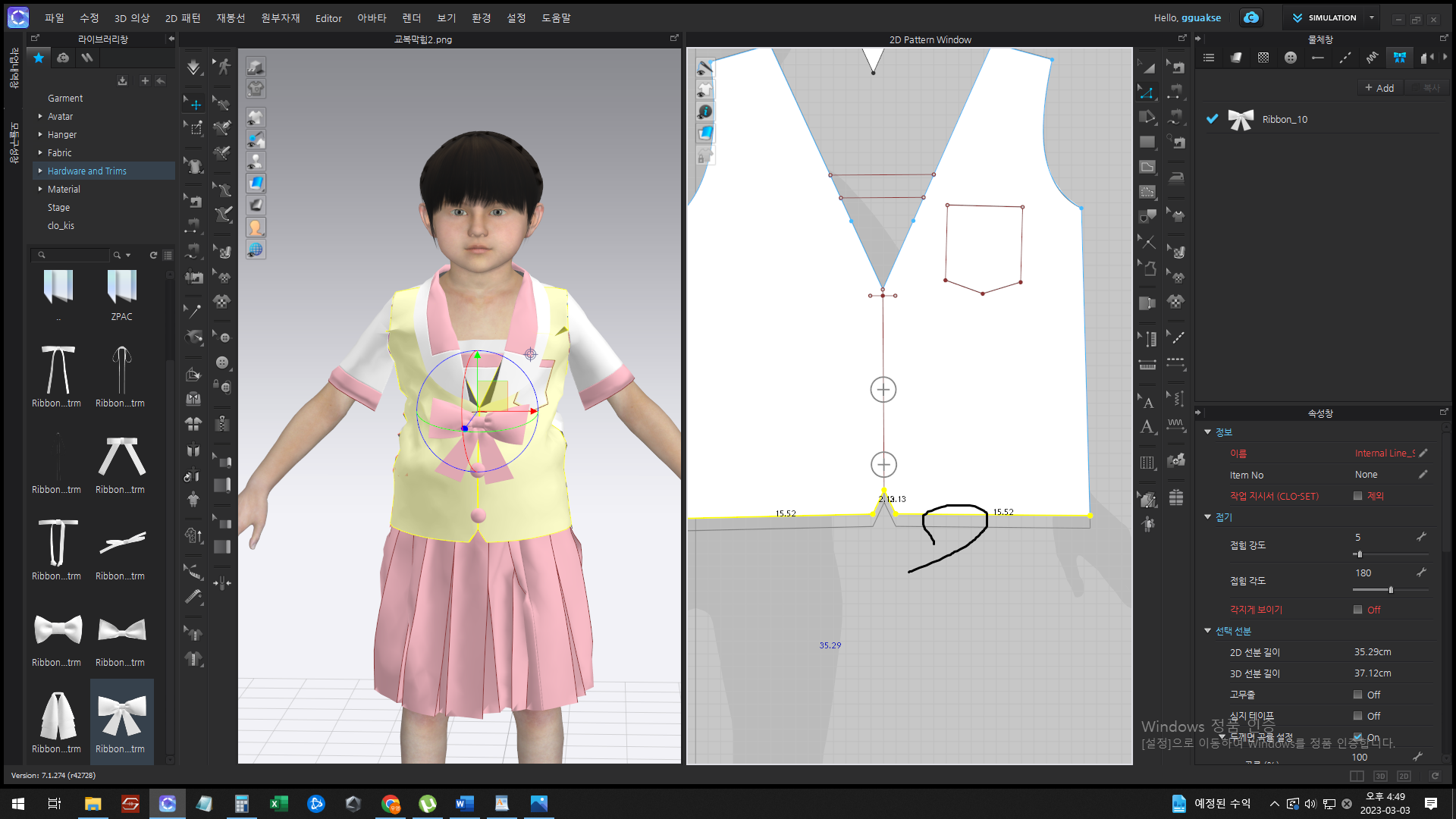
0
-
HI gguakse
Are you trying to delete the yellow pattern edge or the Black line below?
The yellow line you can use the Edit pattern tool > Select > hit delete on your keyboard
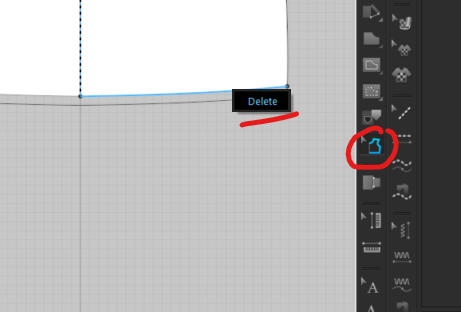
For the black line it looks like a seam allowance line. Select the seam allowance tool in 2D > Right Click on the pattern edge above the black line > Select delete
 0
0
评论