Settings is not an item in my menu bar

-
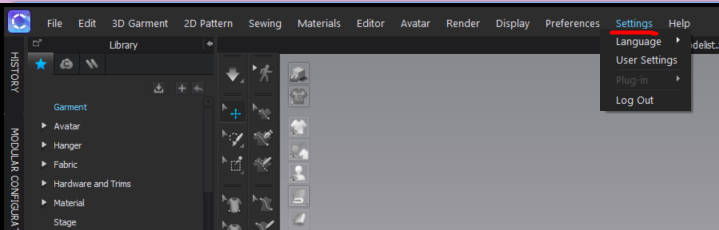
Your settings should be visible right at the top of your screen. Like the below image. Is this not what you are seeing? Can you share a screenshot of what you so see?
One suggestion is to check your Monitor Resolution. If you have a small screen your resolution might be too big and cutting this option off.
 0
0 -
 0
0 -
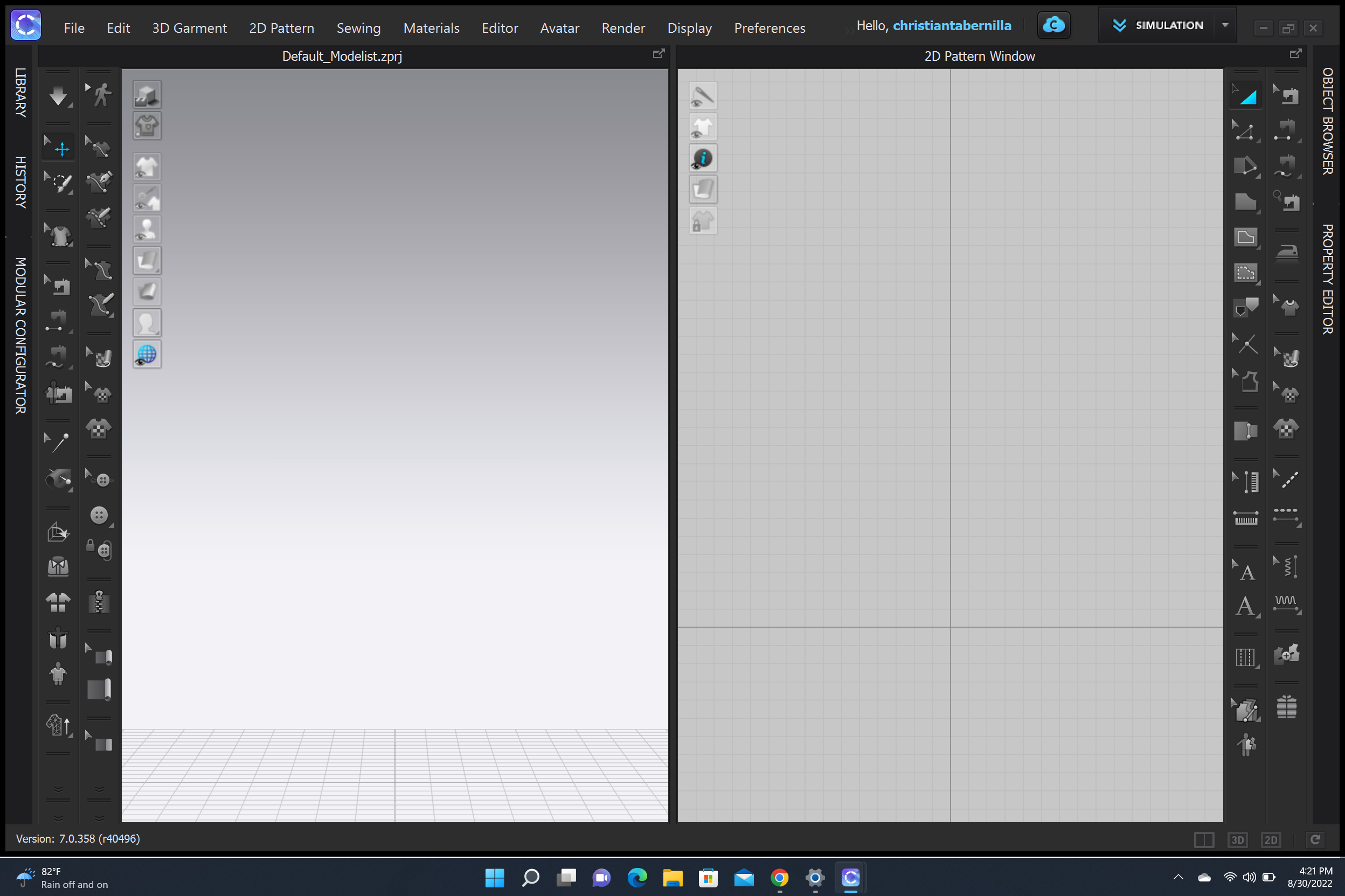
Thank you for adding the image. This is your Monitors Resolution. You will need to go into your Computers Display Resolution (Not CLOs) and adjust the resolution there.
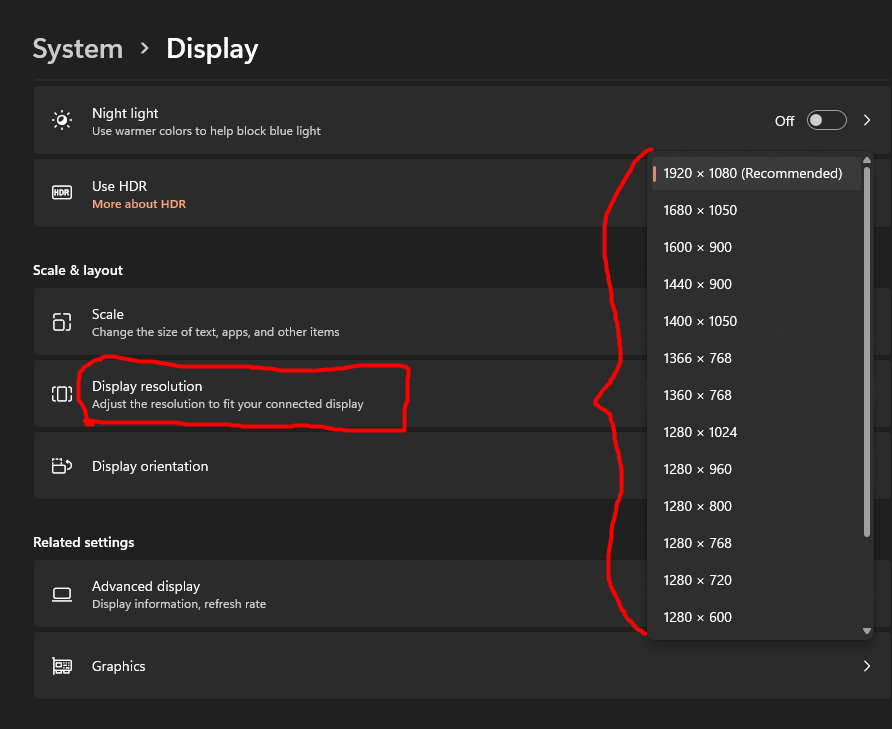
For Monitor Resolution is is usually found in Computer Settings > System > Display. Please note that this is just where most computers have it as we cannot look at your personal computer settings
0 -
Could it be that I don't have enough memory on my computer?
0 -
I can't make my resolution any bigger.
0 -
Never mind, I was able to fix it by adjusting scale of text. Thanks for your time.
0 -
You want to make it smaller, not bigger so the whole window can fit
You should be selecting from something that looks like this. You may need to find a few to figure out which works best for the size of your screen
 0
0
评论