garment waves constantly

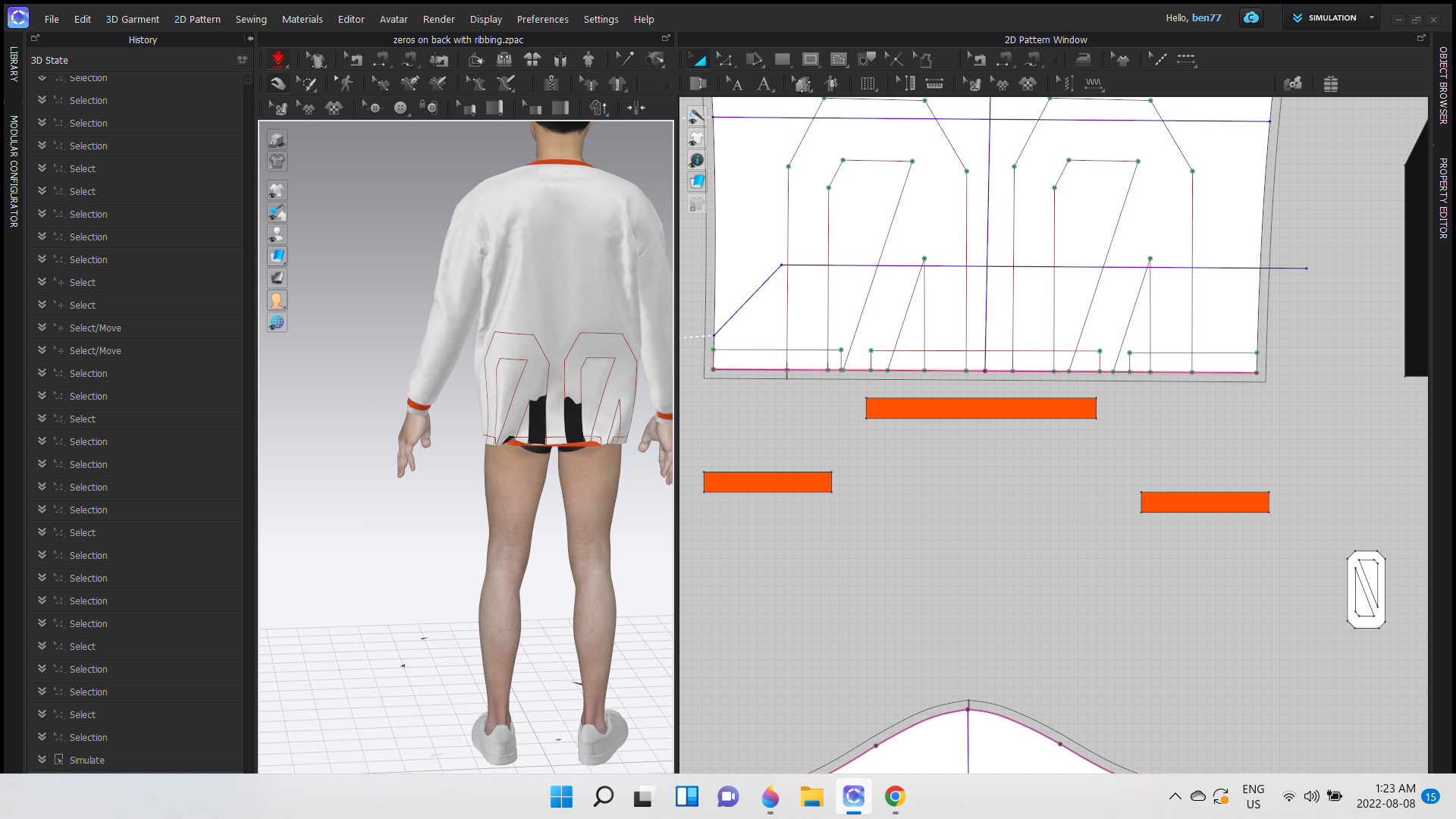
I supper imposed leather on top of my garment and the leather keeps waving in and out of sight, id like to make this stop permanently, please.
-
Which version of CLO are you currently using?
Have you turned on Layering for the pattern pieces you want on top? Select the pattern pieces that you want to be on top > Go to the Property Editor and scroll down to Simulation Properties > Layer. Change from 0 to 1. Turn on simulation and the pattern pieces will turn Green and move to the top. Once stable you can take the pattern pieces back to Zero.
I do see that you are asking a lot of great questions. I would recommend checking out the CLO youtube channel. There is a great Intro to CLO section that goes over a lot of these features HERE and then other videos for more advanced techniques
0
Comentários