How to add internal lines so I can stich the strap to the bag?

Hi!
I wish to add an internal shape so I can stitch the bag strap to a specific location on the side seam. How do I achieve this? I hope this makes sense. 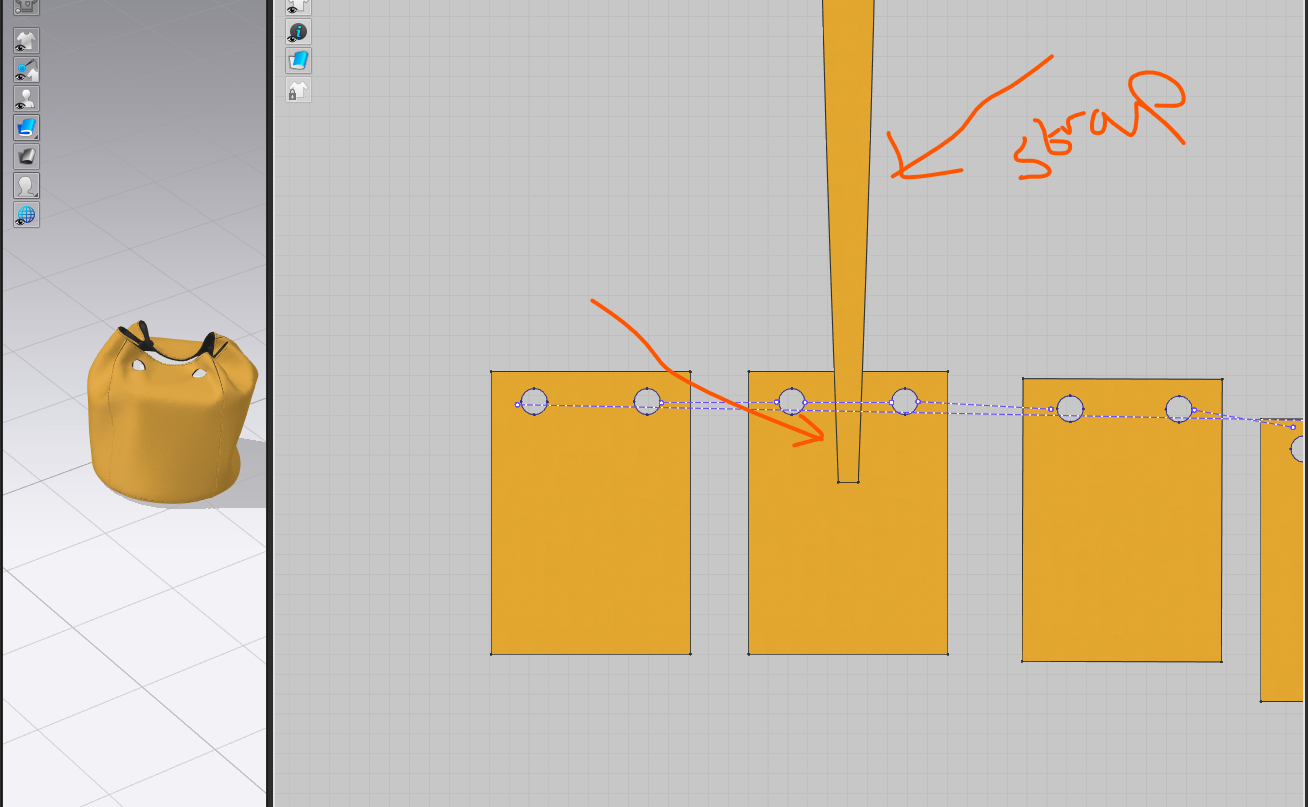 e this?
-
If you want a copy of the shape of your strap, just right click on the strap and select Copy as Internal Shape and then position over the piece where you want the internal lines. Start by positioning the copied shape a bit inside the larger shape, otherwise you'll get a message saying that the shape has to be over a pattern piece. Then reposition the internal shape as desired and cut the excess of the internal lines by right clicking on each line and Selecting Extend and Trim to Pattern Outline.
0 -
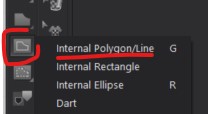
Hi alexloz. Another way to add internal lines is to use the Internal Polygon/Line tool. This will allow you to add/draw internal lines and shapes on your pattern pieces. It is one click to start a line and a double click to end the line (unless you are creating a closed shape, which would then be a single click to start and a single click to end)
 0
0 -
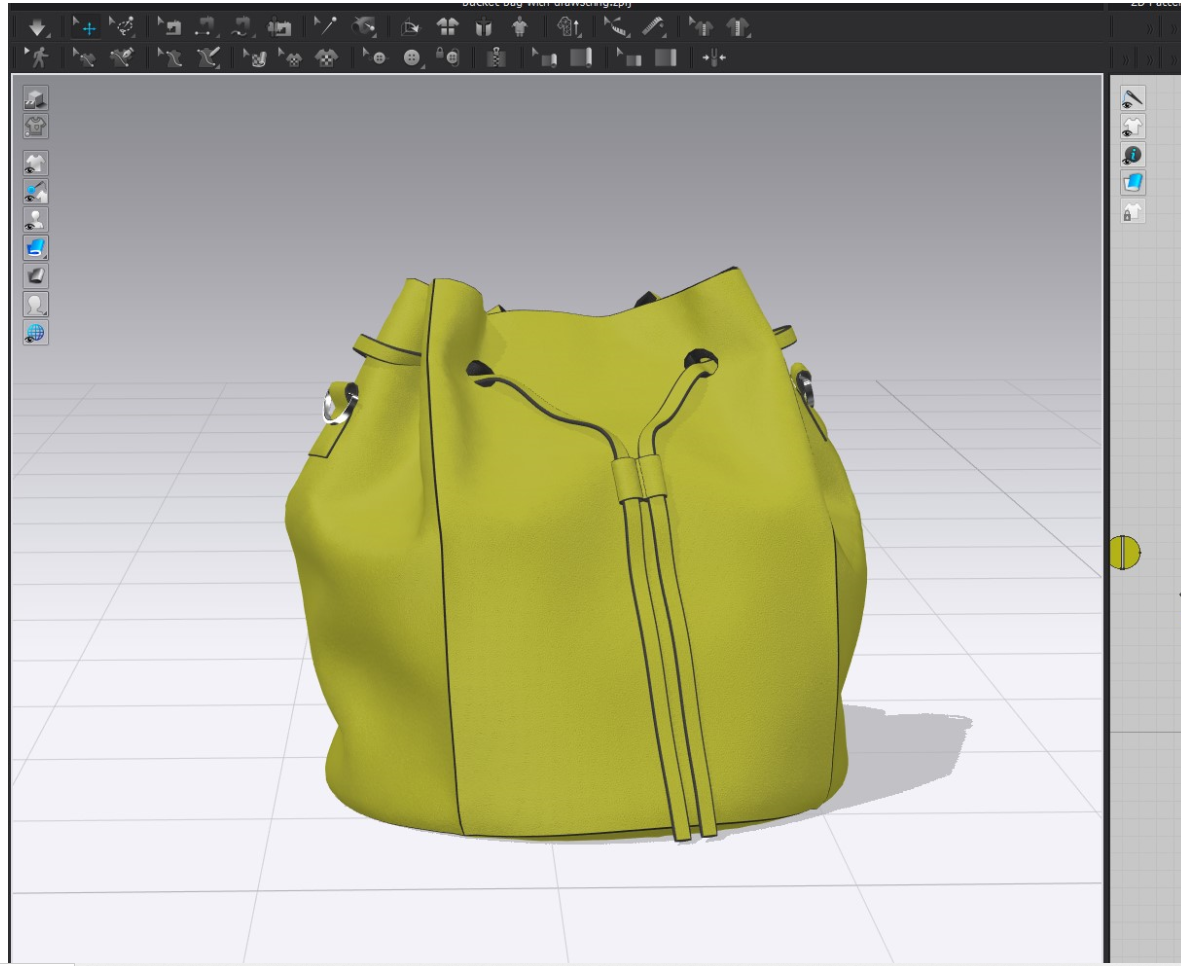
Thank you! I am happy with my result!
 0
0 -
alexloz. Thank you for sharing the bag looks great! and so glad we were all able to help!
0
Comentários