Fill tool simulation problem

Hi all,
I was testing the new fill tool and run into this simulation problem. Two sides of my front have the exact same settings including filler weight, quilting distance and pattern shapes & sizes. Before activate realistic quilting line, everything is ok. But after I click realistic quilting line on, my right side starts looking weird. If anyone knows the reason, please help me here.
Thank you very much!
lolo
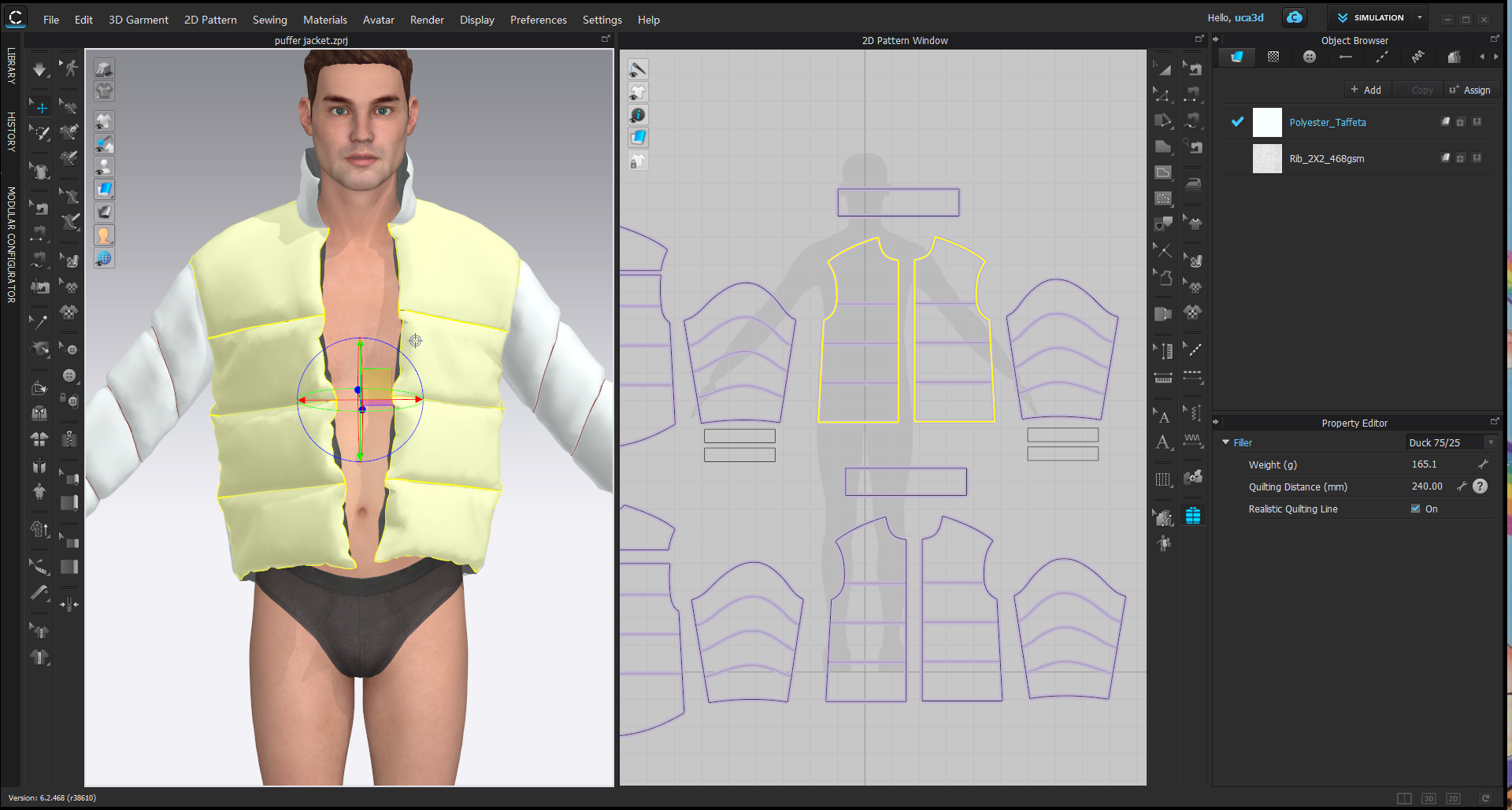
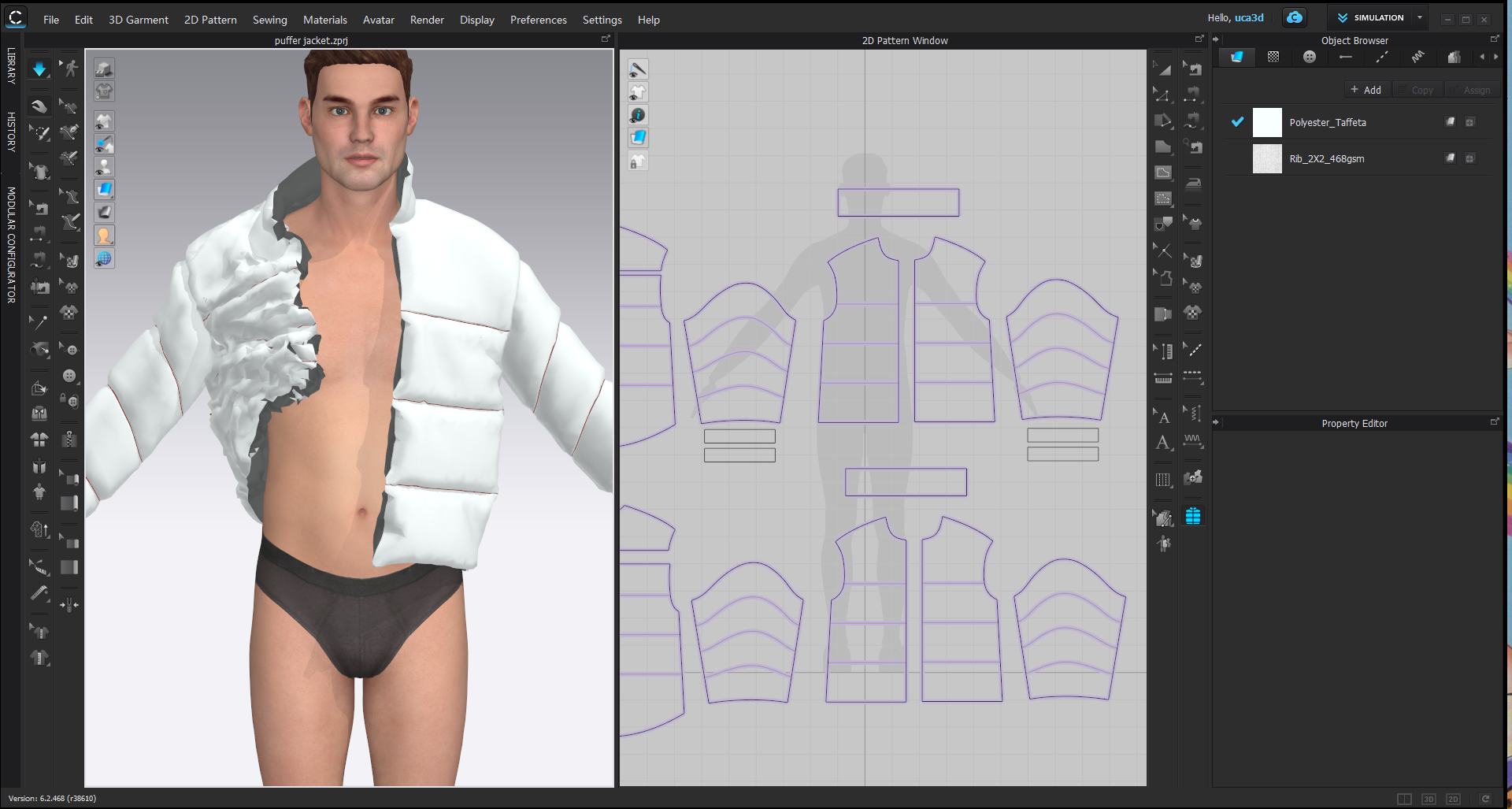
-
Hi yilololi2021. Have you tried to add strengthening to your pattern pieces before simulation? We recommend adding temporary strengthening > Simulate > Then remove strengthening.
0 -
Hi
Many thanks for getting back to me!
I tried that. Unfortunately, it didn't help. I also tried re-fill it. And I noticed that sometimes, my back had collision as well. But the sleeves are always fine. It was random which pattern errors occurs on. Is it something to do with values of weight and quilting distance? Right now, I put in total weight of 1600g and largest quilting distance on each pattern.
Thank you so much!
Lolo
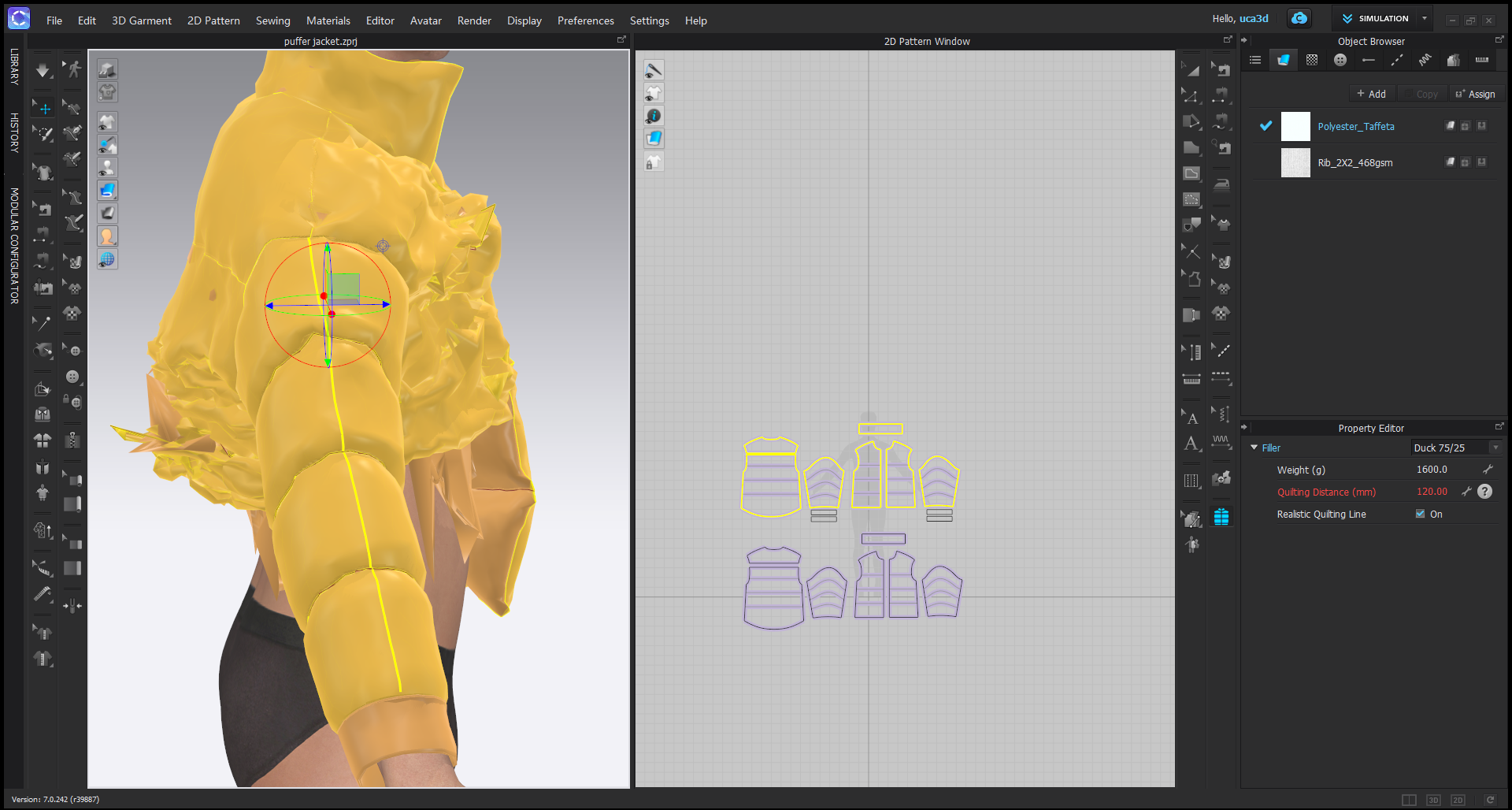 0
0 -
Hi!
It's me again. I tried to decrease particle distance and set sublayers. But it still causes collisions. :(
Please any idea to solve this. Thank you so much!
Lolo
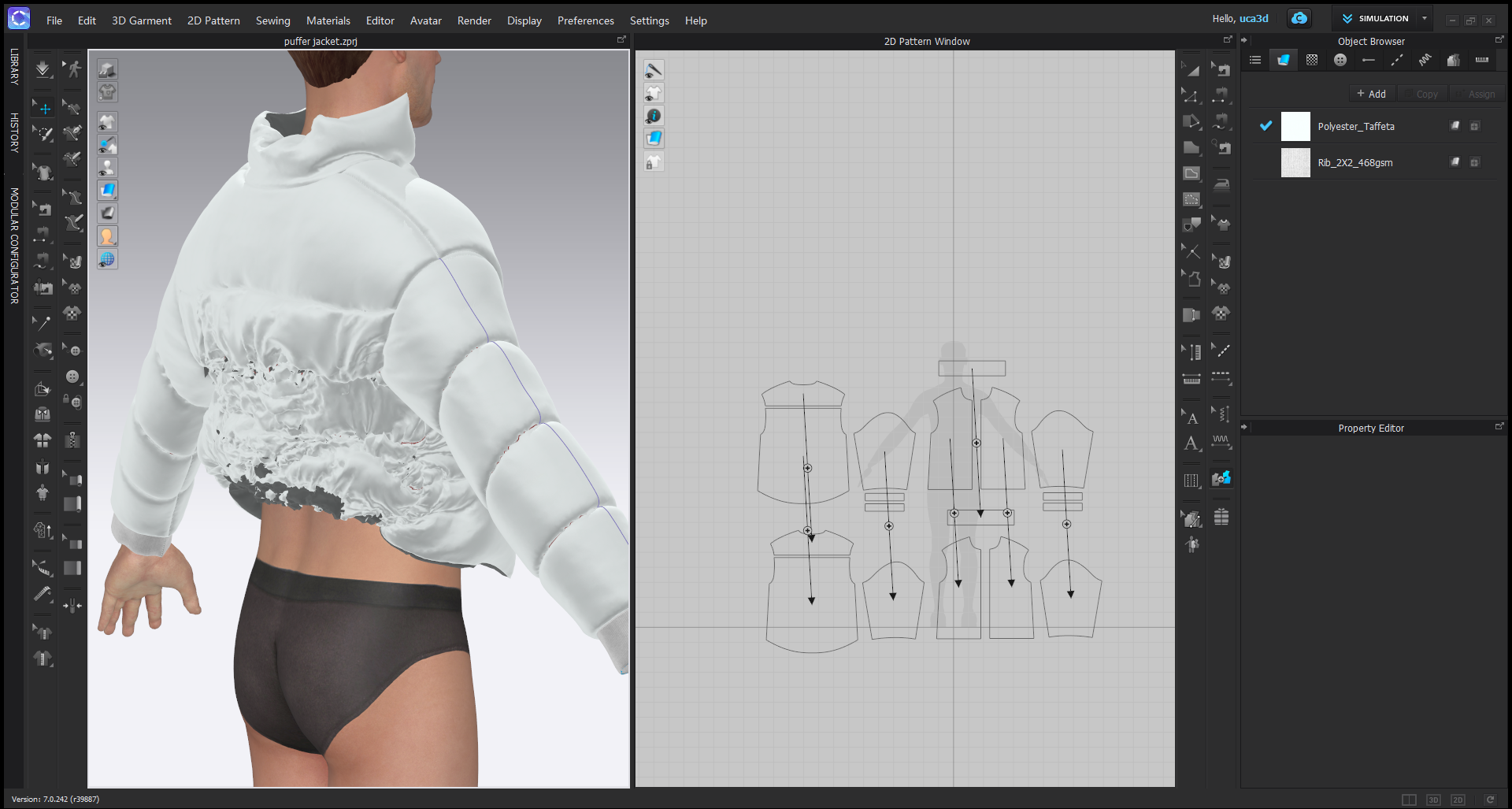 0
0 -
Hi yilololi2021. Please reach out to us directly HERE or post to our Discord channel HERE
0
Comentários