High Res Textures

Hi all, I'd like to know how to achieve a result like the one in the pics attached, where textures are really high res.

-
Hi francescomanchesco. This is done using a combination of different MAPS. Texture, Normal Maps, Displacement Maps. We have a section of our beginners guide on our Youtube channel HERE that talk about how these looks can be achieved. Part 4 videos focus on Materials and Textures.
You might also find these videos below very helpful
We hope that this helps. Thank you!
0 -
You can create textures but you must also understand that high quality fabric resolution also require high quality digital image capture if using images off existing fabric materials. And with this comes good multi-directional lighting and hardware to capture this data detail and then the correct image map shader assignment to achieve realistic results.
The textures above in your images are arguably not actually high quality 'material textures' from a digitization perspective as they are missing many of the fabric textural map qualities associated with how a fabric is digitized, eg: opacity map, specular, 4way lit normal, translucency map. > which are all missing from those render views you show. So this might be called a 'high resolution' tile repeat weave image assigned to a simple vray satin shader > eg: that the height map is at a high pixel or dpi image resolution for it's tile repeat size - but what it is not is a high quality shader material as it is missing the many additional photoreal images maps to make it so.
You can create simple height maps for weave types using many free or low cost softwares from standard fabric images that can give you a 'high resolution' bump and height map if your incoming image is suitably high pixel resolution and apply that to a diffuse color and assign a standard CLO3D vray material shader type (eg: satin, plastic, metal etc) from the shader drop down options. That is a very simple material you show by the way. HOWEVER you can greatly improve the 'fabric material render quality' of the material in vray by adding in the additional custom digitized texture map types to increase the way light behaves on the digital fabric > these appear to be missing in your example. So bump and height map appear to be the two main maps that image shows. To get these additional image maps you can process a diffuse image using texture software to 'fake' these, which requires some texture software knowhow. The free shadermap is a good tool for exploring this. However to get truly good fabric texture image map from source you actually need good hardware to get those image characteristics under certain lighting conditions.
So in short to get 'higher fabric texture quality' as apposed to simply 'high resolution' weave repeat detail at close up camera angle you not only need to use a high pixel count for your image (eg: +300px per inch) but also more texture image map types and manually load them in the CLO3D standard vray material shader types. This is where you can add custom digitized specular/gloss, weave opacity, yarn translucency - or light transport, 4 way normal lighting and yarn noise to all contribute to more photoreal detail. 'Image texture resolution' is only part of the texture quality you need to deploy in order to get realistic fabric rendering.
Depending on your incoming source image texture 'quality' > the way the fabric renders in the engine will be limited according to the frequency of data (light information) and texture map types you leave out in your fabric vray material shader. It is therefore incumbent on you researching how you can pull that image data into your fabric material shader to get a photoreal result.

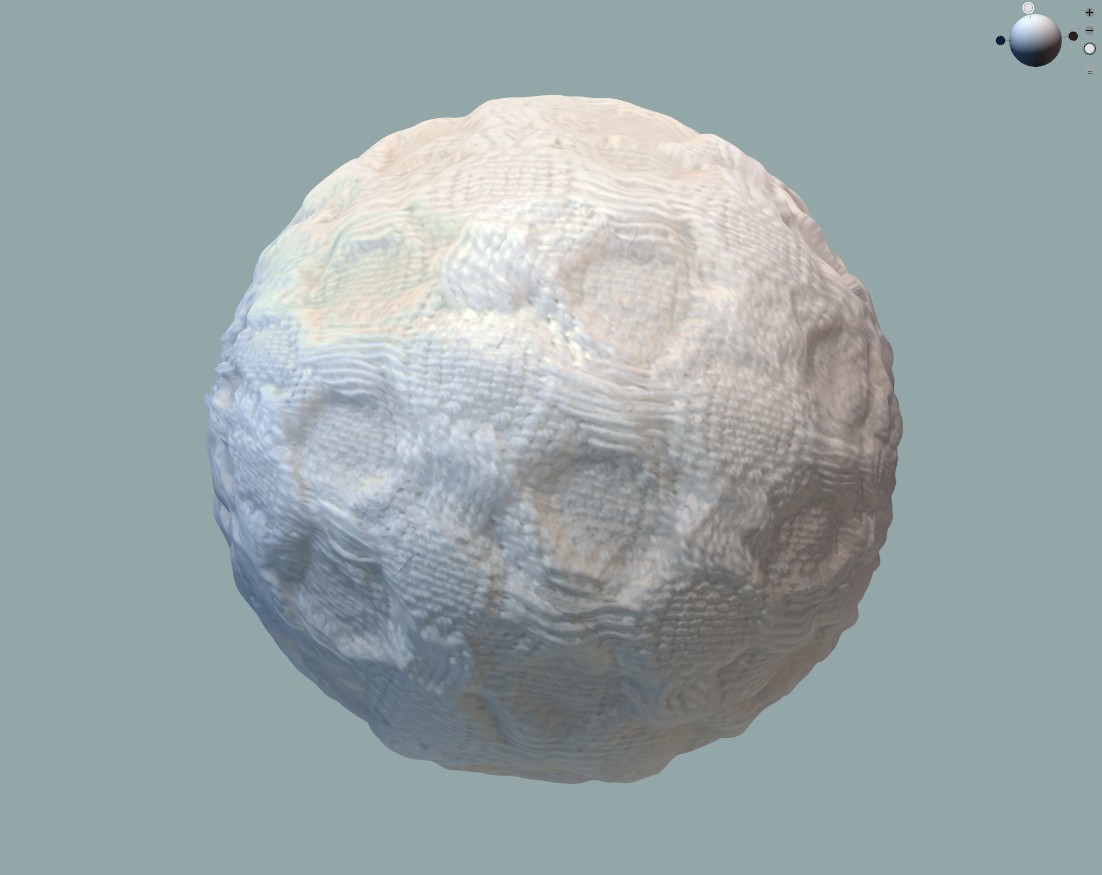
The normal above is created using hardware that lights the fabric from 4 angles, and it is also at suitably high pixel size (dpi) this can then be used to create the other derivative high quality depth map and specular /gloss map , so the render engine returns more realistic light data (render image) off the digital material surface as customized. The vray render engine is extremely good at rendering this level of detail and you can certainly get this if you push the right level of image data and map types into your fabric material shaders, however if you don't place it into the shader, you will get the simplified fabric materials using the default values for these effects. And that can dramatically change how your fabric texture looks on render as it may lack much of the 'noise' associated with yarn color variation, reflected light, creasing, opacity, open weave gaps etc.
 0
0
Comentários