3d pen Avatar tool is not working anymore

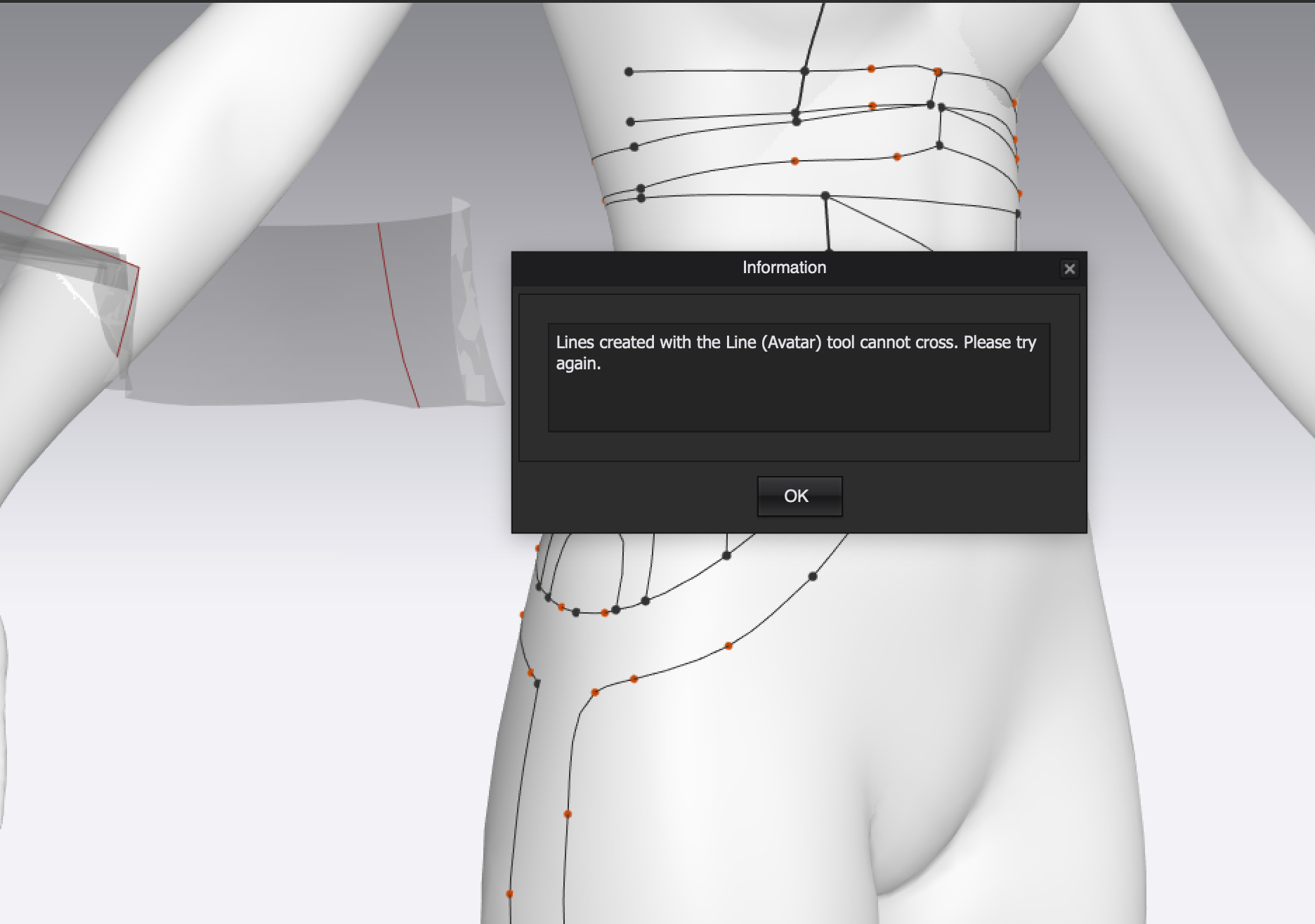
So I am playing around with the 3d Pen avatar tool to find new shapes around the body, but after I flattened two pattern pieces, I cannot delete or create a new line on the avatar. The error information says:" Lines created with the Line tool cannot cross" But Why?! :( The lines are not crossing :D
Thanks:)
-
Hello,
This could be happening because a segment point of a closed shape maybe too close or overlapping another closed shape. If this message pops up when you are attempting to delete a segment, you can try to double click on the segment, to select the complete shape, and delete it
Hope this helps!0 -
How did you solve this issue? I'm having the same problem
0 -
Hi Alayna Todd. Make sure your lines/segments are not crossing. If they are hit backspace to go back one step.
0 -
CLO Designers That's what I'm trying to do, but every time I try to delete a segment or the whole shape, it gives me that same message. My network crashed twice, so I'm not able to simply undo the creation of the segments. Do you have any other suggestions? I'm happy to send my file for someone to look at if that could help.
0 -
Hi Alayna Todd. Please reach out directly to us HERE. Thank you
1
Comentários