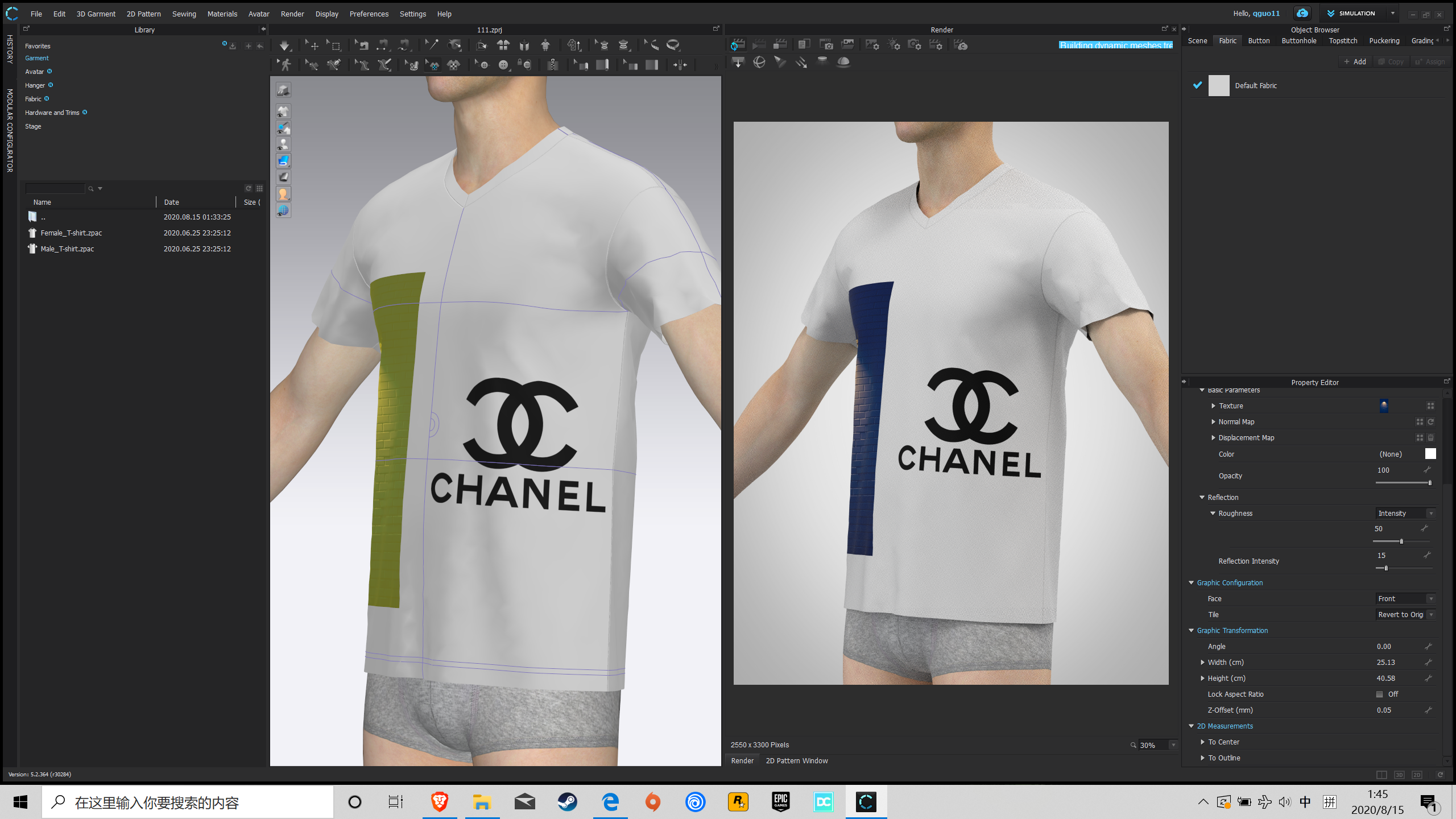
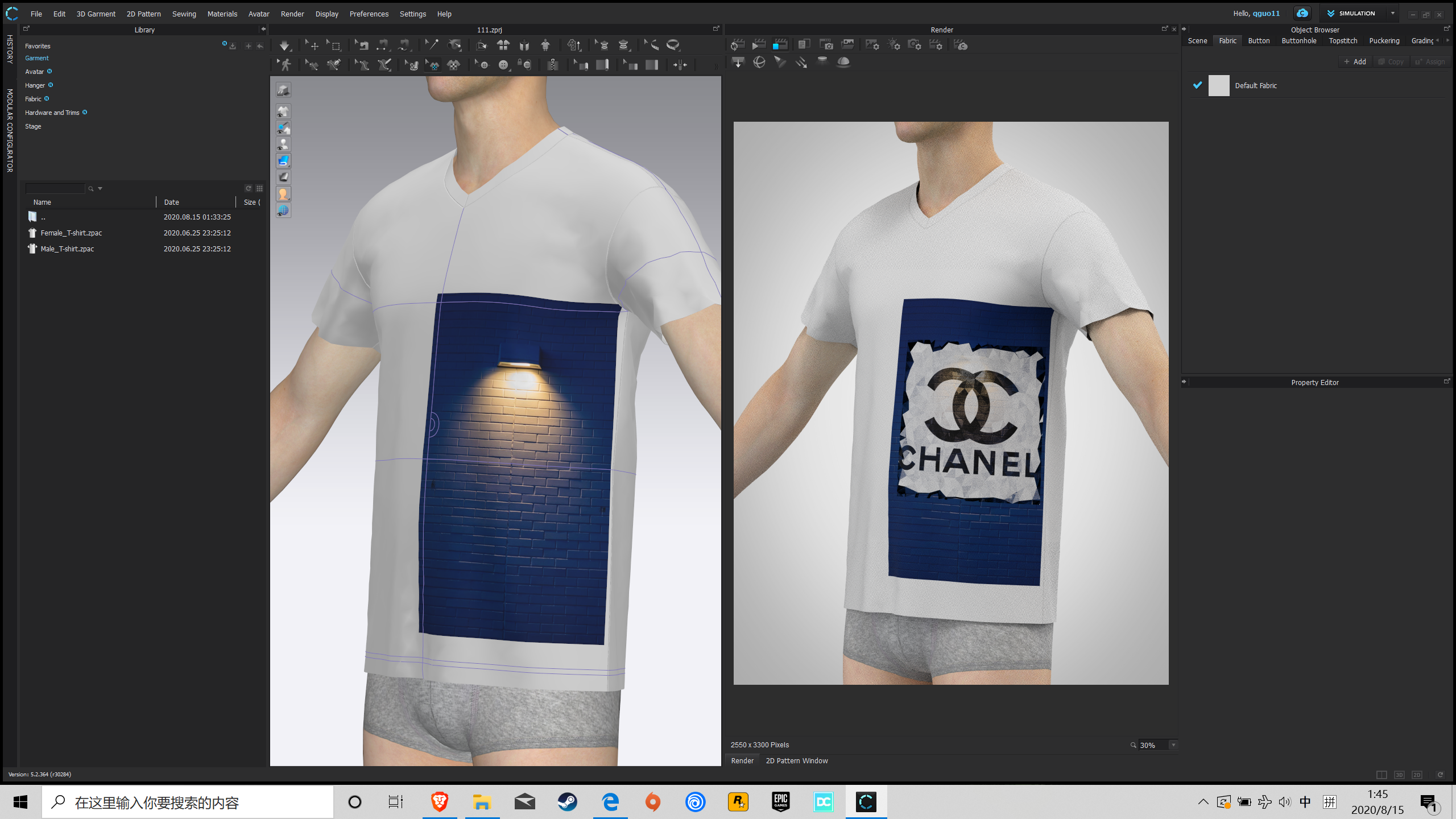
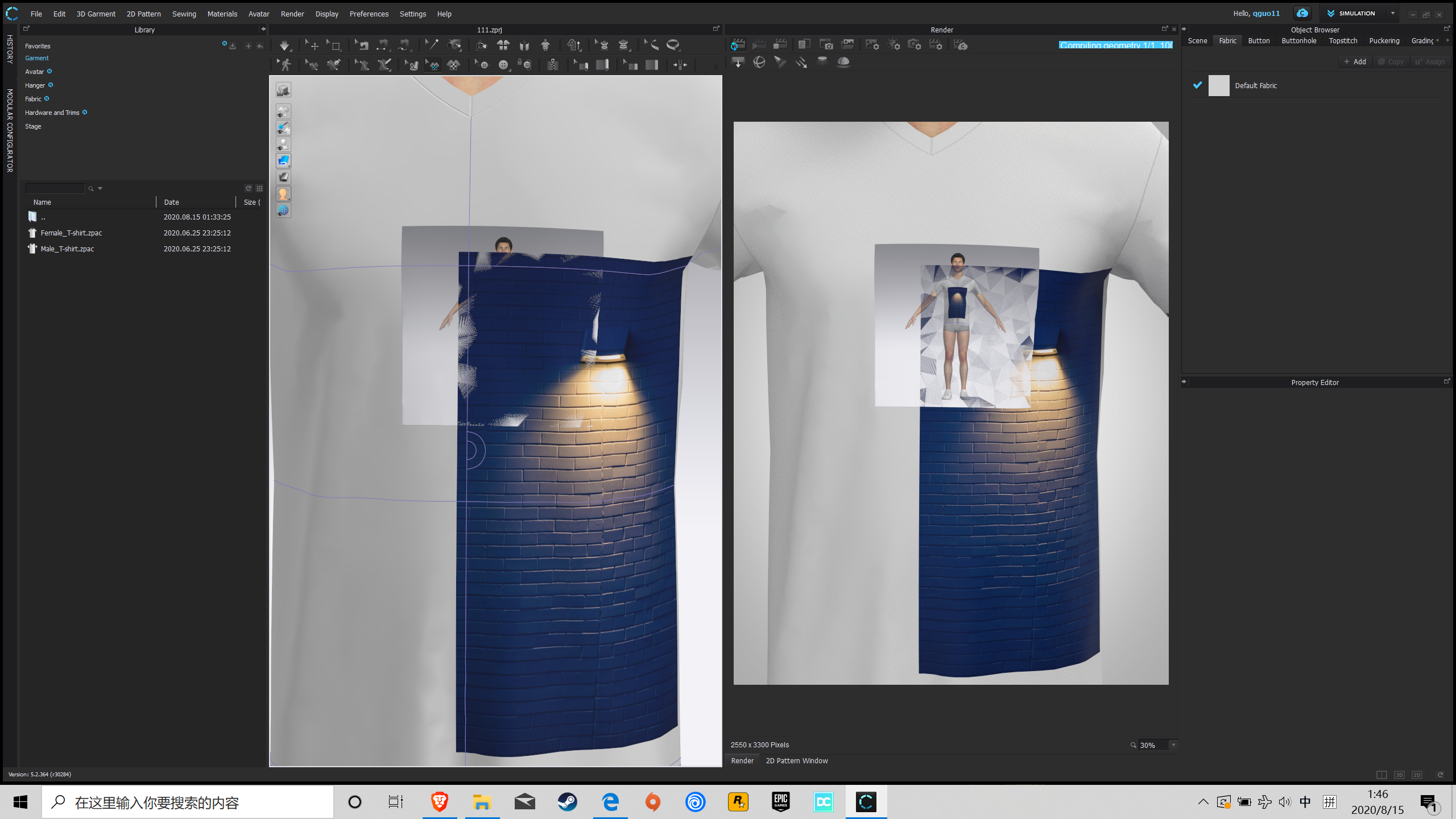
When I put 2 layer graphic and render it, the upper layer alway messup.

when I only use one image, it looks normal.
When I try put 2 different image and layer them together, it just mess up.
Do you guys have the same issue? Any way to fix this problem?
Thank you so much
0
-
Hi there,
Thank you for submitting a question.
This problem can be solved by adjusting the z-offset value of the graphic under Graphic Transformation in the Property Editor. Z-offset will help you adjust the offset from the surface of a 3D pattern to set which graphic will be above/below in case the graphics overlap. By default the Z-Offset value is set to 0.05 for all the graphics.
1
Comentários