Blender to CLO Custom Button issue

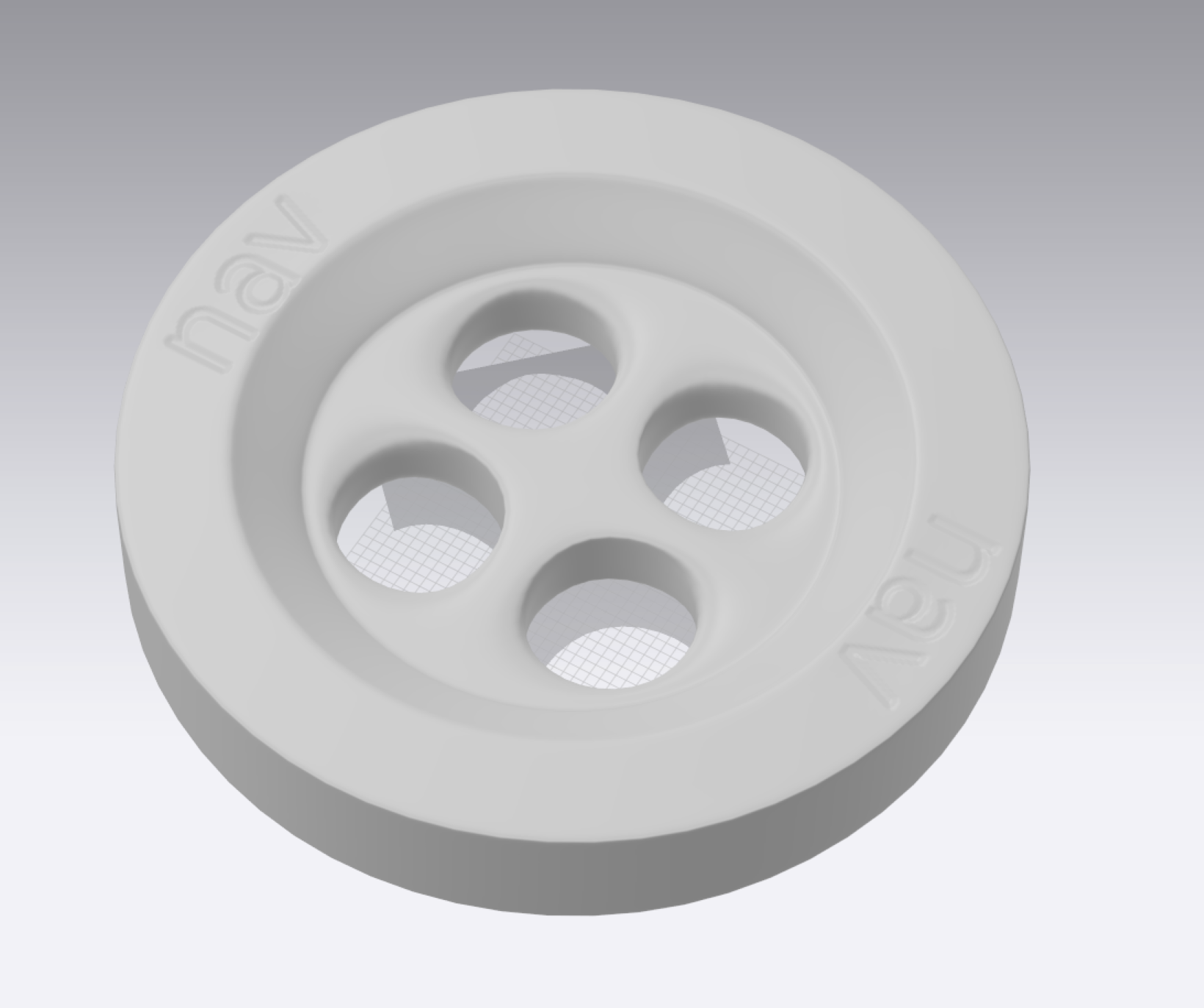
I have created a button in blender and exported the .OBJ file to use in CLO. But there are glitches that appear in the button.
I recognised that using boolean modifiers (subtract) to cut holes through the button was resulting in glitches. Then I created another iteration without the use of boolean modifiers and the button holes seemed fine. For the engraving I used 'knife projection' instead of boolean subtract modifier and still can observe the glitches.
Is there any way around this problem? Is it a data loss problem from blender to CLO?
PS - Please find the project files and screenshots in the Google Drive folder linked below.
https://drive.google.com/open?id=1x0Y8iai-MC501KYbDyFTpSORZMAjPp-0
Thank You.
-
Hey utkarsha. Can you add the Blender file to the Google Drive too? I will make some suggestions after I check it. It is definitely not a CLO problem, but a modeling problem, which is aggravated when exported as an OBJ.
0 -
Hey Pablo, I have uploaded the blender files in the Google Drive folder.
Appreciate the help :)
0 -
utkarsha. I am sending you a Blend file with the correct modeling of the button, UV unwrapped correctly so you can apply normal maps for the logo instead of actually creating geometry for such small details. Also you will find a Photoshop file with layers so you can create your own normal maps starting from height maps.
Don't use booleans, but actually model the holes using subdivision surface modifiers. Study my model and if you have questions let me know.
 0
0
Comentários