change fabric on drawstring

I would like for my drawstring to be the same material on both sides and to increase the thickness of it. I have created the drawstring here but I want to make the fabric on both sides the same texture. How can I do that?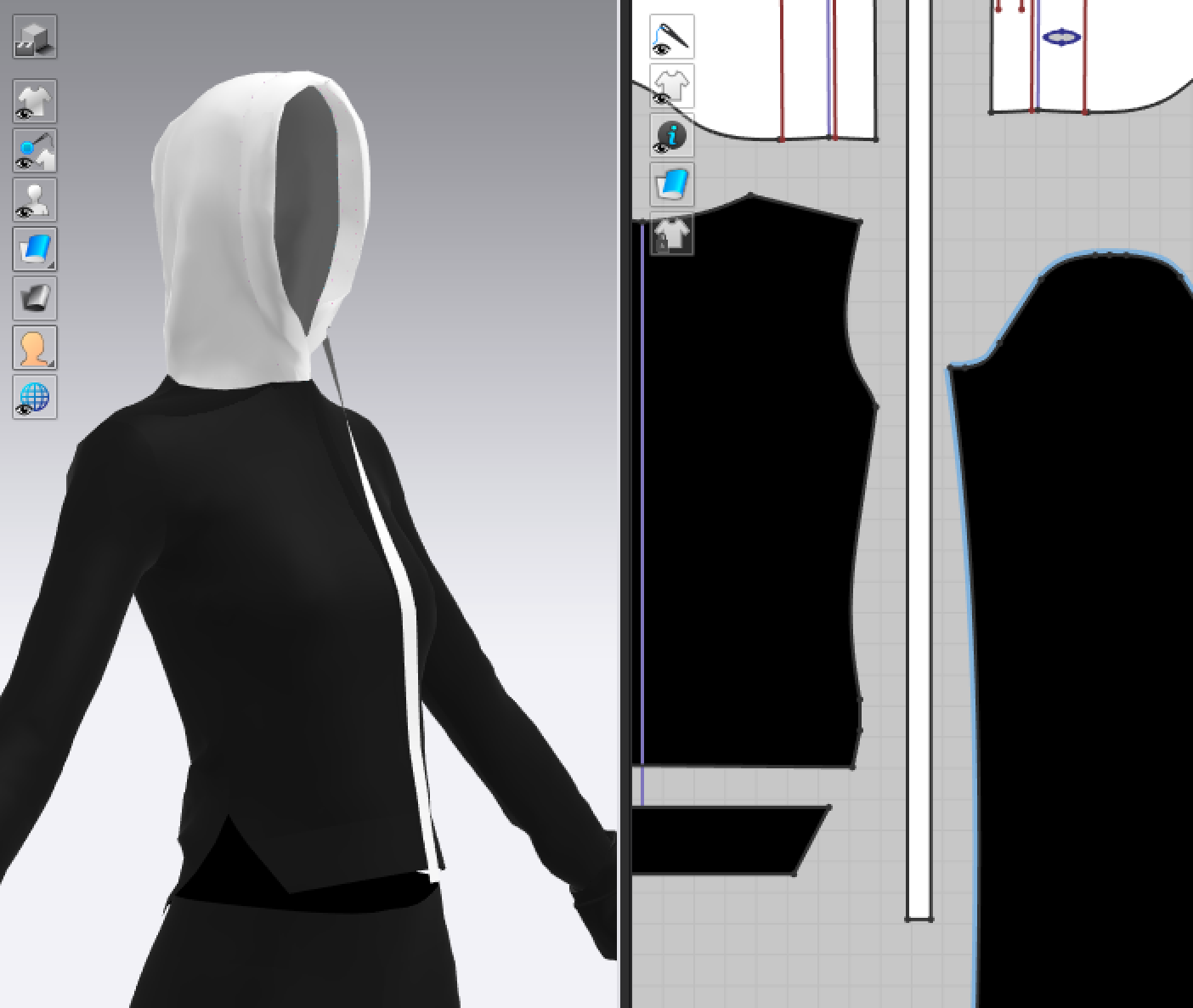
0
-
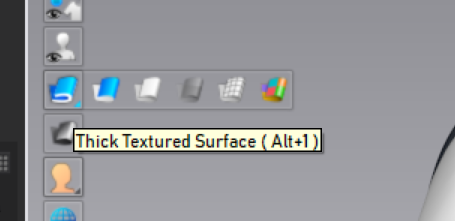
Go to Thick Textured Suface.
 0
0 -
Hi kartiayla, Clo automatically switch to textured surface view mode when using some feature such as edit texture or graphics and dosn't switch back by itself.
This means that the texture will just showed on the surface of the pattern and you will see the dark grey color on the backface,
Tipically when rendering it easy to forget to switch it back as Pablo correctly said.
Daniele
0
コメント