Style line window pops up

Hi everyone! Suddenly when I go to show style lines, a Style line window pops up with the options and I can't get rid of it. If I close it. style lines disappear. The window stays on screen even if Clo is minimized. Any ideas how to make it go away?
-
Hi Lena, I don't think the coded behavior is that the Style Line window be minimized. You can collapse it a bit, but it will stay there.
What I don't see from your comment is that when CLO is minimized, the box disappears too. I'm using Windows.
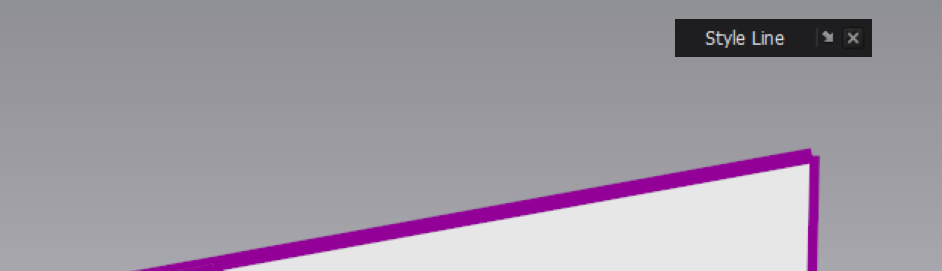 0
0 -
Oh ok, good to know that it's not something I did. Thank you Pablo!
0 -
Three options: (Ref: CLO3D Version: 5.1.320 (r44124)
Alt + 0 is the keyboard shortcut to toggle on/off
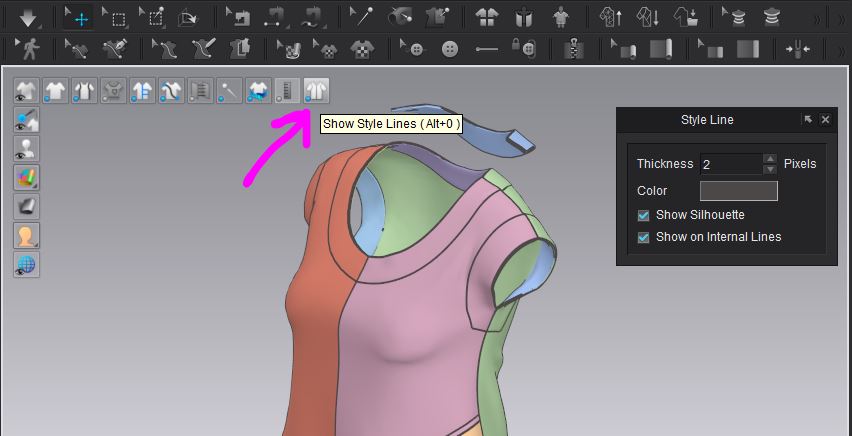
Use the 'X' to close the pop-up modal - (make sure you are using the latest CLO3D release)

Change the user settings preset shortcut to a new shortcut, or reset or load it fresh back into the user settings. (remember to save those settings if you change it).
 0
0
コメント