Displaced textures when exporting FBX

Hello,
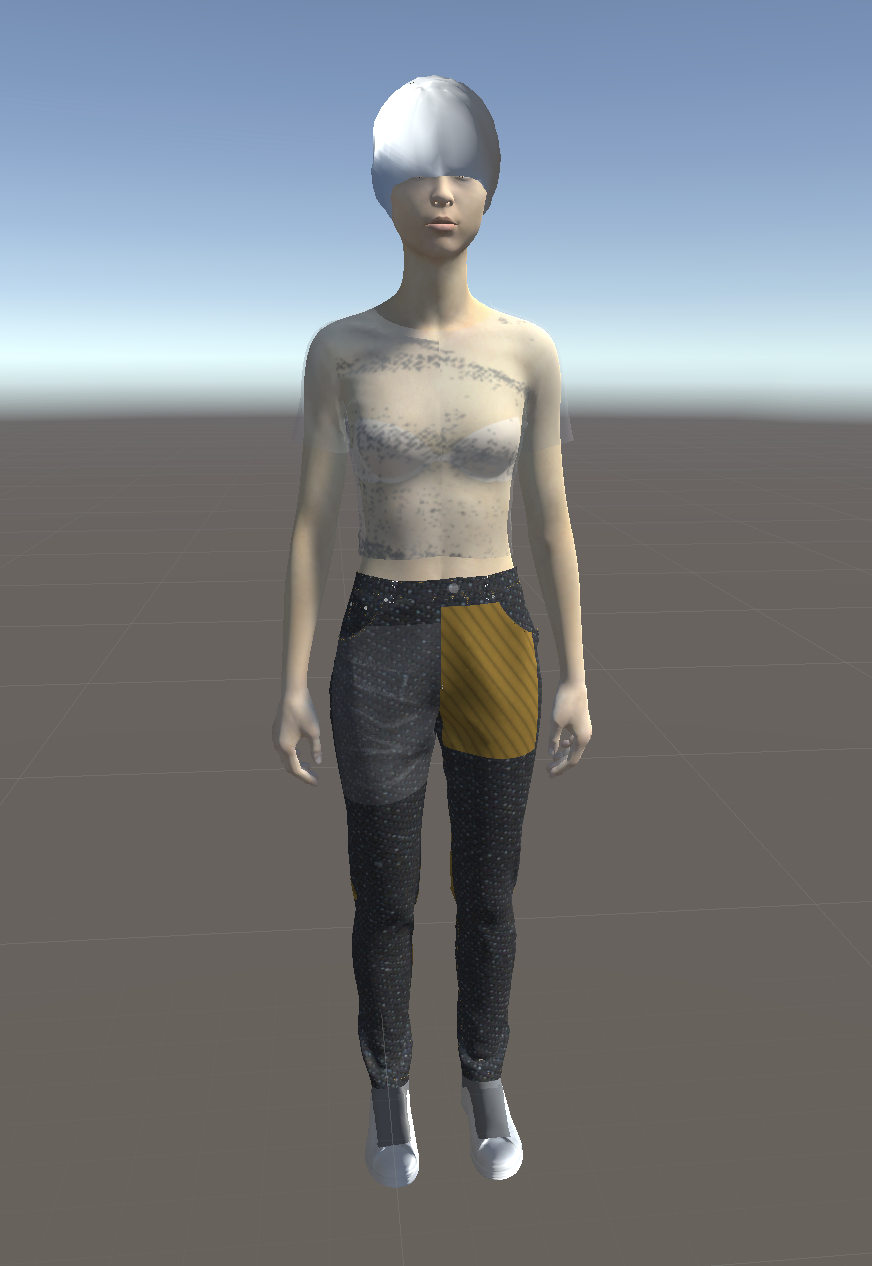
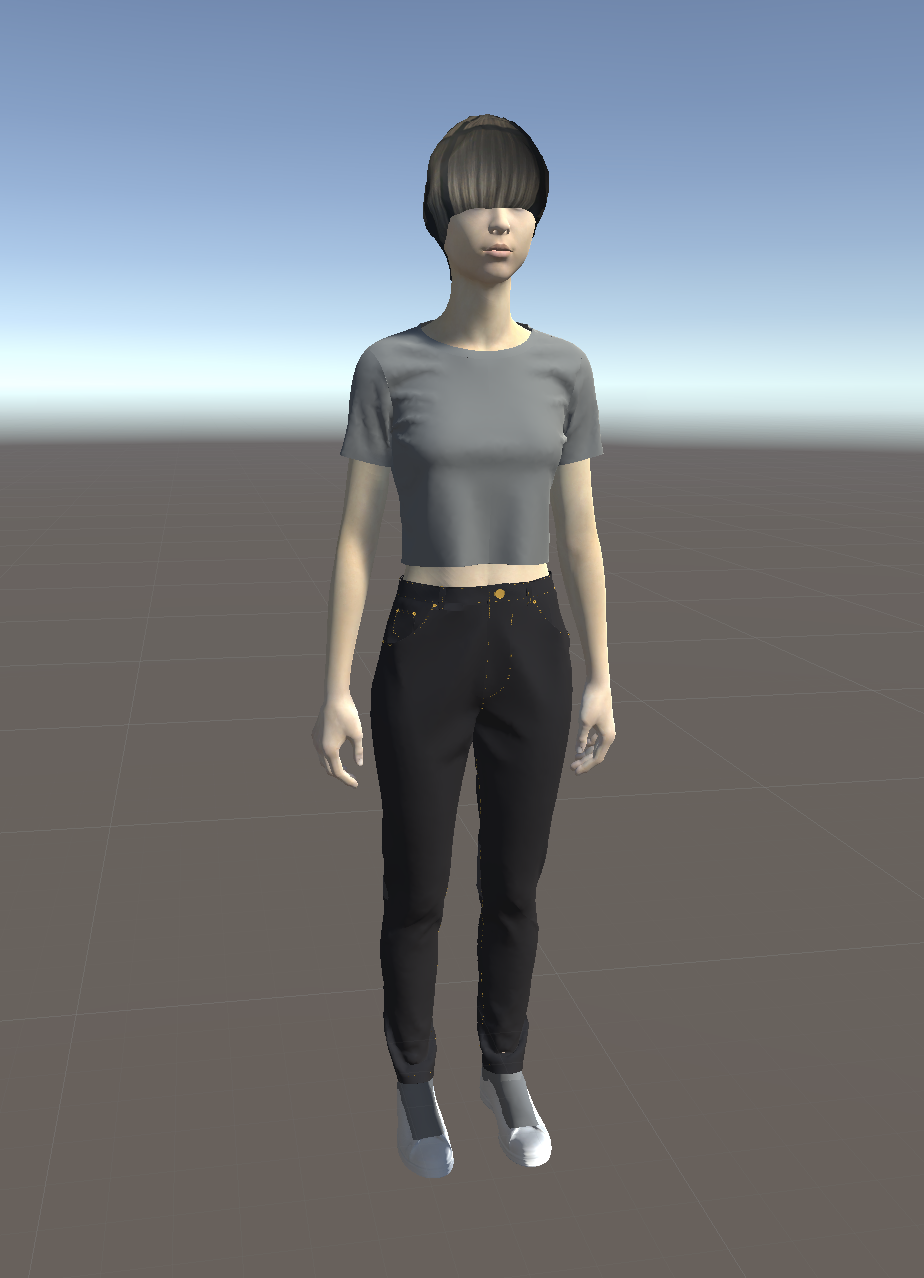
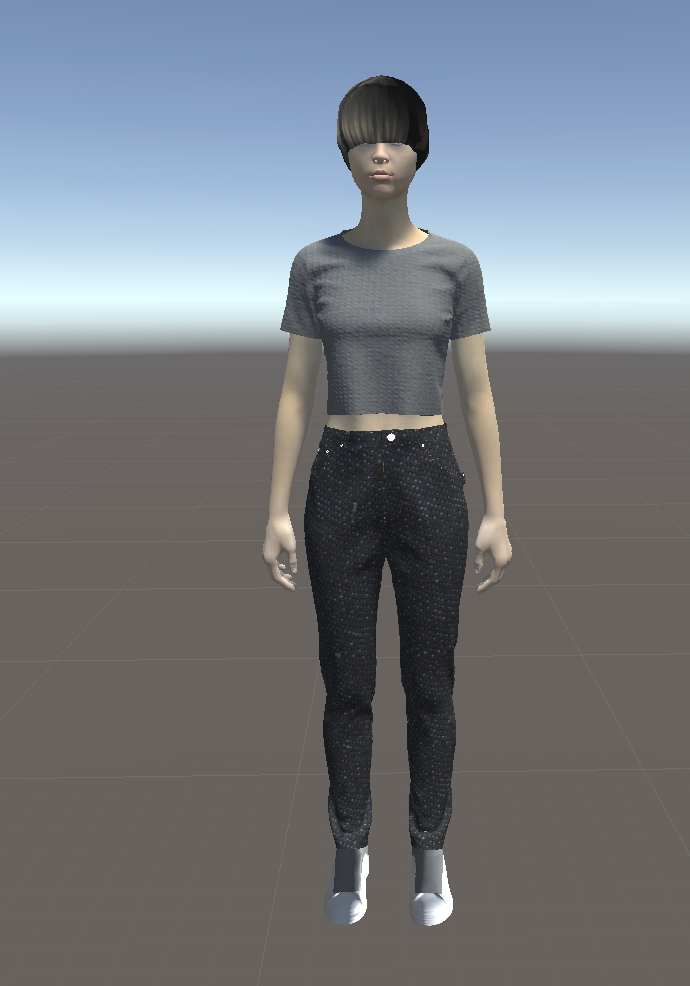
I have been having issues with exporting my CLO file (avatar and clothes) as an FBX and importing it into Unity. The textures get displaced and especially the hair and shoes does not work out correctly.
I either get no textures at all, and have to manually place them on the garments, or the normal maps are applied in a completely different scale on my garments. And the hair and the shoes always look the same, grey surface instead of shoe laces, and just a helmet instead of the hair. The UV Maps are not correct either for the shoes and hair. This seem to be an export issue and I get the same issue loading the exported FBX into other apps. Even though Unity had loaded the texture file correctly.
The best results I've got so far has used the following settings:
- multiple objects
- thick
- Unified UV Coordinates (but not unified texture)
- mm scale
- File type: Binary
- Fbx SDK Version 2016
- Save with Texture Files (.zip)
I have tried to export it with different settings but without any success. Does anyone have any advice on this please?
Thank you in advance for your help.
-
Thank you Ottoline for your reply.
I will just have to figure this out by trial and error then, as you said, be the mechanic.0
コメント